Administrator profile
Overview
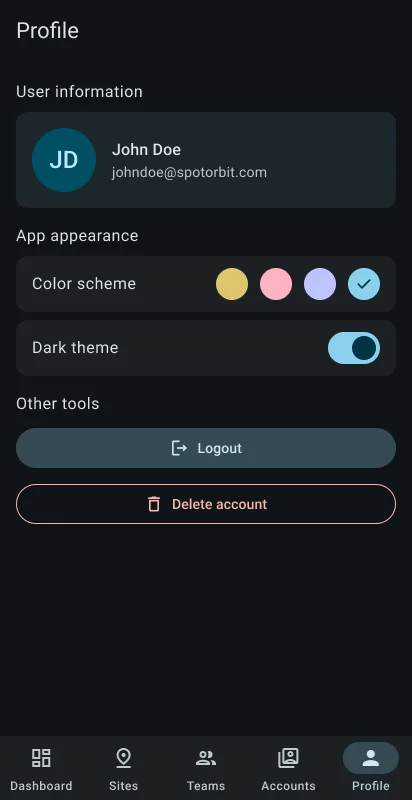
Profile displays the signed-in administrator's user information and account details. Appearance controls change the app's color scheme and toggle dark mode. The tools area includes a confirmed sign-out flow.
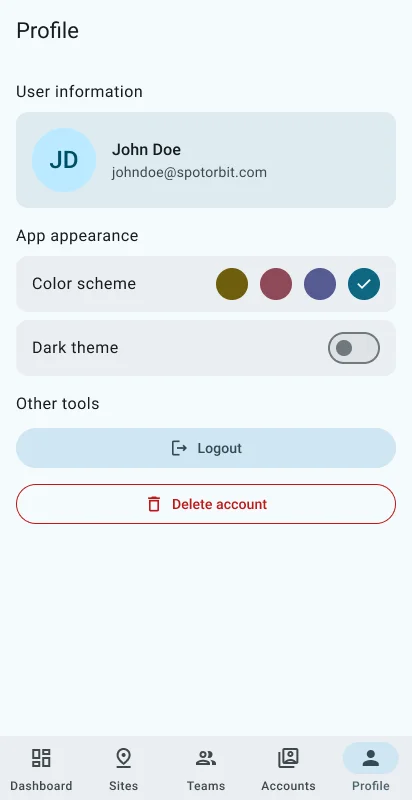
The screen also currently displays Delete account. In the present implementation, confirming it refreshes account information but does not call an account-deletion operation; do not treat it as completed deletion.
Manage the profile
Confirm the signed-in identity
Review the user information before changing sensitive platform data elsewhere in the app.
Choose the appearance
Select an available color scheme and turn dark mode on or off.
Sign out
Select Log out, read the confirmation, and confirm to end the session.
Frequently asked questions (FAQ)
No. Appearance settings change presentation only.
No. The current mobile implementation does not send an account-deletion request.
No. It ends the current session; assigned access remains unchanged.
Related content
- Sign in — Start a new session.
- Accounts — Manage authorized account roles and status.
- Administrator dashboard — Return to operations.