Spots and access
Overview
Spots is the customer's quick-access page. It loads reservations that are currently eligible for access and presents them as cards in a carousel. Pull down to refresh the list.
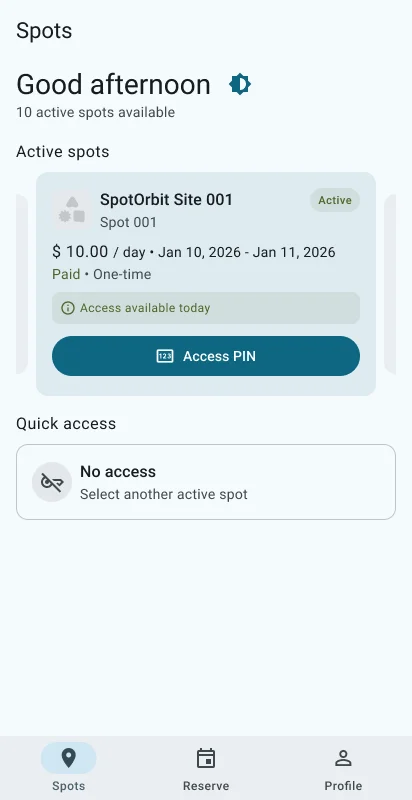
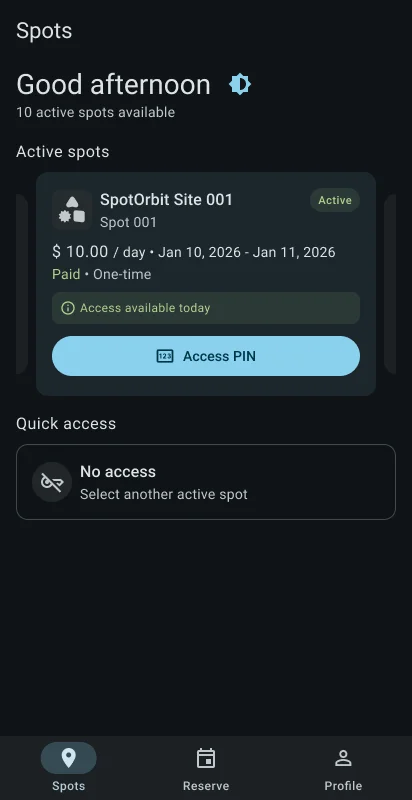
Depending on the reservation, a card can show the assigned spot and a PIN or other available access details. Daily, monthly, and annual reservations are presented with their applicable dates.
Review an accessible spot
Open Spots
Select Spots in the bottom navigation.
Move between reservations
Swipe the carousel when more than one accessible reservation is available.
Read the access details
Confirm the site, assigned space, validity period, and any PIN shown before arriving.
Refresh when needed
Pull down to request the latest accessible reservations.
Frequently asked questions (FAQ)
Spots contains only reservations that currently qualify for access. Check Profile > History for its status.
No. Spots is for reviewing active access information, not editing a reservation.
Pull down on the page to reload accessible reservations.
Related content
- Reserve parking — Start a new reservation.
- Profile and reservation history — Review every reservation status and available actions.
- Mobile app overview — Understand role-based navigation.