Sign in
Sign in to Spot Orbit Mobile with the Google account linked to your access.
Overview
The sign-in screen offers one entry method: Continue with Google. After authentication, Spot Orbit checks your account and opens the correct customer, manager, or administrator experience.
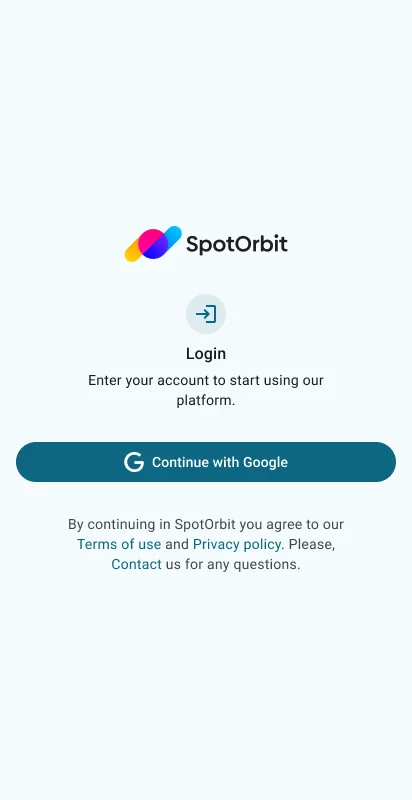
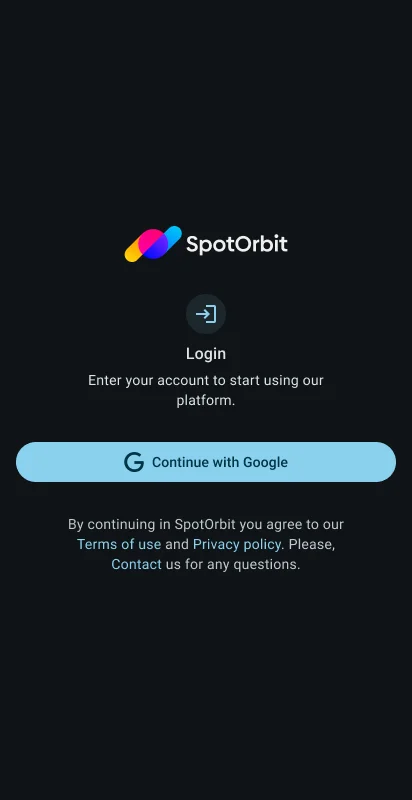
There are no email-and-password, registration, or password-reset forms in the current mobile app.
Sign in with Google
Select Continue with Google
The button shows a loading state while authentication starts.
Choose the correct account
Complete Google's prompts with the identity registered for Spot Orbit.
Return to Spot Orbit
The app validates the session and opens the landing page for your assigned role.
The app cannot grant permissions to an unregistered Google account. Contact your organization's administrator if access is missing.
Frequently asked questions (FAQ)
No. The current mobile entry flow uses Google sign-in only.
The app selects navigation from the role assigned to the authenticated account.
Confirm connectivity, retry, and verify that you selected the account registered by your organization.
Related content
- Mobile app overview — Understand role-based navigation.
- Customer profile — Change appearance or sign out.
- Administrator accounts — Manage platform access when authorized.