Devices
Overview
Devices lists the active site's hardware and combines inventory data with its live status feed. A summary identifies overall health, while each row shows the device and its current status. The app marks status as stale when a fresh snapshot is unavailable.
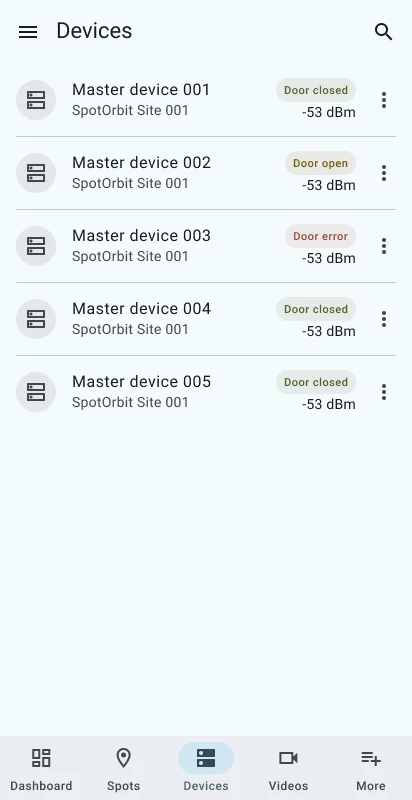
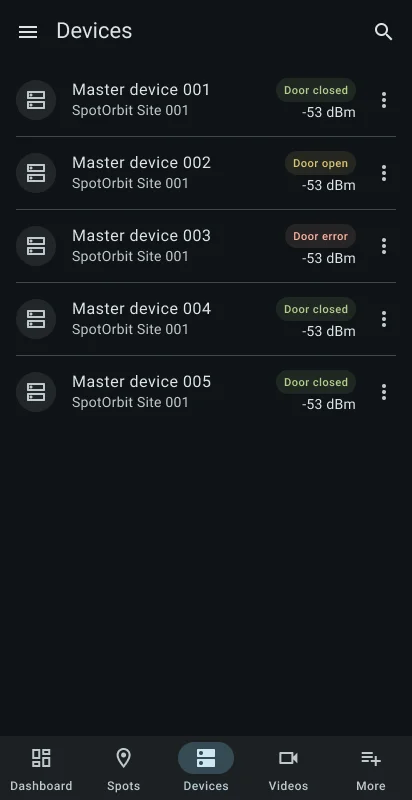
Search waits briefly after typing. Filter by All, Online, or Offline; sort by name, status, last seen, or updated time; and reverse the sort direction. More results load while scrolling.
Inspect a device
Open Devices
Select Devices and confirm the active site.
Narrow the inventory
Search by the available device text, choose a status, and select the most useful sort field and direction.
Open a device
Select its row to review identification, connection and health information, and recent activity.
Use an available action
If the detail page offers a device action, read and confirm the action sheet before submitting it.
Frequently asked questions (FAQ)
You can show all devices or only those reported Online or Offline.
Sort by Updated or Last seen and use the direction button to reverse the order.
The inventory is paginated; the app requests the next page near the end of the list.
Related content
- Manager dashboard — Review the site-wide status summary.
- Videos — Inspect camera inventory and events.
- More manager tools — Open the complete site event log.