Manager dashboard
Overview
The manager Dashboard summarizes the currently selected site. It loads the site's overview and presents operating totals and device or video information in compact sections.
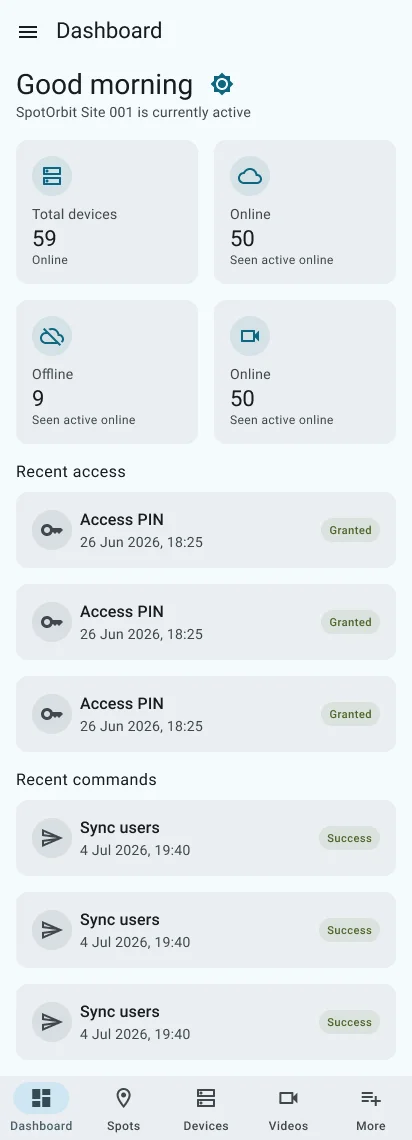
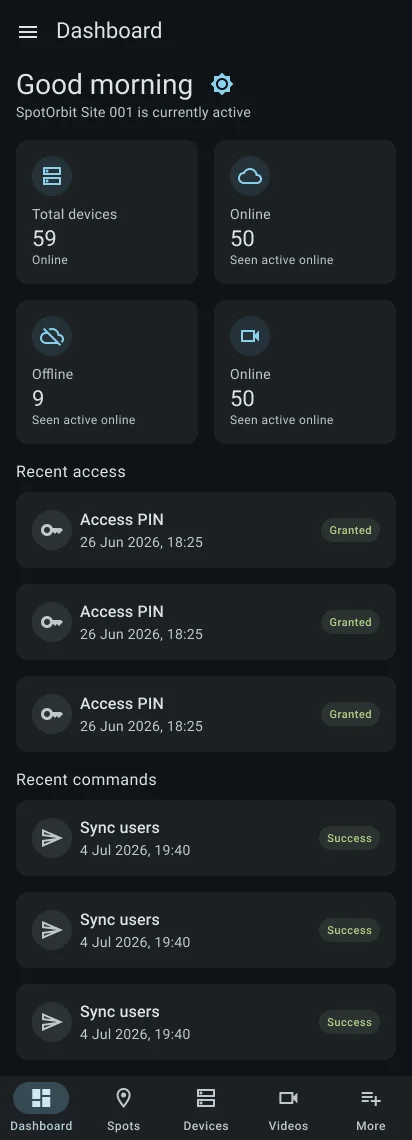
Pulling down refreshes both the dashboard overview and the live device status feed. If no site is available, the page shows an empty site message instead of metrics.
Review the active site
Confirm the site name
Read the title before interpreting any totals or status cards.
Review each summary section
Use the dashboard cards to identify areas that need a closer look, then open the corresponding bottom tab.
Refresh operational data
Pull down to reload the overview and resynchronize device status.
Change site when necessary
Open the menu and select another site available to your manager account.
Frequently asked questions (FAQ)
Your account may have no active site available. Confirm site access with an administrator.
Pull down on the dashboard; the app reloads the overview and requests a device-status resync.
They belong to the site named in the dashboard title and selected in the manager site menu.
Related content
- Zones and spots — Manage reservable inventory.
- Devices — Inspect access hardware and status.
- Videos — Inspect cameras and video events.
- More manager tools — Open site records and access management.