Manager
More manager tools
Open profile, site information, reservations, payments, events, teams, and site accounts.
Overview
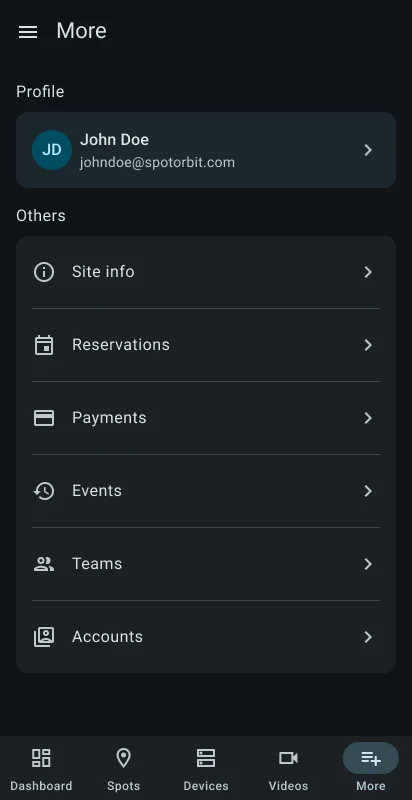
More collects manager tools that do not fit in the four primary operating tabs: Profile, Site info, Reservations, Payments, Events, Teams, and Accounts.
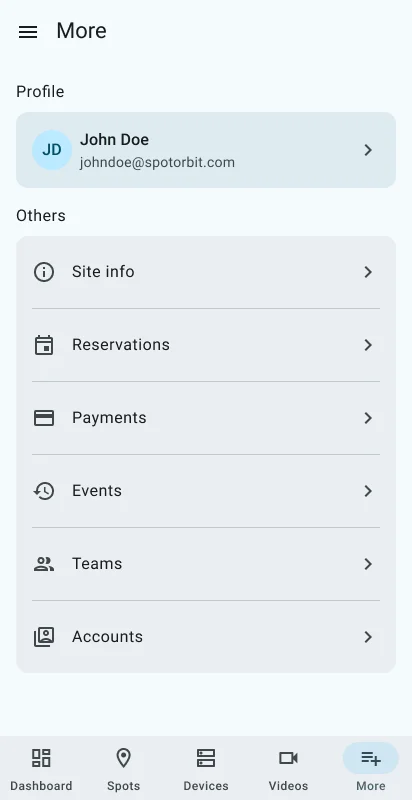
- Site info reviews the active site's identity and details.
- Reservations supports search, filters, paginated results, details, and eligible reservation actions.
- Payments supports search, paginated results, and payment details.
- Events supports search, filters, progressive loading, and event details.
- Teams searches and filters members, sends invitations, and can revoke site access.
- Accounts lists site accounts without the team invitation button.
Open an additional tool
Confirm the active site
Use the menu when the task belongs to a particular location.
Open More
Select More in the bottom navigation and choose the required entry.
Find the record
Use the search, filters, and load-more controls offered by that page.
Review before changing access or status
Open details and read the confirmation dialog before a revoke or other available lifecycle action.
Revoking a team member removes access to the active site but preserves the person's account and access to other sites.
Frequently asked questions (FAQ)
Teams manages site membership and invitations. Accounts provides the site account list without the invitation action.
No. Manager pages are scoped to the active site.
Open the menu button and select a site available to your manager account.
Related content
- Manager dashboard — Return to the site's operating summary.
- Zones and spots — Maintain reservable parking inventory.
- Devices — Inspect individual devices.
- Videos — Inspect cameras and media.