Accounts
Overview
Accounts is available to platform administrators. It summarizes platform accounts, searches across display name, email, role, and membership site, and filters by All, Active, or Disabled.
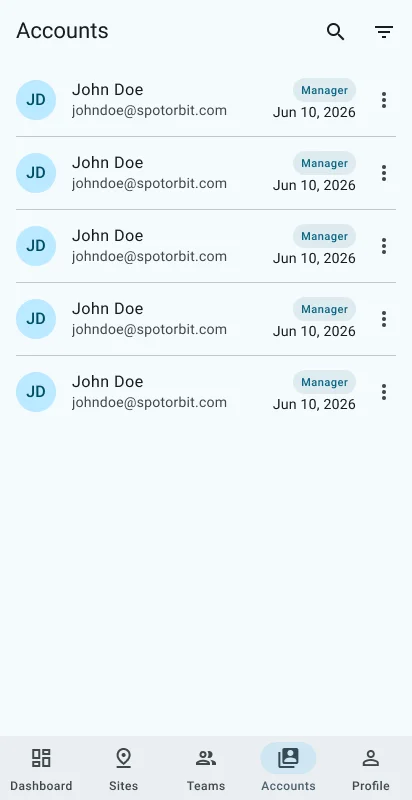
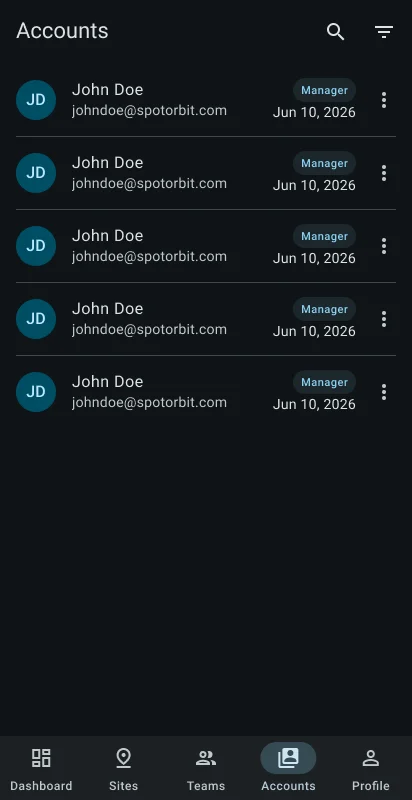
Each card can change and save the primary role. A manager role also requires a site. Opening an account shows Info and Activity tabs; Activity has search and previous/next paging. The account action menu can edit the role or enable and disable the account.
Manage a platform account
Find the account
Enter at least three characters or select Active or Disabled.
Review its current access
Open the account to inspect identity, role, memberships, and activity.
Change the role
Choose a supported role. When assigning Manager, select the manager site, then save.
Change account status
Choose Enable or Disable and confirm. The app prevents you from disabling your own active account.
Frequently asked questions (FAQ)
Search filtering begins at three characters.
The manager role is scoped to a primary site in the current account model.
No. The mobile app protects the currently signed-in account from self-disable.
Related content
- Teams — Manage membership for the current site.
- Sites — Review sites available for assignments.
- Admin web accounts — Use the full web account-management workspace.
- Administrator profile — Manage the current session and appearance.