Teams
Overview
Teams manages membership for the current site. Search members by name, email, or role; filter by owner, admin, manager, operator, or viewer; invite another person; and revoke an existing membership.
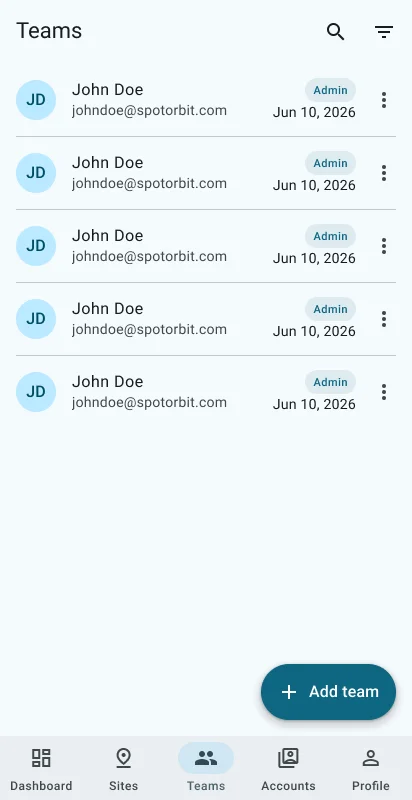
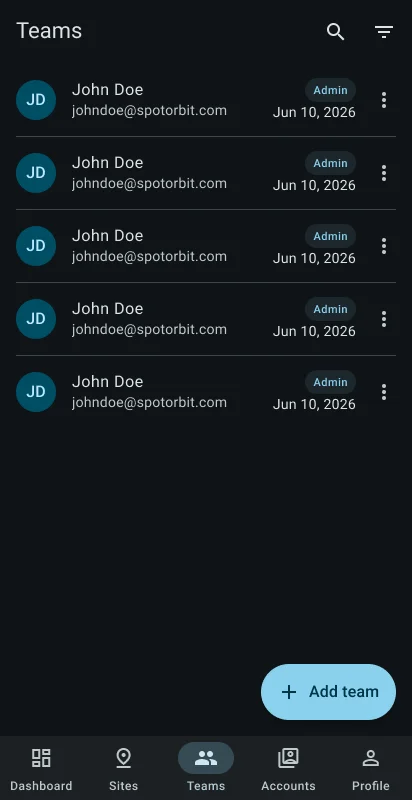
The invitation page validates the email and creates an admin invitation. Pending and expired links can be copied, resent, or revoked. If email delivery fails, the link can still be copied or renewed when available.
Manage site membership
Find a member
Open search or filter the list by role.
Invite a person
Select Add team, enter a valid email, and create the invitation link.
Manage a pending link
Copy it for secure sharing, resend it to renew delivery, or revoke it when it should no longer be used.
Revoke membership when required
Select the member action, read the confirmation, and revoke access to the current site.
Frequently asked questions (FAQ)
Owner, admin, manager, operator, and viewer, plus All roles.
The invitation may still be created. Copy the available link or use Resend to renew it.
No. It removes membership from the current site only.
Related content
- Sites — Select and manage locations.
- Accounts — Manage platform roles and account status.
- Admin web teams — Use the full web team-management workspace.