Reserve parking
Overview
Reserve builds a parking reservation from the public sites available to your account. It shows site availability, lets you choose a zone and spot, and supports daily, monthly, or annual periods according to the selected site's pricing.
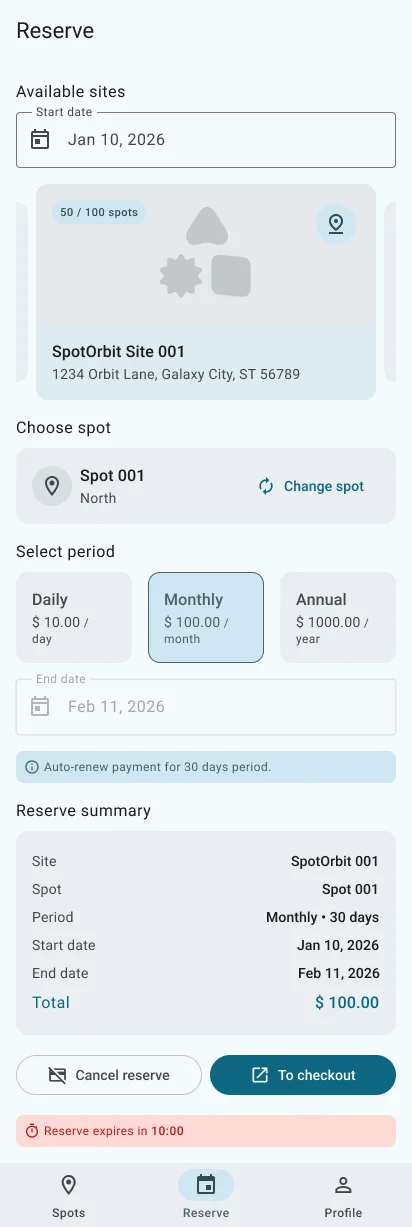
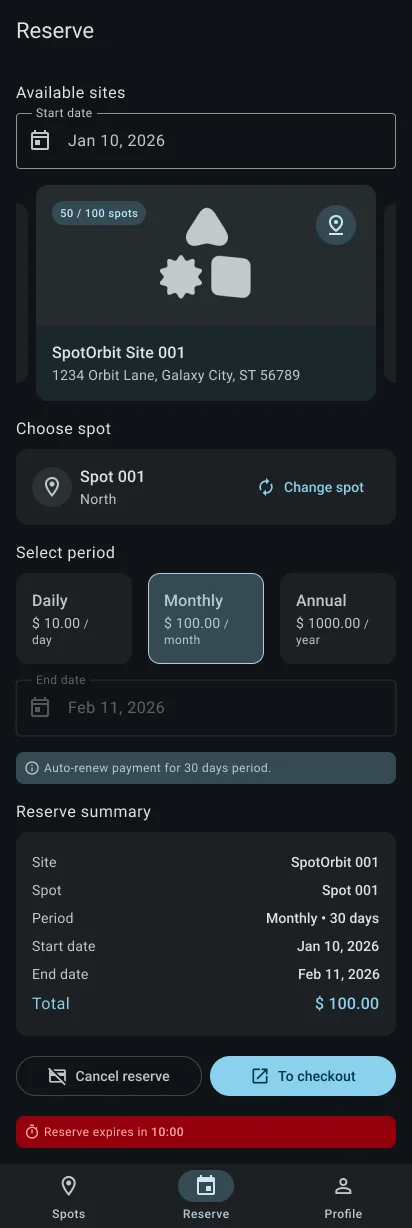
The app calculates a quote before it displays the final reservation summary. Checkout opens in an external browser; returning to the app triggers a reservation refresh.
Create a reservation
Choose a site
Swipe through the available public sites and review their availability.
Choose a zone and spot
Select an available zone, then select a parking space from the available list or picker.
Set the period
Choose daily, monthly, or annual pricing when offered, and provide the required start date or dates.
Request and review the quote
Check the site, spot, dates, price, fees, and total shown in the summary.
Continue to checkout
Confirm the reservation and complete payment in the external checkout page. Return to Spot Orbit to see the updated status.
Frequently asked questions (FAQ)
Reserve shows only public sites returned by the current marketplace. None may be available at that time.
The current flow requires the selections needed to produce a valid quote, including a spot.
Open Profile > History and use the action offered on the pending reservation.
Related content
- Spots and access — Use a reservation that currently permits access.
- Profile and reservation history — Track checkout and payment status.
- Sign in — Start a mobile session.