Profile and reservation history
Overview
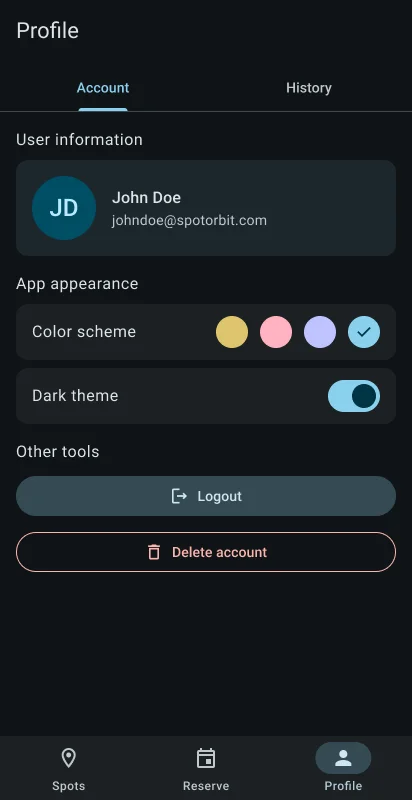
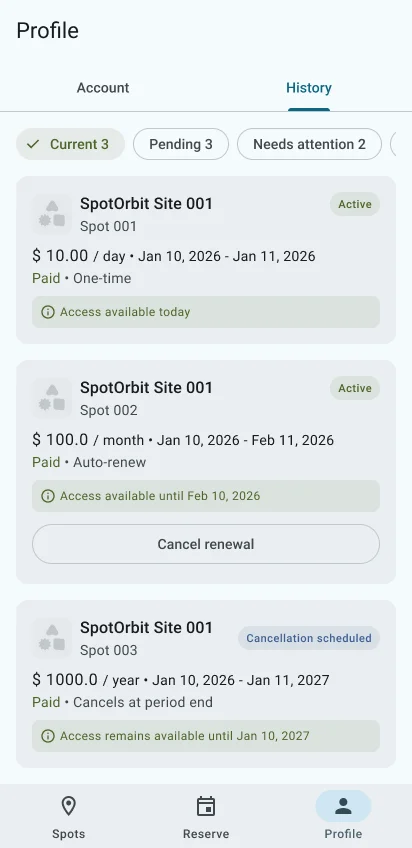
Profile has two tabs. Account shows your user information, appearance settings, and tools such as sign out. History lists your reservations and their current state.
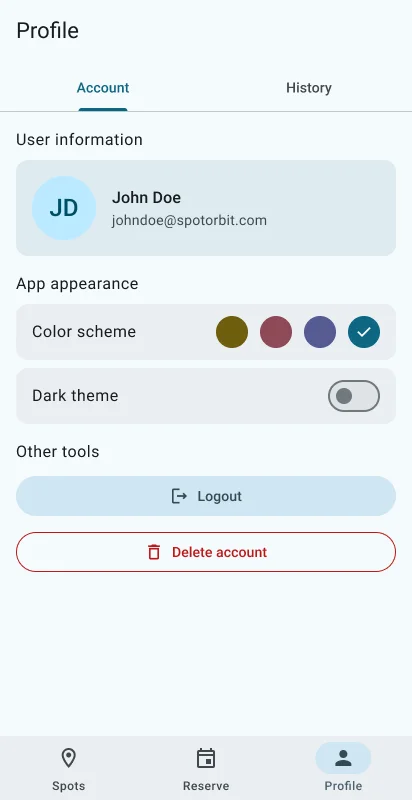
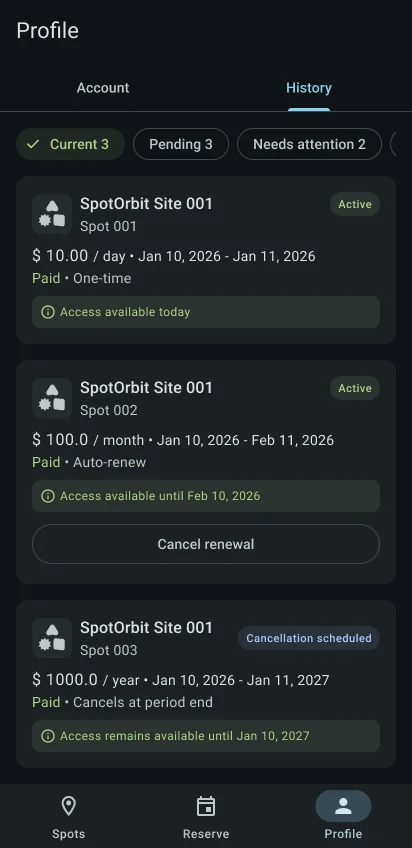
History can filter reservations and refresh them by pulling down. A reservation card can offer Cancel renewal, Continue checkout, or Fix payment only when that action applies. Payment and checkout recovery open in an external browser.
Use Profile
Open Profile
Select Profile in the bottom navigation.
Review Account
Confirm your user information, choose the available appearance setting, or use the sign-out control.
Open History
Switch to History, select a filter, and open the action offered by a reservation when needed.
Confirm important actions
Read confirmation messages before canceling renewal. After external checkout or payment recovery, return to the app so it can refresh the status.
Frequently asked questions (FAQ)
Actions appear only when the reservation's current status permits them.
Use Fix payment when it appears. Spot Orbit prepares a secure recovery page and opens it externally.
Return to Spot Orbit or pull down on History to request the latest status.
Related content
- Spots and access — Review reservations that currently permit access.
- Reserve parking — Start a new reservation.
- Sign in — Learn how the mobile session starts.