Getting started
Overview
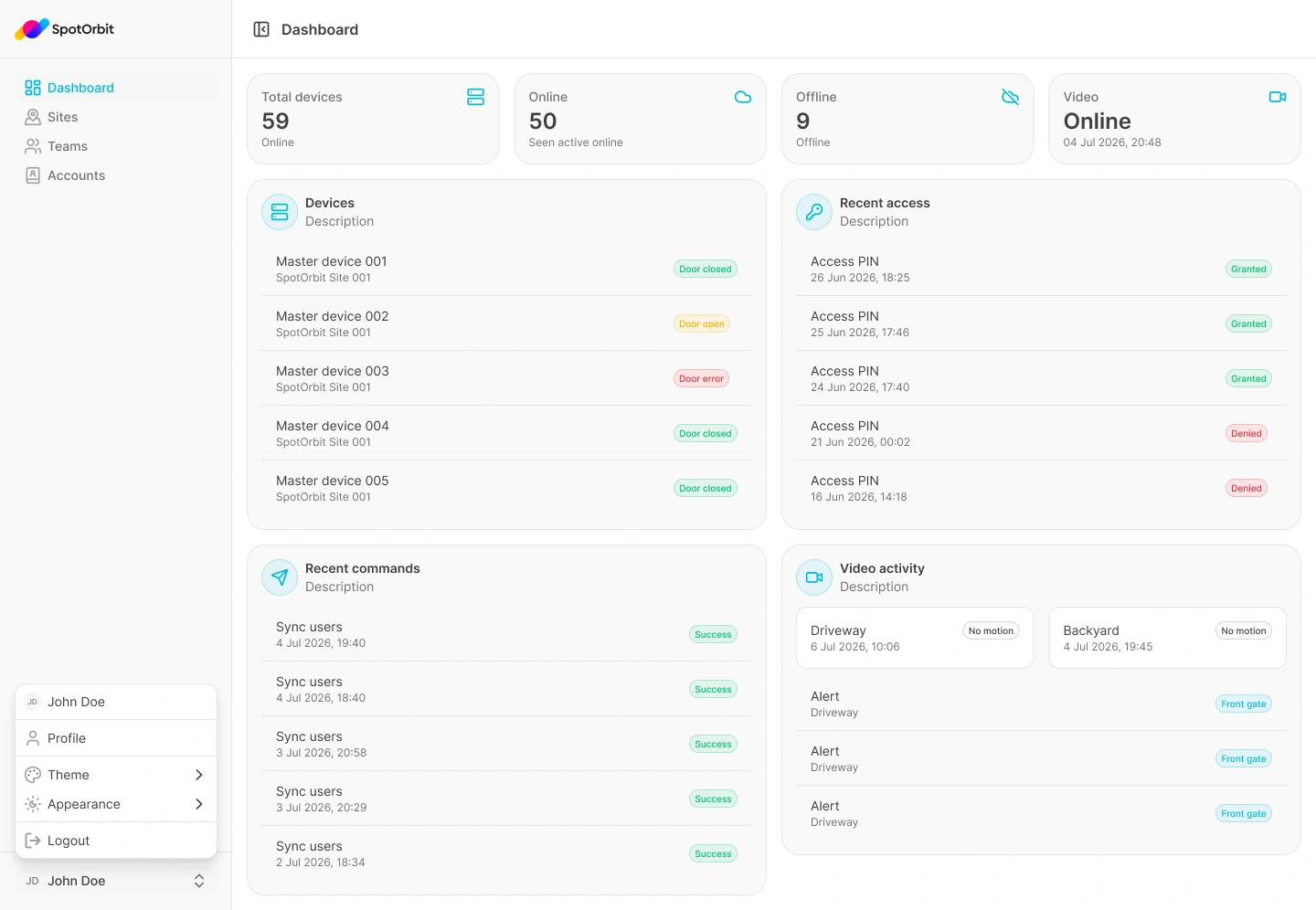
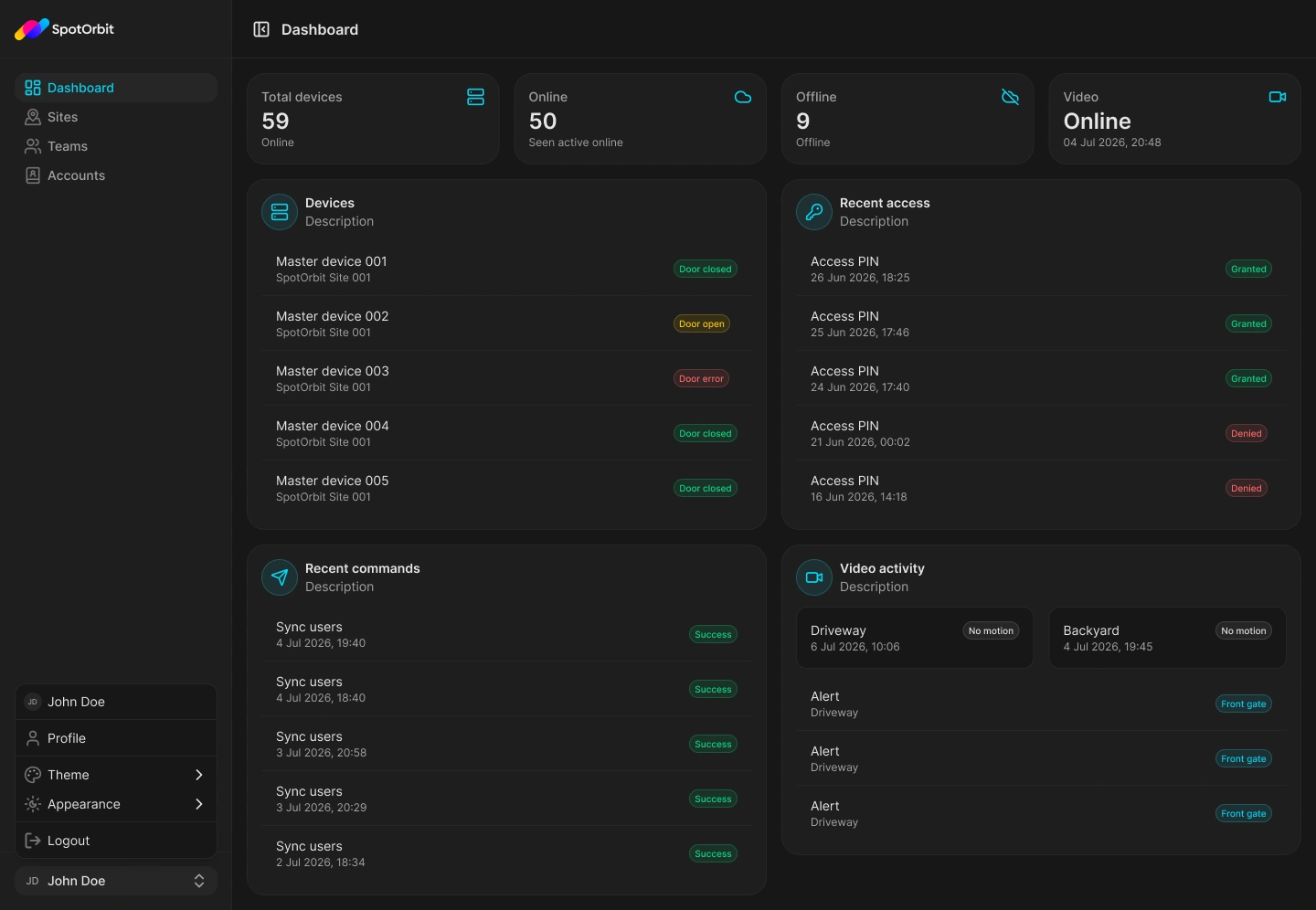
Spot Orbit Admin Web adapts its navigation to the access assigned to your account. Customers see their operational dashboard, managers operate an assigned site, and administrators supervise the platform's sites, teams, and accounts.
Choose your role
- Customer: review the dashboard and manage your profile preferences.
- Manager: operate an assigned site, including zones, reservations, payments, devices, videos, events, and teams.
- Administrator: supervise sites, teams, and accounts across the platform.
Start a session
Sign in
Use Sign in with Google or your Spot Orbit email and password.
Confirm the visible workspace
Check the sidebar and, when shown, the active site before working with operational information.
Open the guide for your role
Follow the customer, manager, or administrator section that matches the options visible in your account.
Frequently asked questions (FAQ)
Admin Web only shows the options allowed by your account. Ask an administrator to verify your role or site membership.
Yes. The sites available depend on the memberships assigned to the account. Managers use the site selector when more than one manageable site is available.
No. An authorized administrator must update your access.
Related content
- Sign in — Start an Admin Web session.
- Manager workspace — Operate the selected site.
- Administrator workspace — Supervise the platform.