Manager
Site information
Review the identity and configuration of the site selected in the manager workspace.
Overview
Site info presents the identifying and operational information for the active site. Use it to confirm that you are working in the correct location before opening zones, reservations, payments, or equipment.
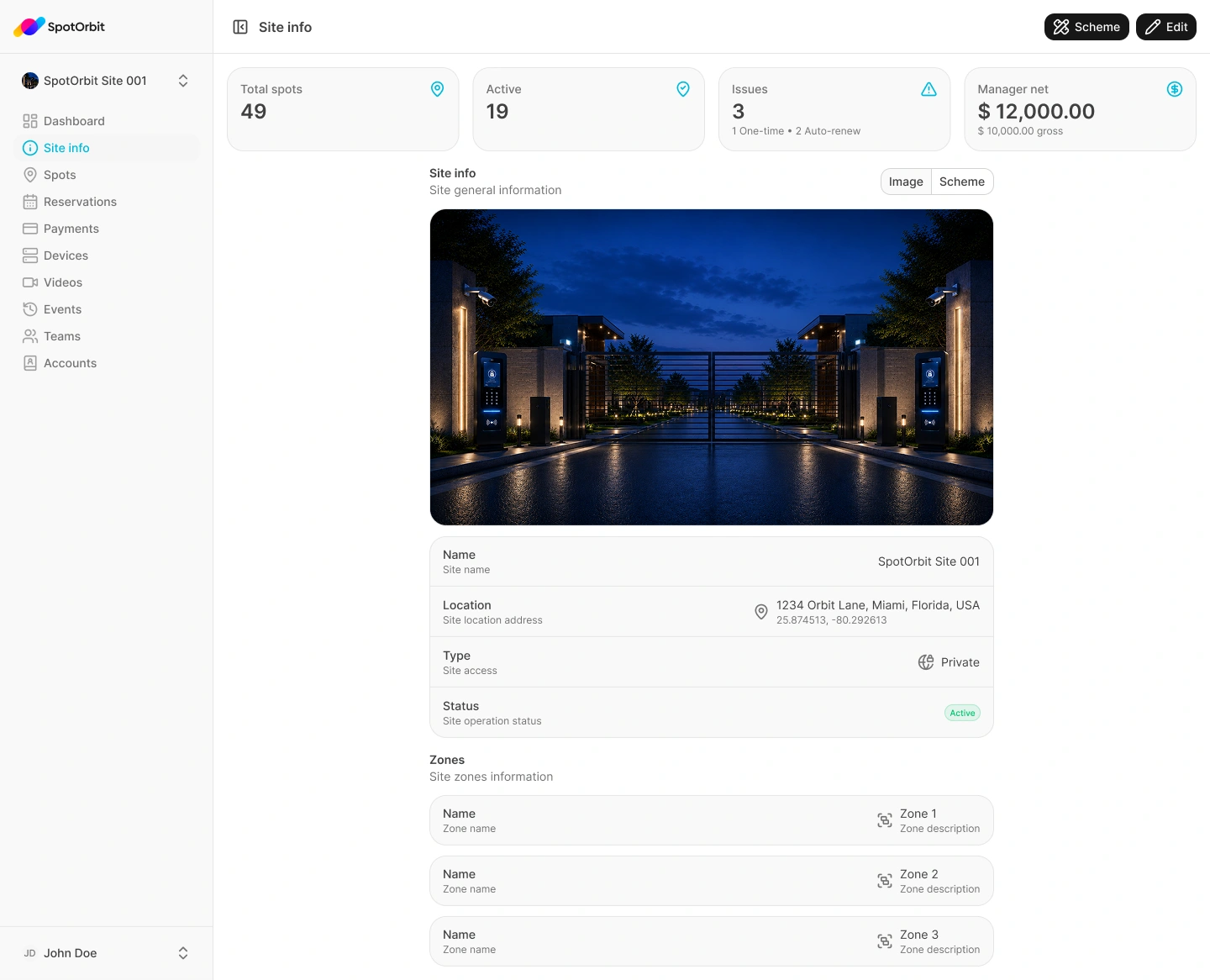
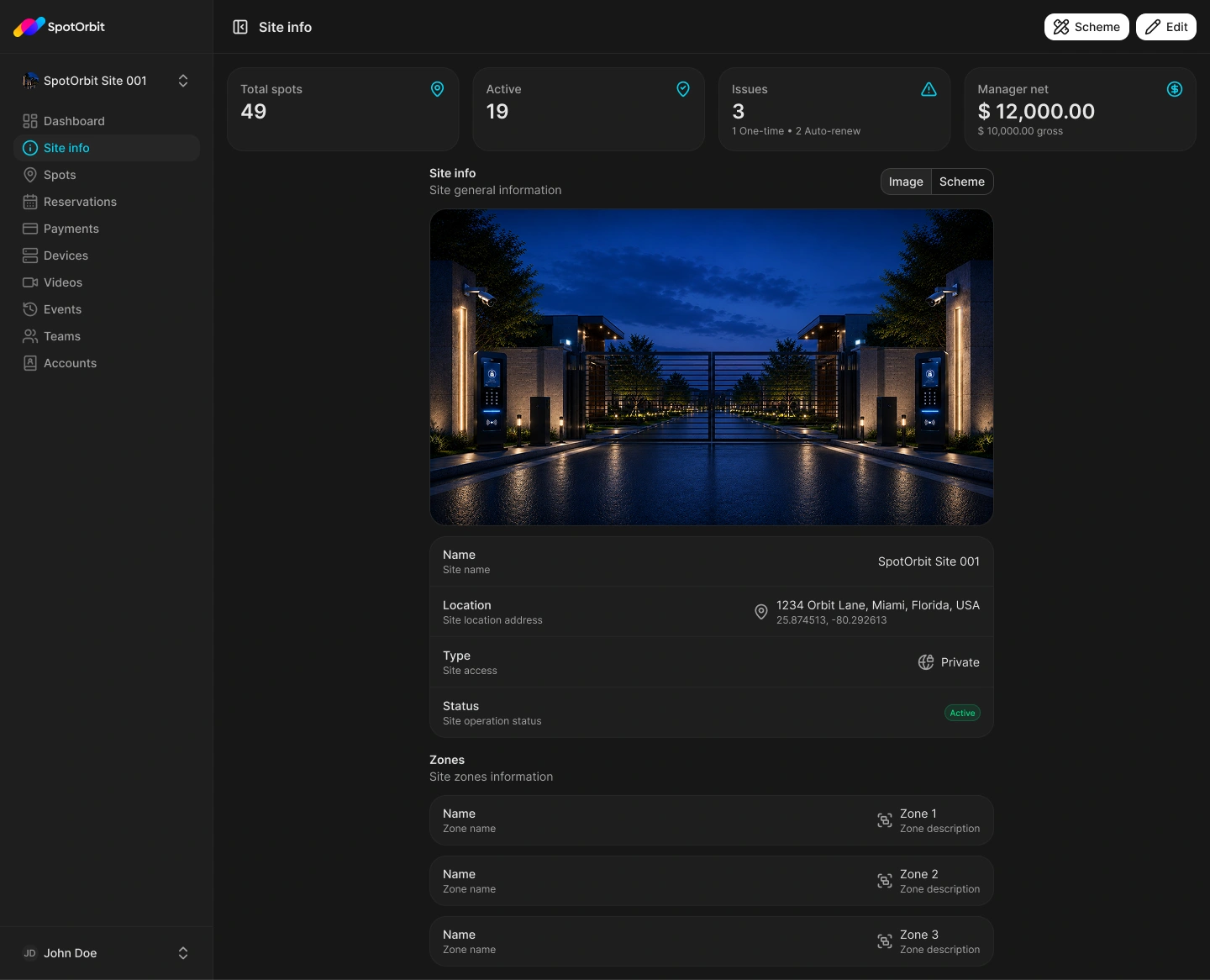
Review site information
Select the site
Use the site selector in the sidebar when more than one site is available.
Open Site info
Review the displayed identity, address, and available site details.
Continue in the same scope
Open another manager feature only after confirming the selected site.
The manager route presents site information in manager mode. Only use controls that are actually available to your account.
Frequently asked questions (FAQ)
Your account may have only one visible site.
Yes. Manager lists and operational summaries use the active site.
Related content
- Manager workspace — Understand role navigation.
- Zones and spots — Review the site's parking layout.