Manager
Devices
Monitor the active site's devices and review their information and activity.
Overview
Devices shows the equipment assigned to the active site and its current availability. Open a device to review Device info or Activity, including recorded alerts, crashes, and reconnects when those events exist.
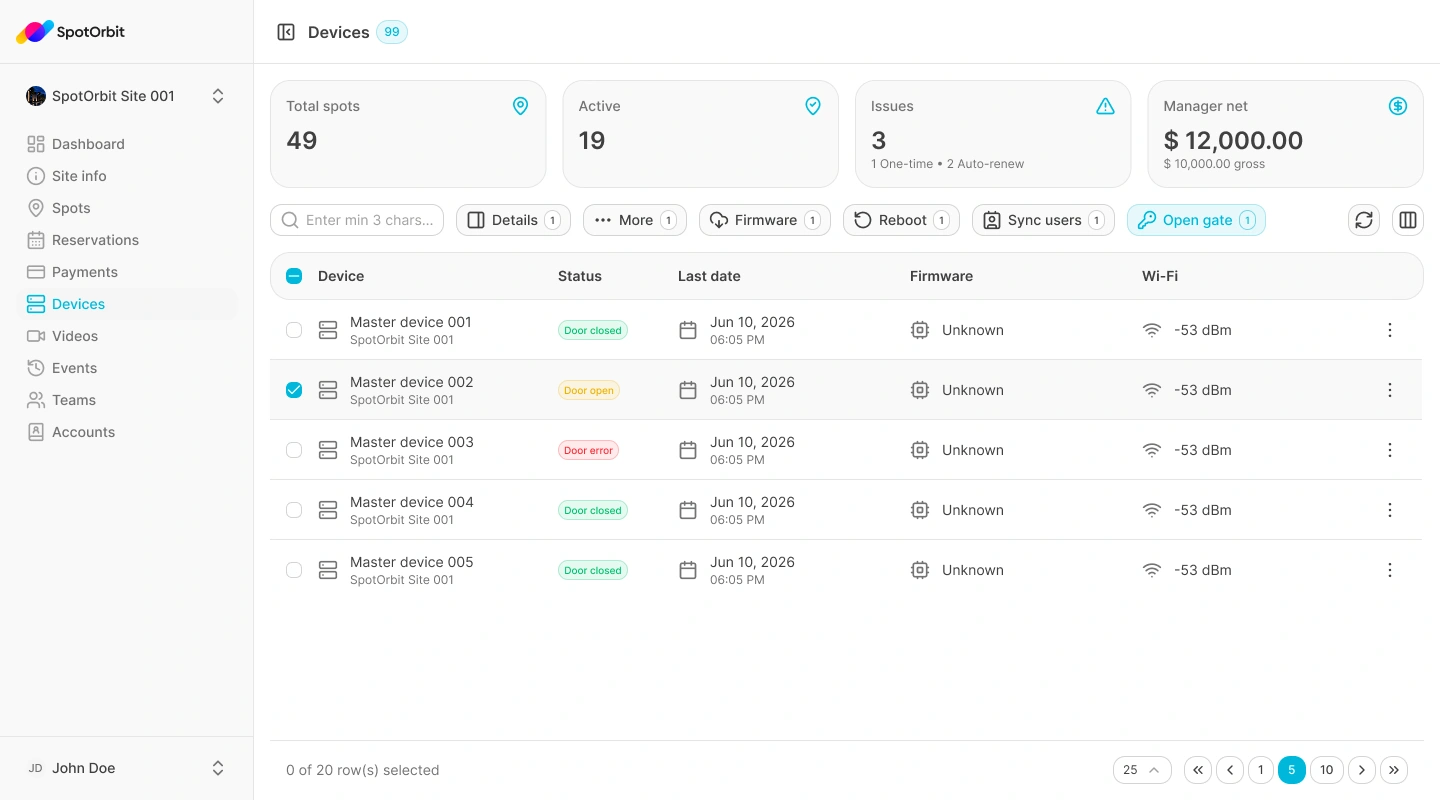
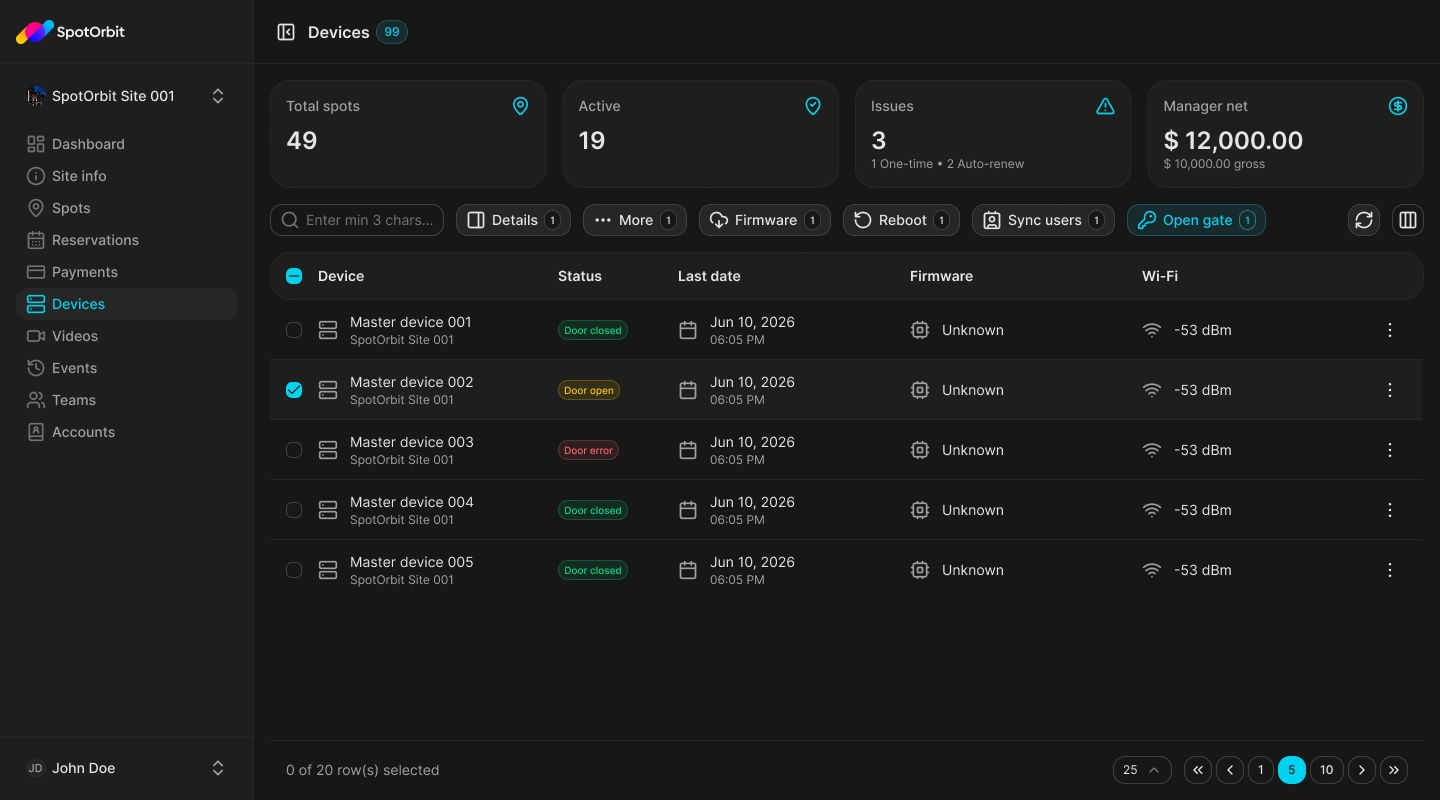
Inspect a device
Find the device
Use the list for the active site and select the device you need.
Review Device info
Confirm its identity and displayed operational state.
Review Activity
Open an activity record to inspect its type, time, and available details.
Online and offline states describe reported connectivity. Investigate repeated crashes or reconnects with the responsible support team.
Frequently asked questions (FAQ)
The page reports the current known state but does not determine the physical cause.
Change the active site first, if your account has access.
Related content
- Manager workspace — Review the active-site scope.
- Videos — Inspect site video equipment.