Manager
Zones and spots
Organize a managed site's zones, parking spots, and yard layout.
Overview
Zones group the parking spots that belong to the active site. From this area, a manager can open a zone, review its spots, add or edit available records, archive records that should leave normal use, restore archived spots, and open the visual site layout.
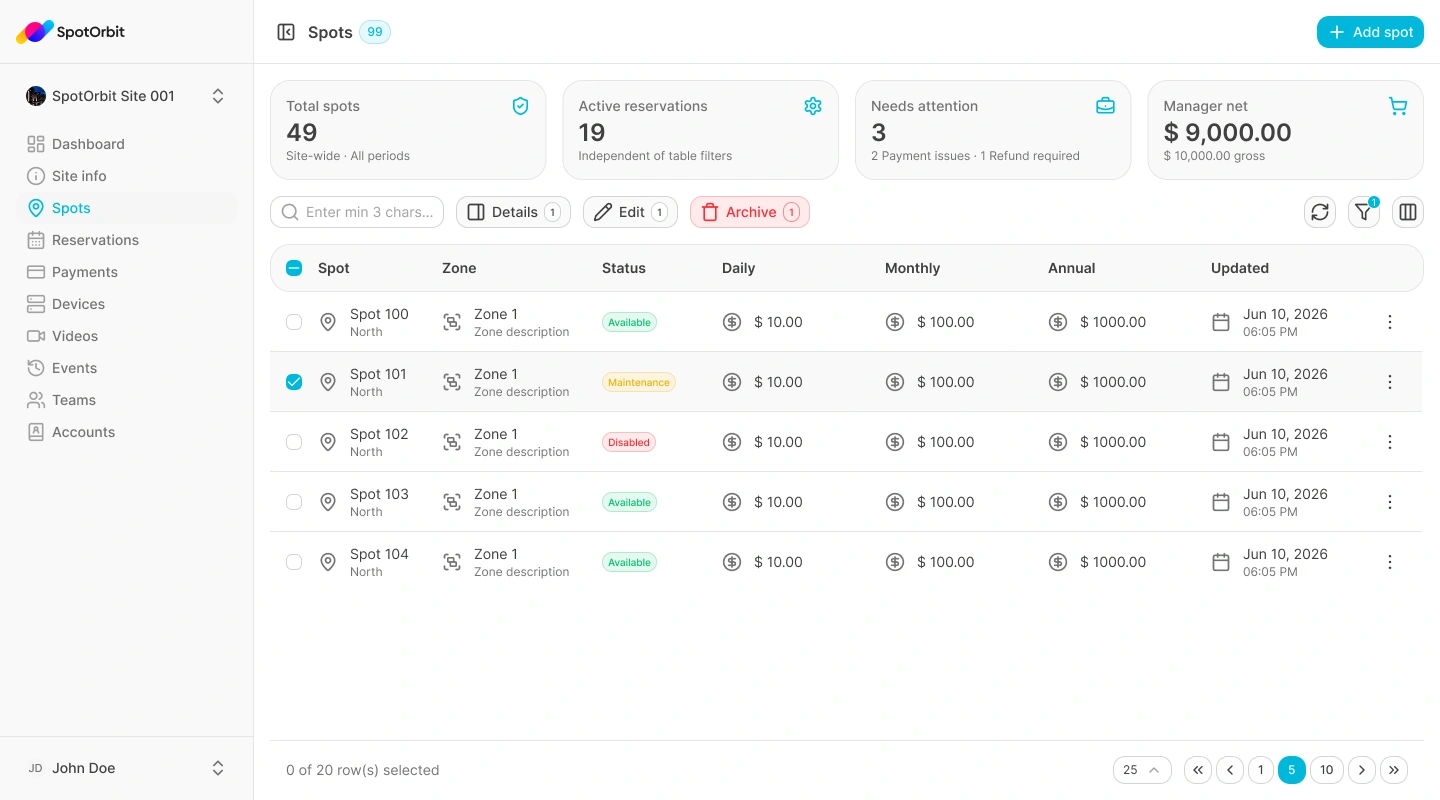
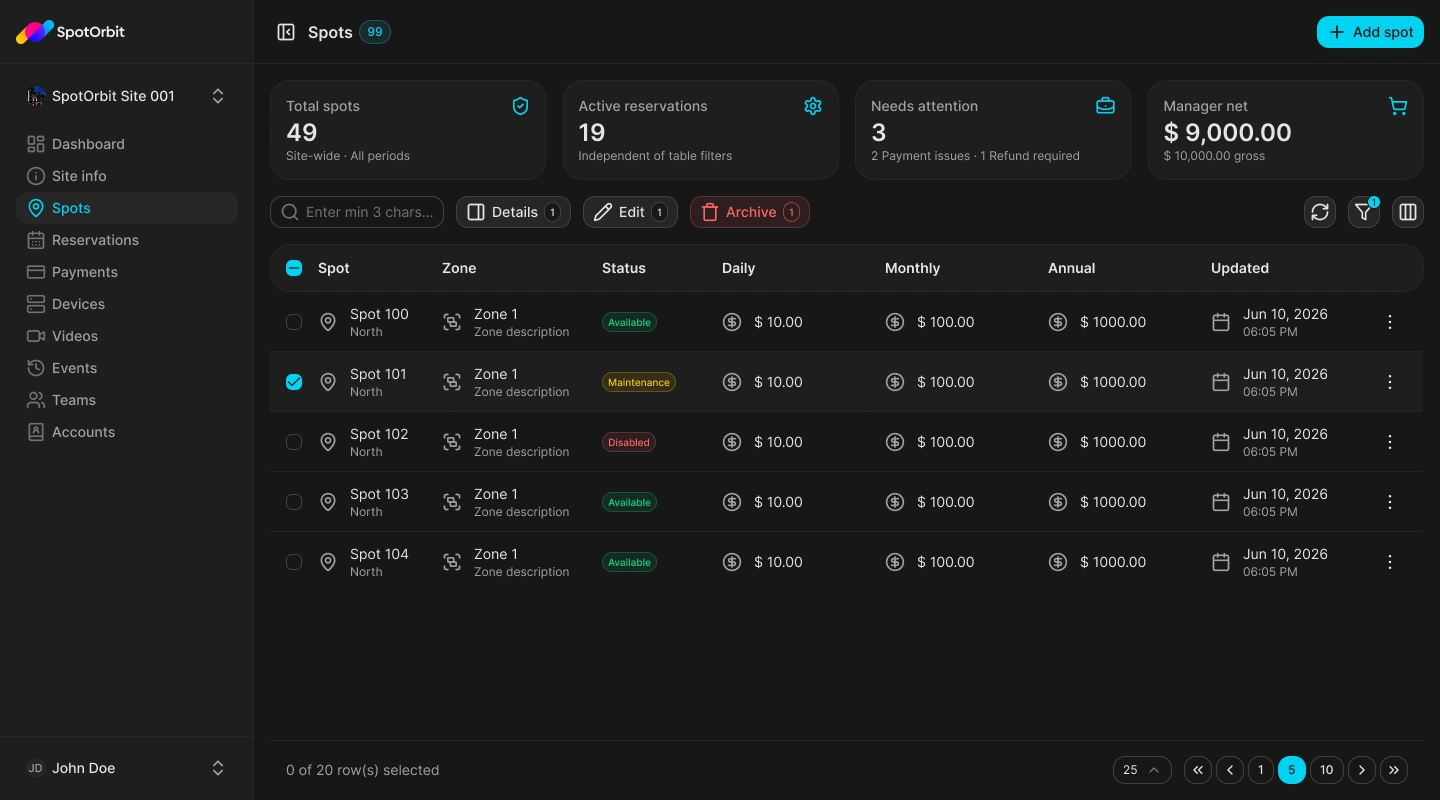
Manage zones and spots
Open Zones
Choose a zone to display the spots that belong to it.
Find or change a spot
Use the visible status filters, open the spot details, or use the available add, edit, archive, and restore actions.
Check the layout
Open the site layout when you need to understand or adjust the spatial definition, then save the confirmed result.
Archive a spot when it should leave normal operation without losing its record. Restore it only after confirming it can be used again.
Frequently asked questions (FAQ)
It may be archived or belong to another zone. Check the status filter and active zone.
Select that site first, if your account has access to it.
Related content
- Site information — Confirm the active site.
- Reservations — Review bookings that use site inventory.