Payments
Use Payments to review financial records for the selected site.
Overview
The table is sorted newest first and shows creation date, status, period, gross amount and fee, manager net, and Stripe reference. Search and filters are processed by the server, and the page uses cursor pagination.
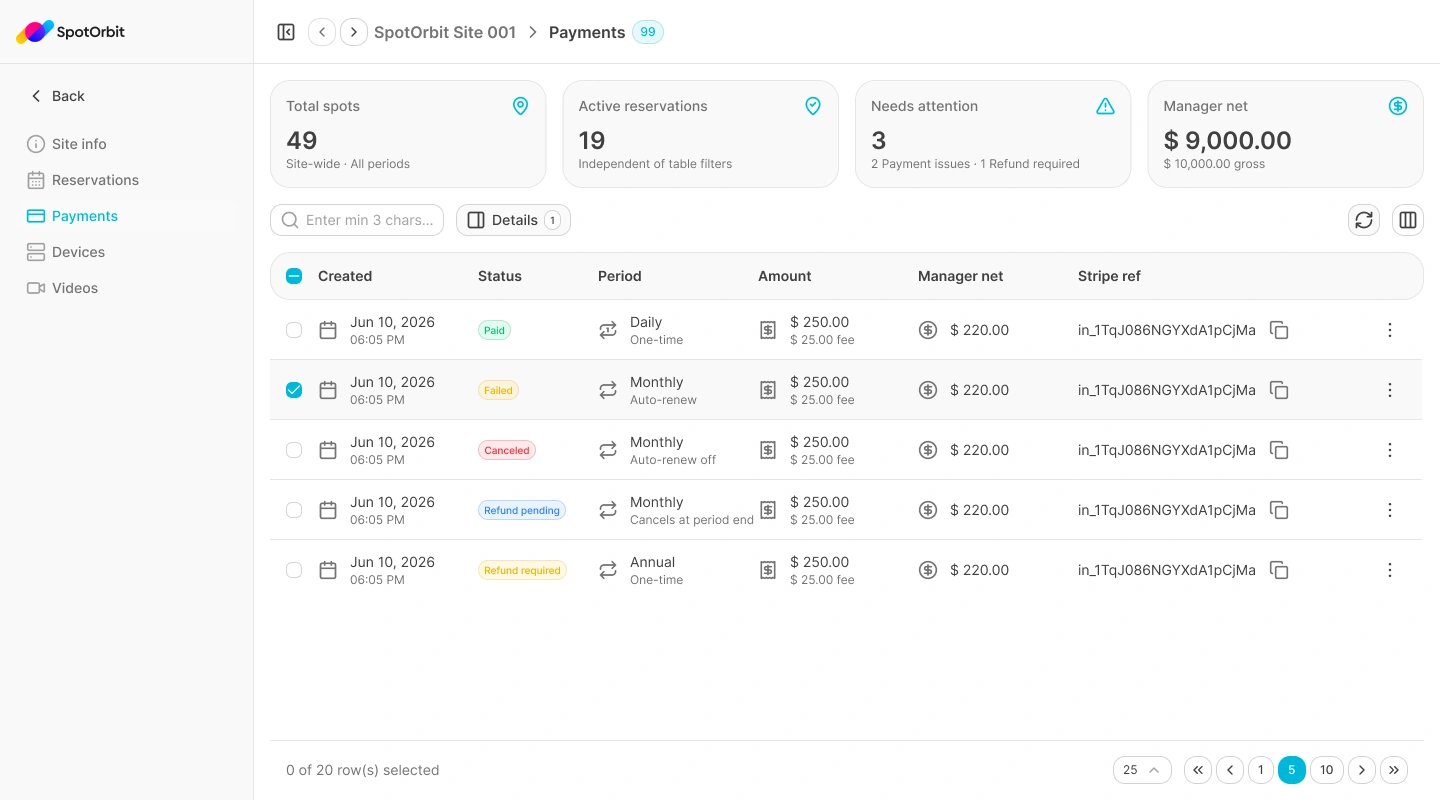
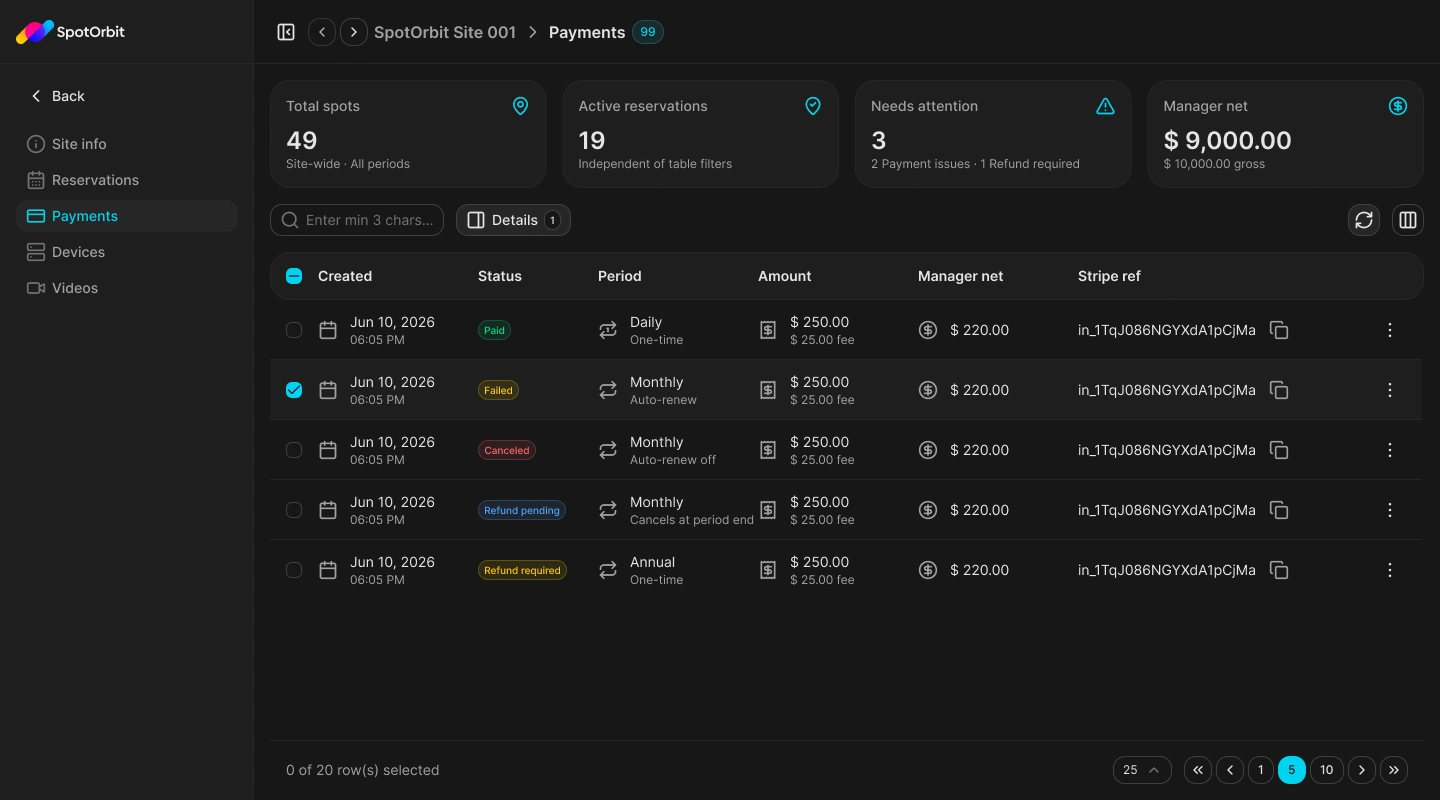
The current page does not initiate manual refunds or export payment data.
Find and inspect a payment
Confirm the site
Open Payments from the site's internal navigation and verify the site in the header.
Search or filter
Enter at least three characters, or filter by Daily, Monthly, or Annual period; date range; and payment status.
Review the table
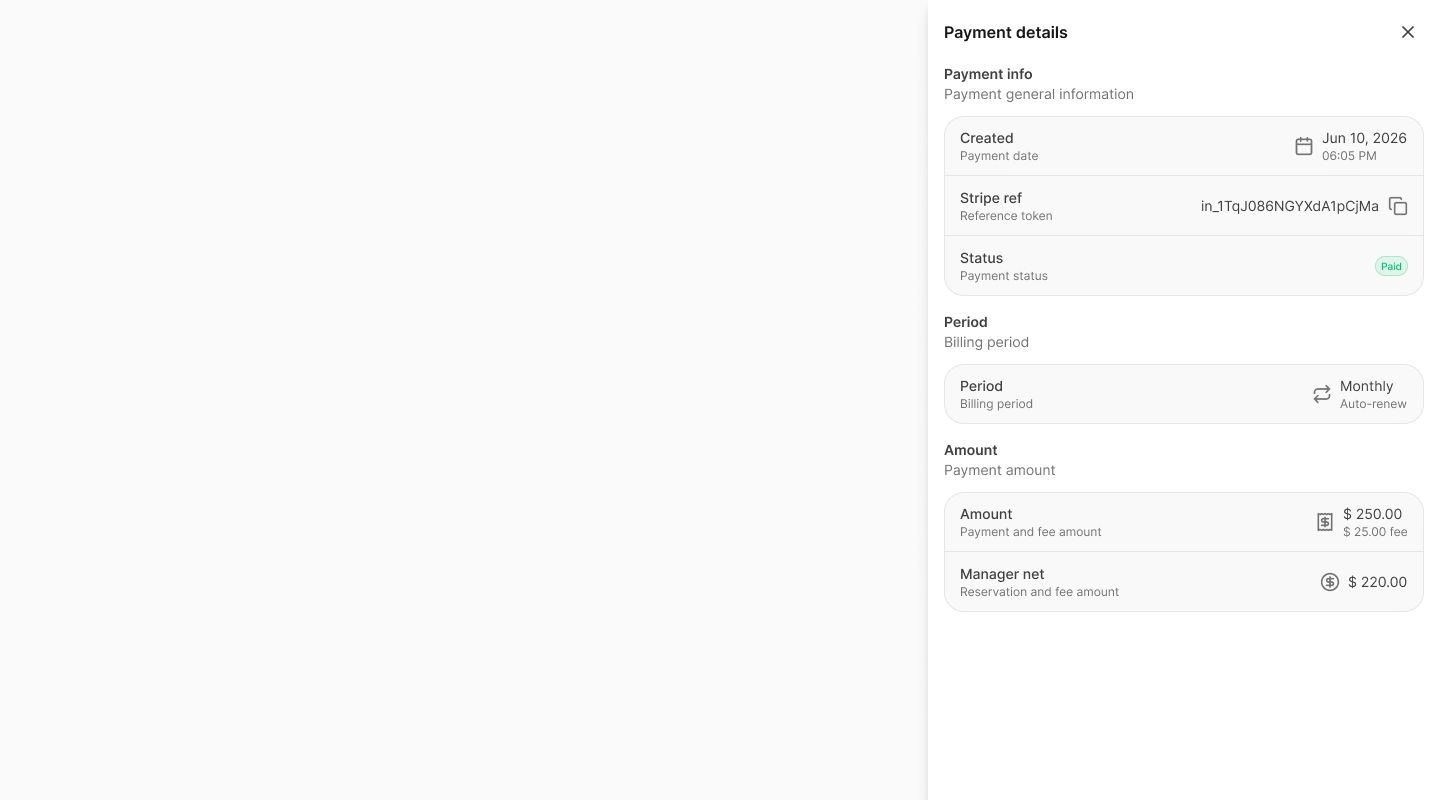
Compare the payment amount, platform fee, manager net, status, and provider reference. Use the copy button beside the Stripe reference when you need the exact token.
Open Details
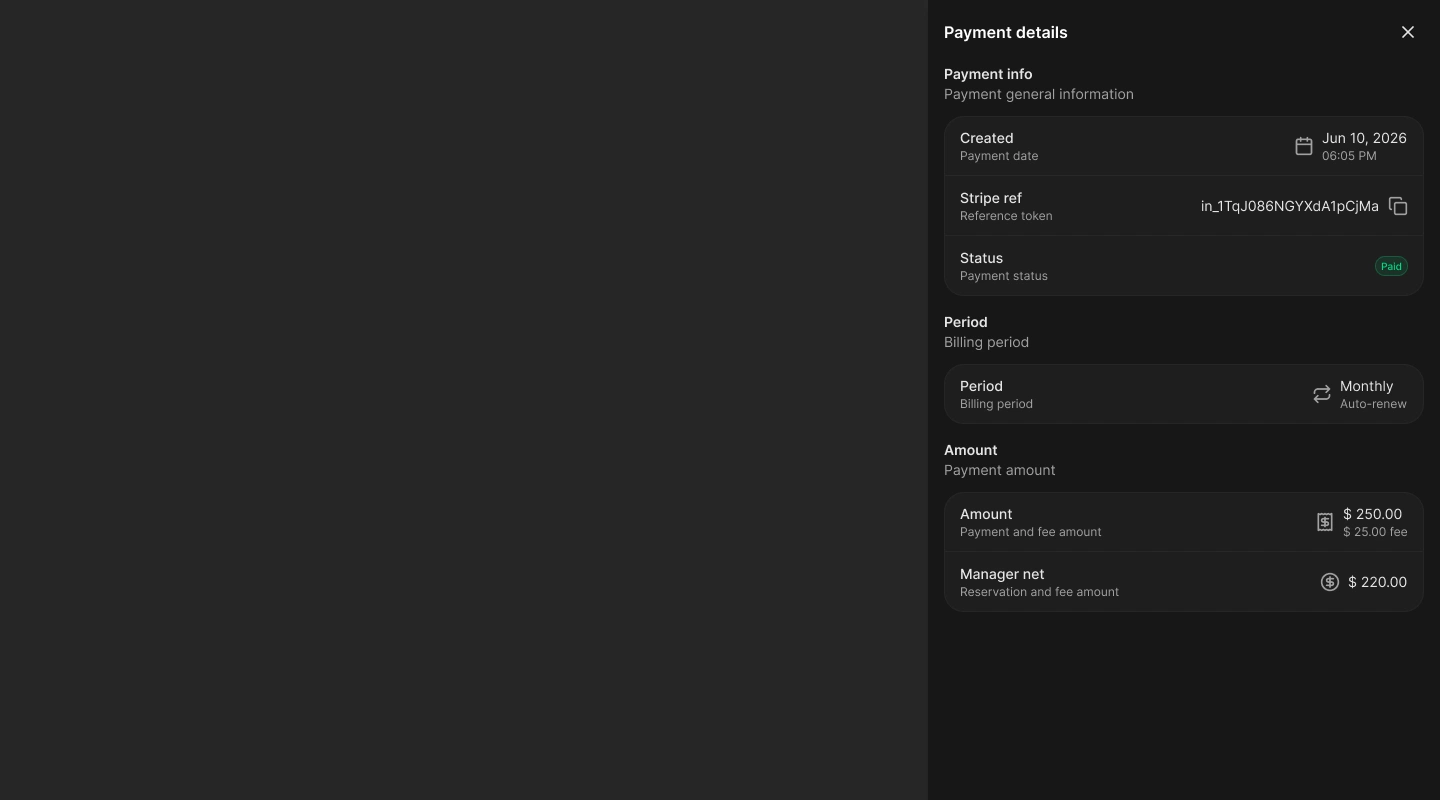
Choose Details from a row or select exactly one payment.
Understand refund information
When a payment has a refund state or Stripe refund identifier, the drawer adds a Refund section. It can show workflow status, provider reference, request time, completion time, or failure time and reason.
- Refund pending means processing has started but is not confirmed.
- Refunded means the provider-confirmed completion is recorded.
- Refund failed means the record needs attention; review the failure reason and provider reference.
Frequently asked questions (FAQ)
No. The current Payments page is read-only. Refund requests may result from eligible reservation cancellations.
The refund workflow has started, but Spot Orbit has not recorded provider confirmation yet.
No. The current page does not expose an export action.
Related content
- Reservations — Review the booking and cancellation that produced a payment state.
- Site info — Review the site's operational and financial summaries.
- Zones and spots — Identify the inventory associated with reservations.