Customer
Customer profile
Review your signed-in account, change appearance, and end your Admin Web session.
Overview
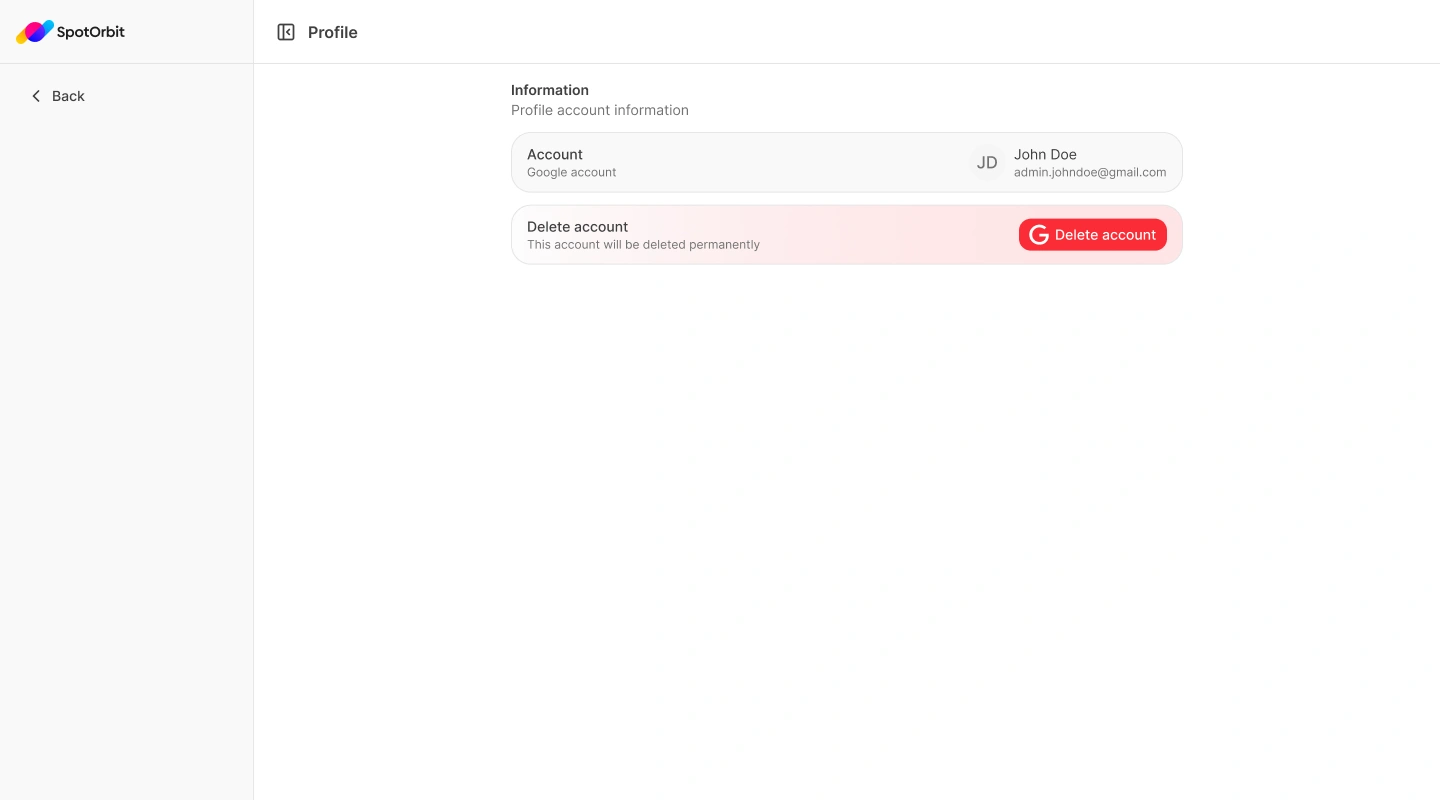
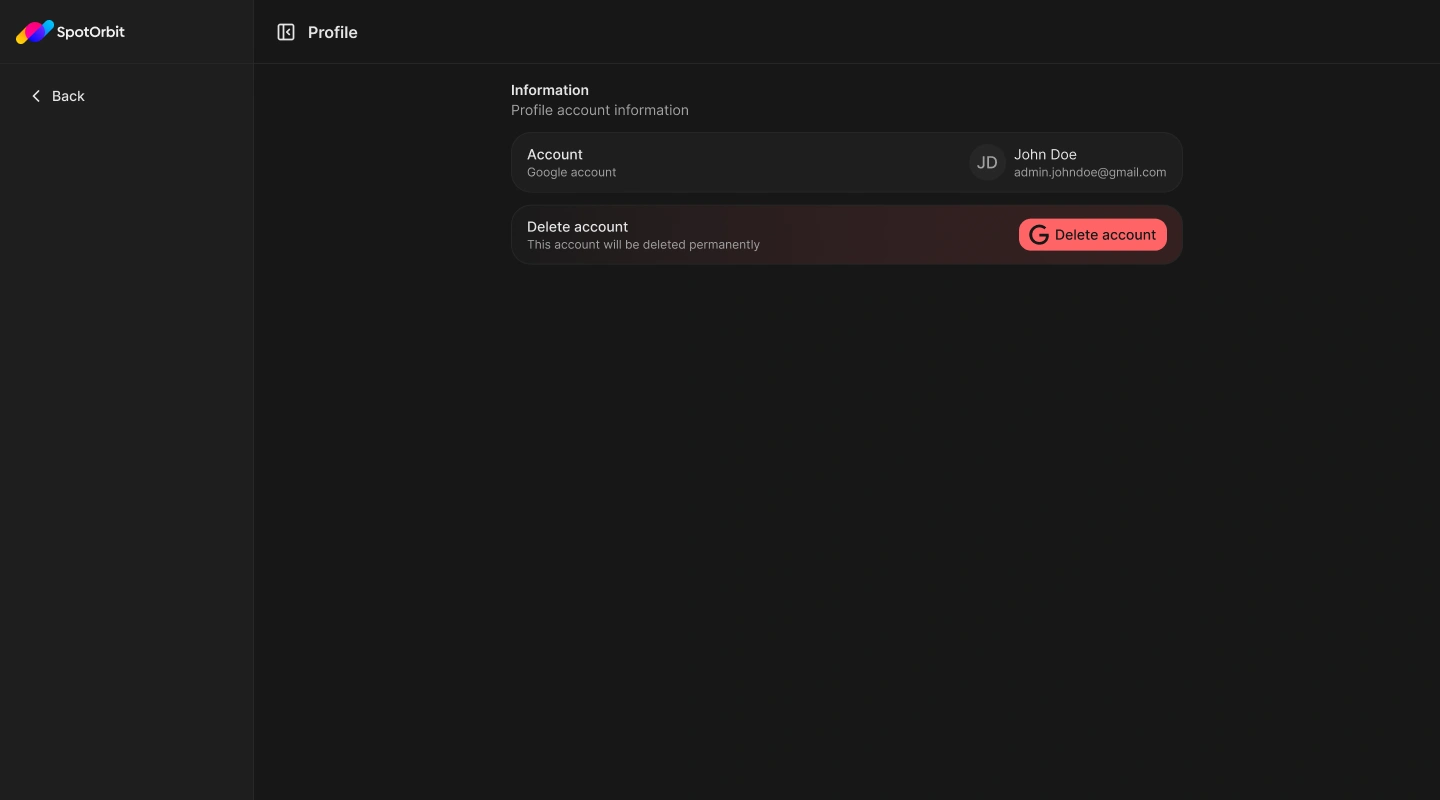
Open the user menu at the bottom of the sidebar to reach Profile, switch between light and dark appearance, or log out. Profile shows the Google account connected to the current session.
Manage your session
Open the user menu
Select your account at the bottom of the sidebar.
Choose an action
Open Profile, choose Appearance and then Light or Dark, or select Log out.
Confirm log out
Confirm when prompted to end the current browser session.
The current Profile page displays a Delete account button, but account deletion is not connected to an action. Contact an administrator for account changes.
Frequently asked questions (FAQ)
No. The current page displays the connected account but does not edit its email.
No. The light or dark choice applies to your browser experience.
Related content
- Customer dashboard — Return to the operational summary.
- Sign out — Follow the complete sign-out flow.