Administrator
Administrator profile
Review the administrator account, appearance options, and session controls.
Overview
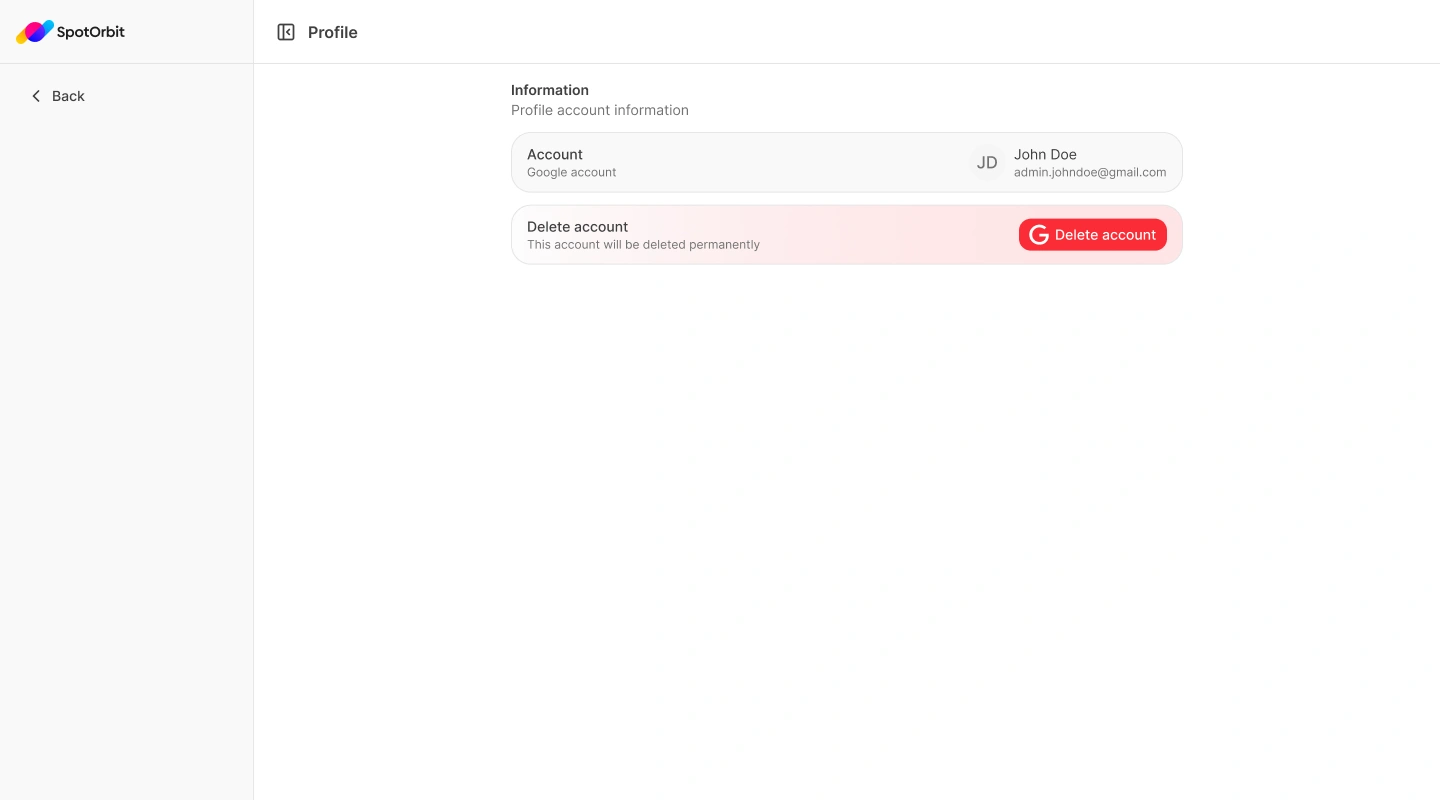
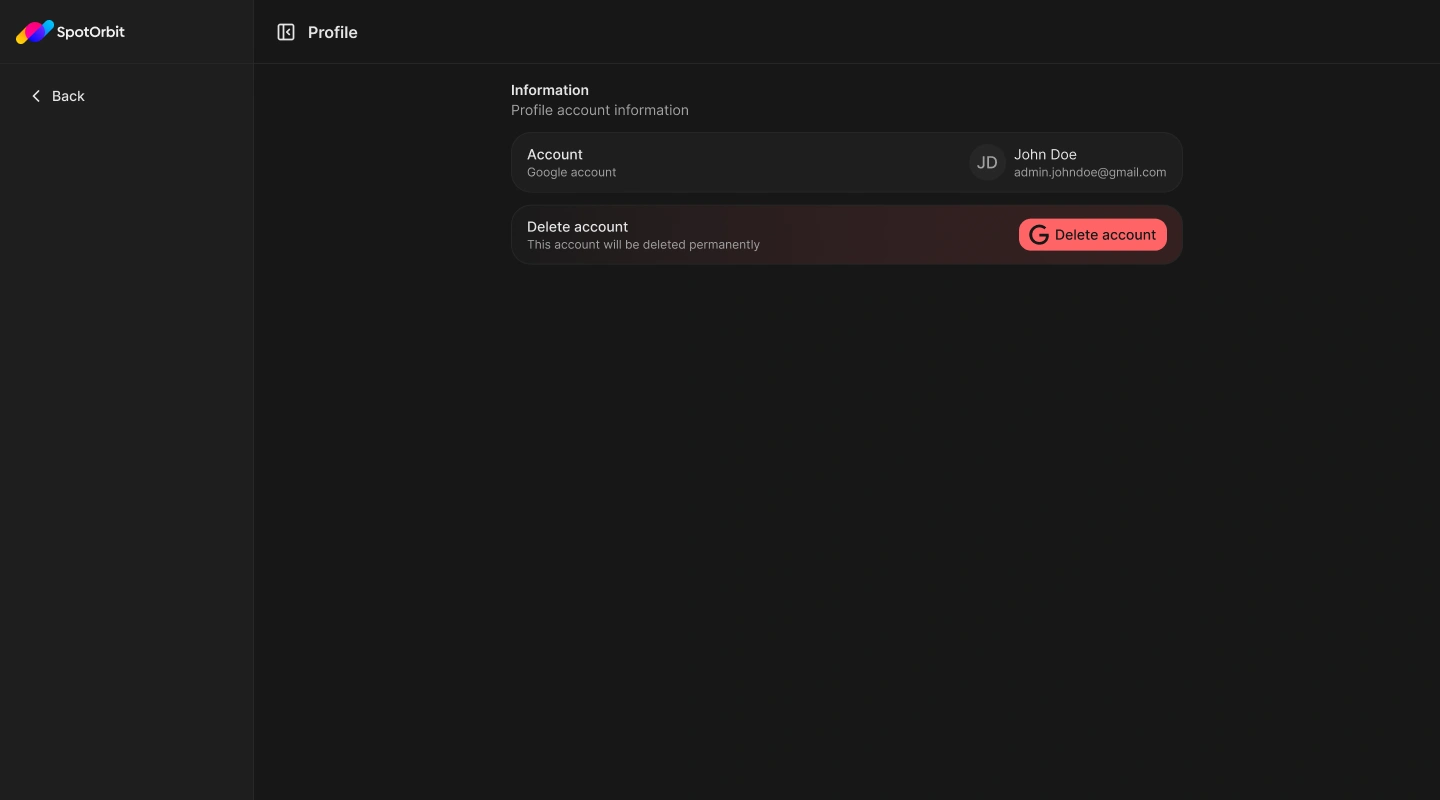
The user menu provides the administrator's Profile, light or dark appearance, and Log out action. Profile identifies the Google account connected to the session.
Use profile controls
Open the user menu
Select the account at the bottom of the sidebar.
Review or personalize
Open Profile or choose Appearance to switch between Light and Dark.
End the session
Choose Log out and confirm when you finish working.
The visible Delete account button is not connected to a deletion action in the current application. Do not rely on it to remove an account.
Frequently asked questions (FAQ)
No. The current page displays account information but does not provide an account-editing flow.
Use the administrator's Accounts section.