Zones and spots
Use Zones to organize the site and Spots to manage the individual inventory customers can reserve.
Overview
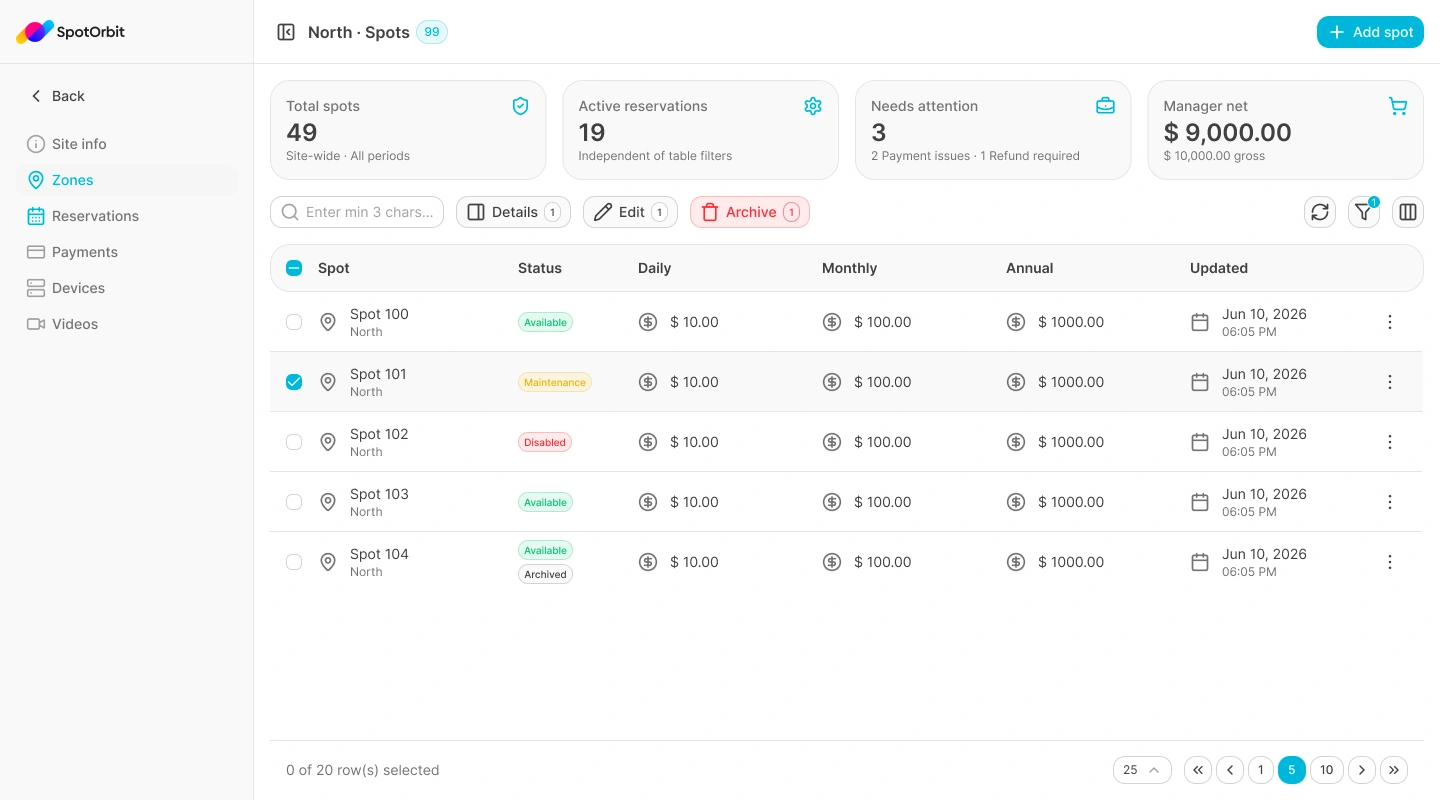
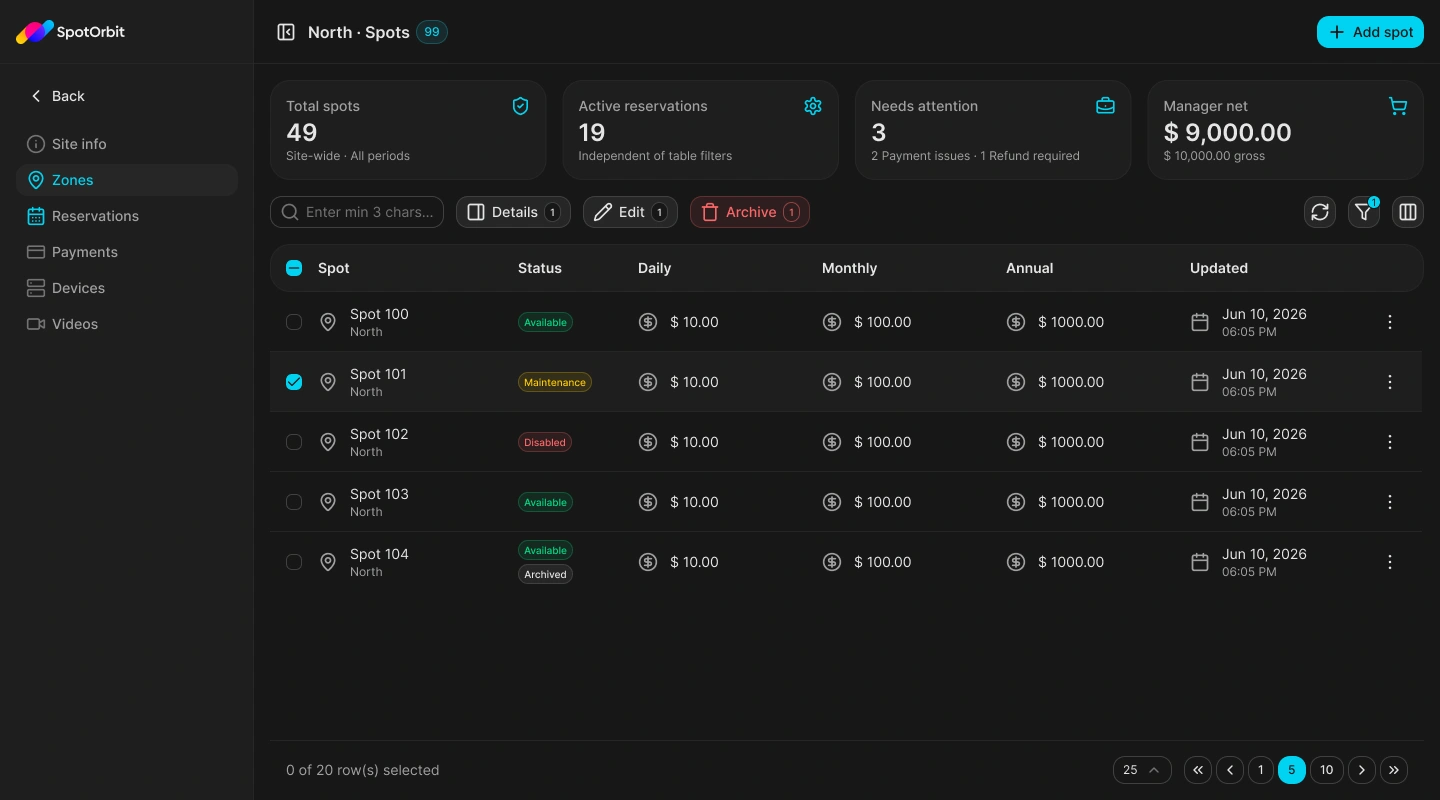
The Zones table contains the zone name and code, description, order, lifecycle, and last update. Opening View spots displays the selected zone's inventory with search, status and lifecycle filters, sortable columns, details, editing, yard definition, and archive or restore actions.
Create and manage a zone
Add the zone
Select Add zone, then enter its code, name, optional description, and display order.
Save the business information
The code and name are required. The display order must be zero or greater.
Define the zone on the yard
For an active zone, choose Define to open the layout editor at the zone layer.
Open its spots
Choose View spots to manage inventory inside that zone.
The lifecycle selector above the Zones table displays Active, Archived, or All. Archived zones can be restored; active zones can be edited, defined, or archived.
Create and manage spots
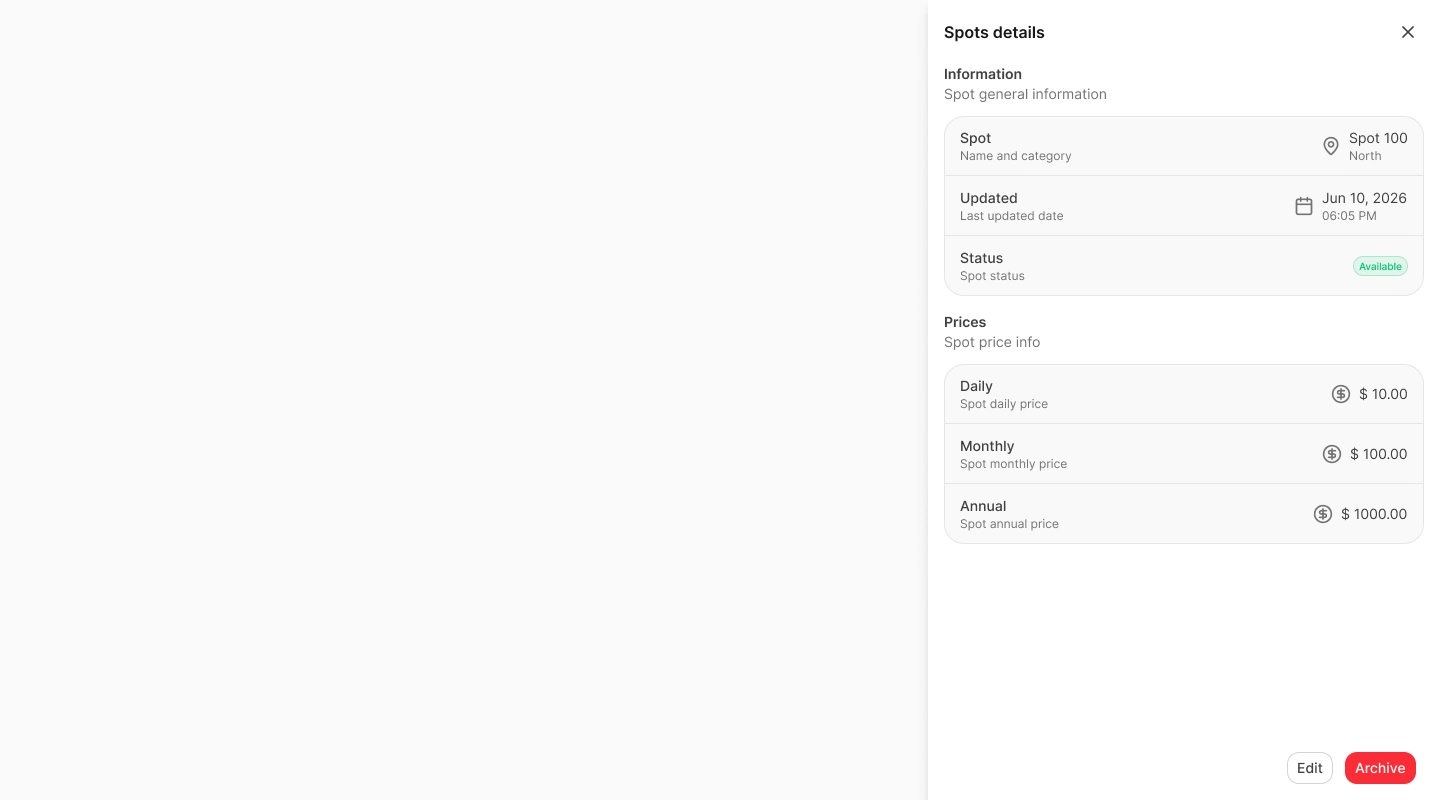
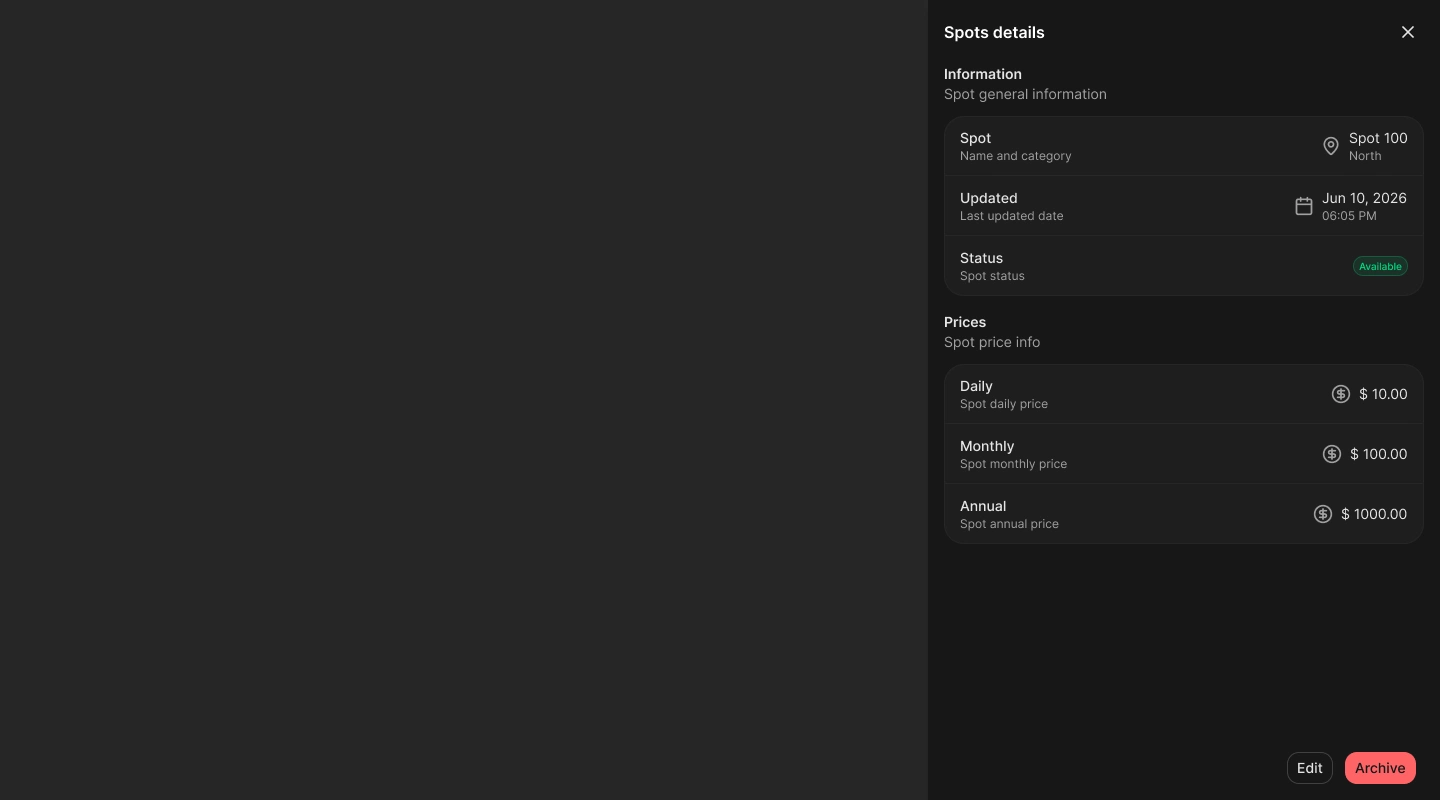
Select Add spot and provide a required code, display name, zone, and type. Choose an operational status—Available, Maintenance, or Disabled—and optionally enter daily, monthly, and annual USD prices.
The spots table supports searches of at least three characters, filters by operational status and lifecycle, sorting by code, status, or update date, cursor pagination, details, editing, and geometry definition. Spot lifecycle changes can be applied to one or several selected rows.
Frequently asked questions (FAQ)
Status describes current operation—Available, Maintenance, or Disabled. Lifecycle determines whether the spot itself is active inventory or archived.
The backend rejects the request while the zone still contains active spots. Move or archive them first.
No. Existing reservations, payments, and access are preserved.
Related content
- Site info — Select zones and spots from the yard scheme.
- Reservations — Review bookings for this inventory.
- Payments — Inspect payments associated with reservations.
- Devices — Operate the access hardware for the site.