Reservations
Use Reservations to review bookings for one site and act on eligible cancellations.
Overview
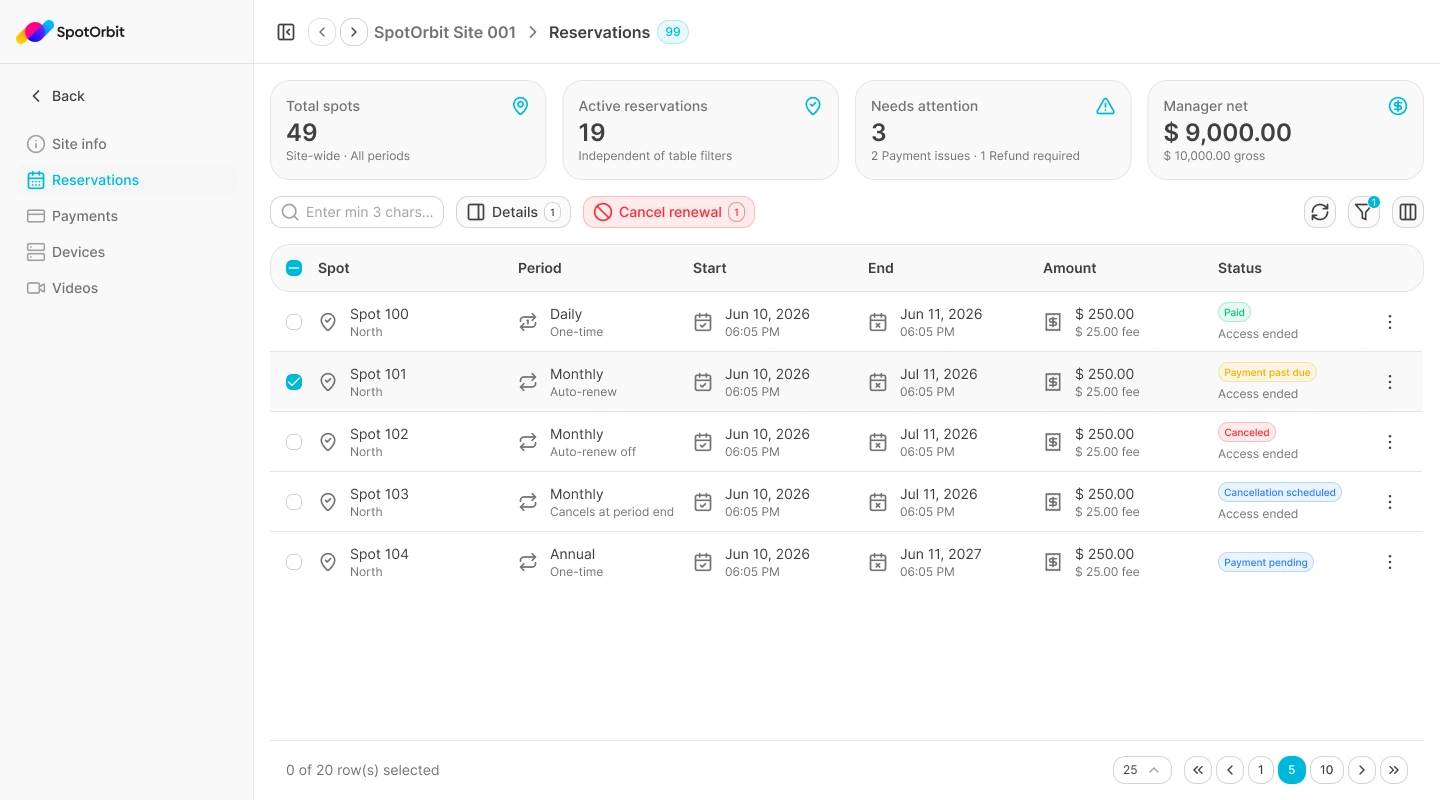
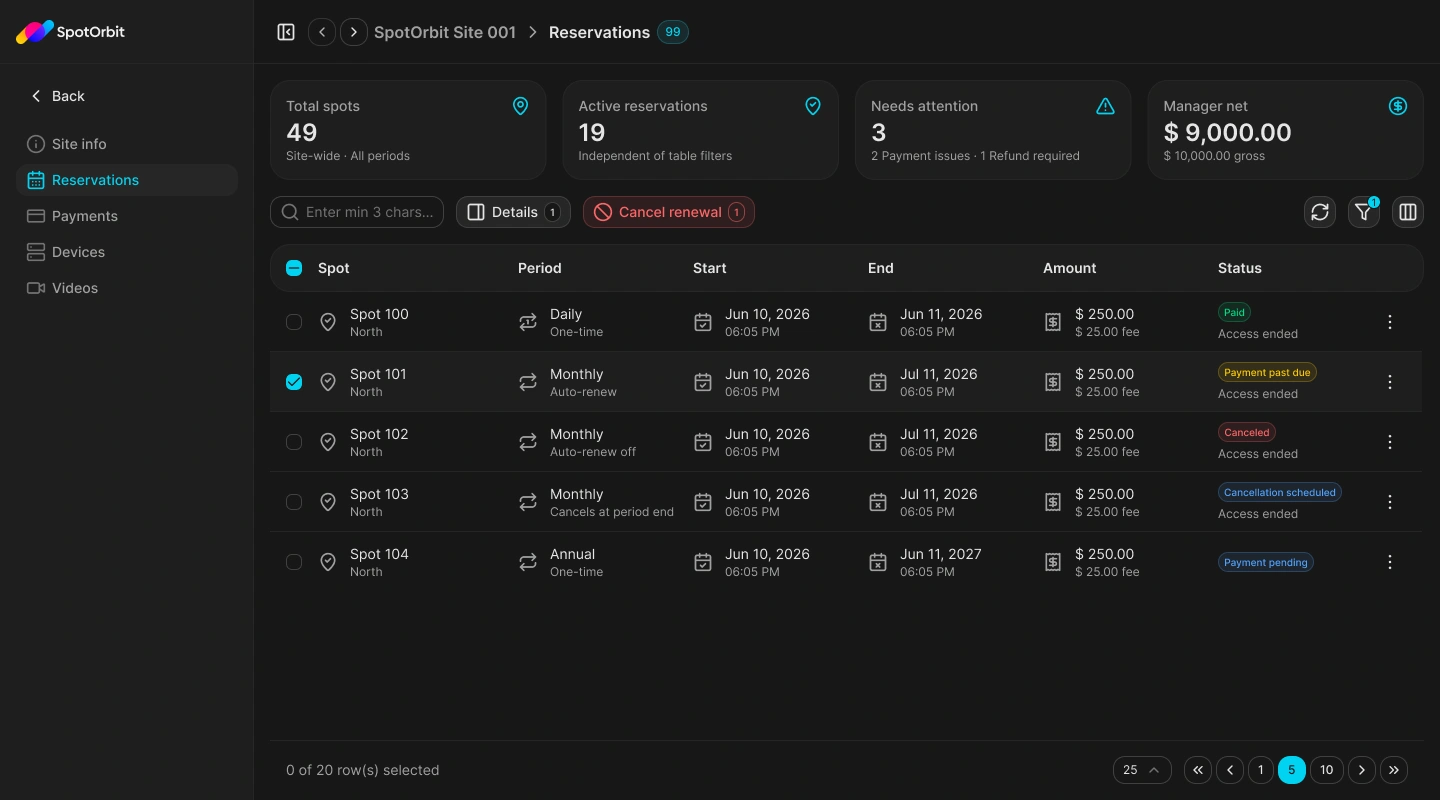
The page combines site metrics with a reservation table. Search and server-side filters help narrow the results by billing period, date range, and status. Each row shows the spot, period, start and end, amount and fee, and current status.
Find and inspect a reservation
Confirm the site
Open Reservations from the selected site's navigation and verify the site name in the header.
Search or filter
Enter at least three characters, or filter by Daily, Monthly, or Annual period; start and end dates; and reservation status.
Open the details
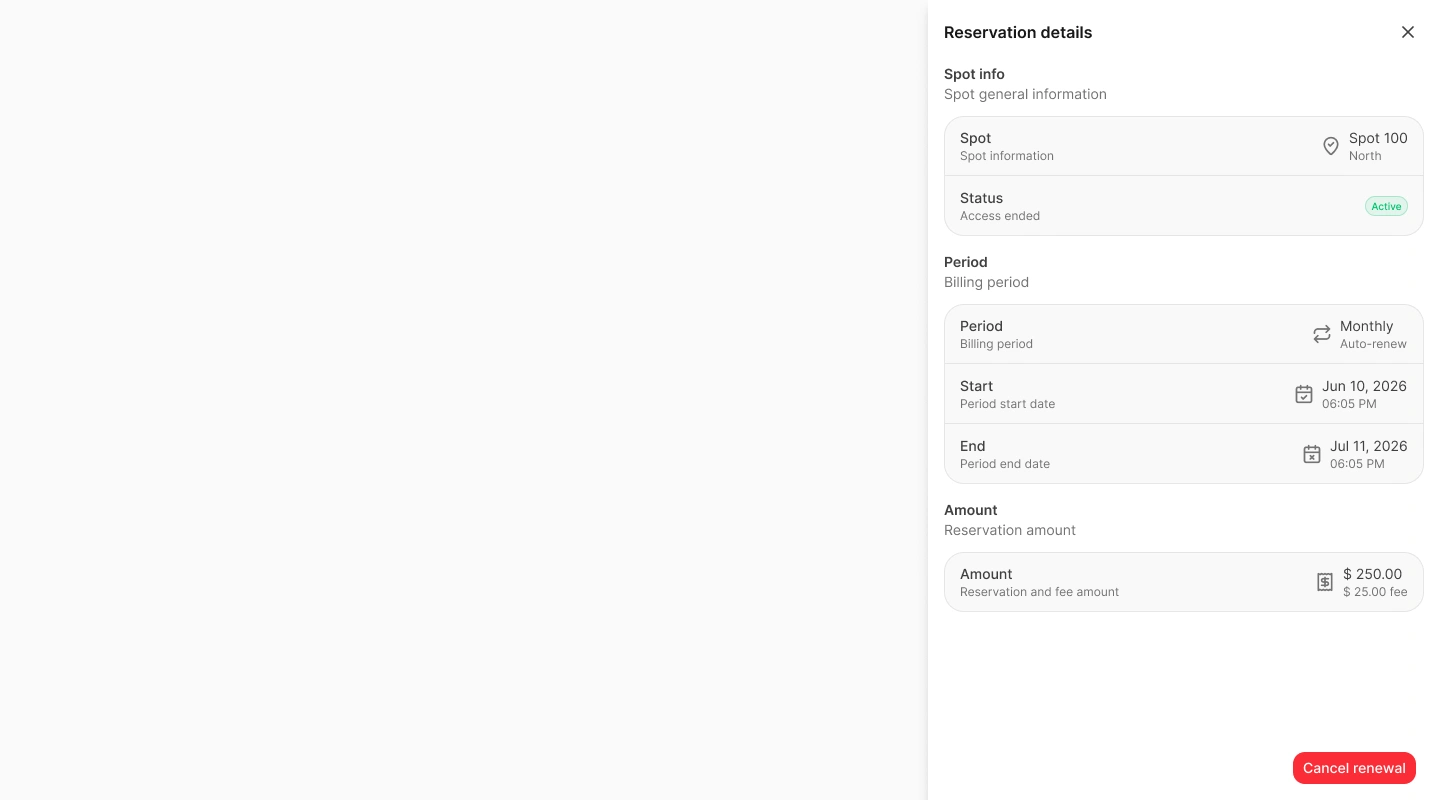
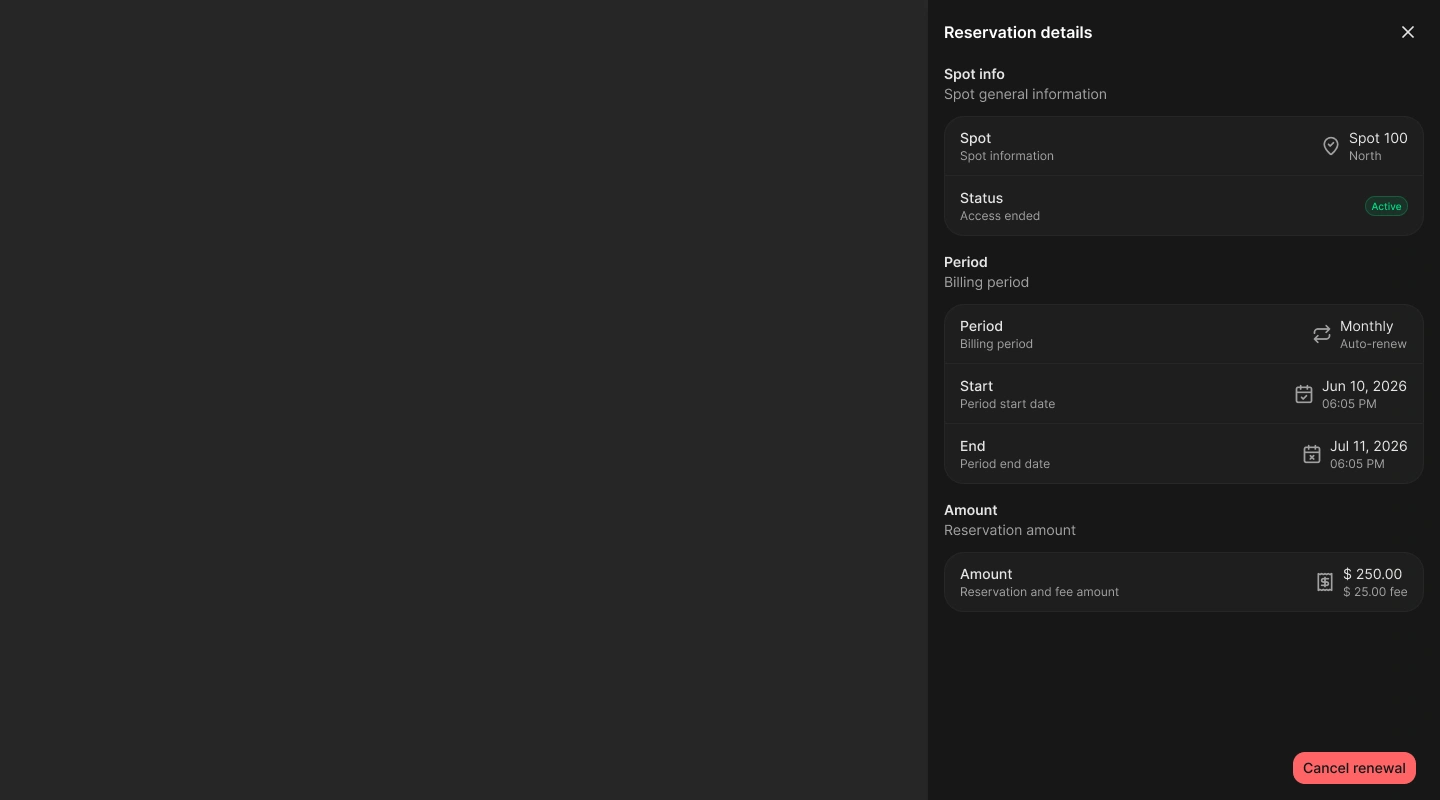
Choose Details from a row or select exactly one row. The drawer shows spot and area, status, billing mode, dates, reservation amount, and platform fee.
Refresh when needed
Use refresh to request the reservations and site metrics again.
Cancel a reservation or renewal
Only eligible operational reservations display a cancellation action. The label and effect depend on the billing mode:
- Cancel reservation: cancels an unpaid checkout immediately, or cancels a one-time reservation, disables its active PIN, and requests a Stripe refund.
- Cancel renewal: schedules a subscription to stop at the end of its current billing period. Existing paid access keeps its validity window.
Open the cancellation
Choose the available cancellation action from the row or details drawer.
Review the impact
Read whether access ends immediately, a refund is requested, or renewal stops at period end.
Confirm the action
Confirm only after verifying the site, spot, period, and selected reservation.
Frequently asked questions (FAQ)
Only reservations in an eligible operational state can be canceled from this page.
No. It stops the next renewal while current paid access keeps its existing validity window.
No. Cancellation is available only when exactly one eligible reservation is selected.
Related content
- Payments — Verify payment and refund status.
- Zones and spots — Review the inventory referenced by a reservation.
- Site info — Return to the selected site's overview.