Sign in
Use the login page to access the administration tools available to your account. Spot Orbit Admin supports Google sign-in and email with password.
Overview
On large screens, the login page places Spot Orbit information and mobile-store badges beside the access form. The form contains the Spot Orbit identity, a Google button, Email and Password fields, a Login button, and links to the Terms of use, Privacy policy, and contact page.
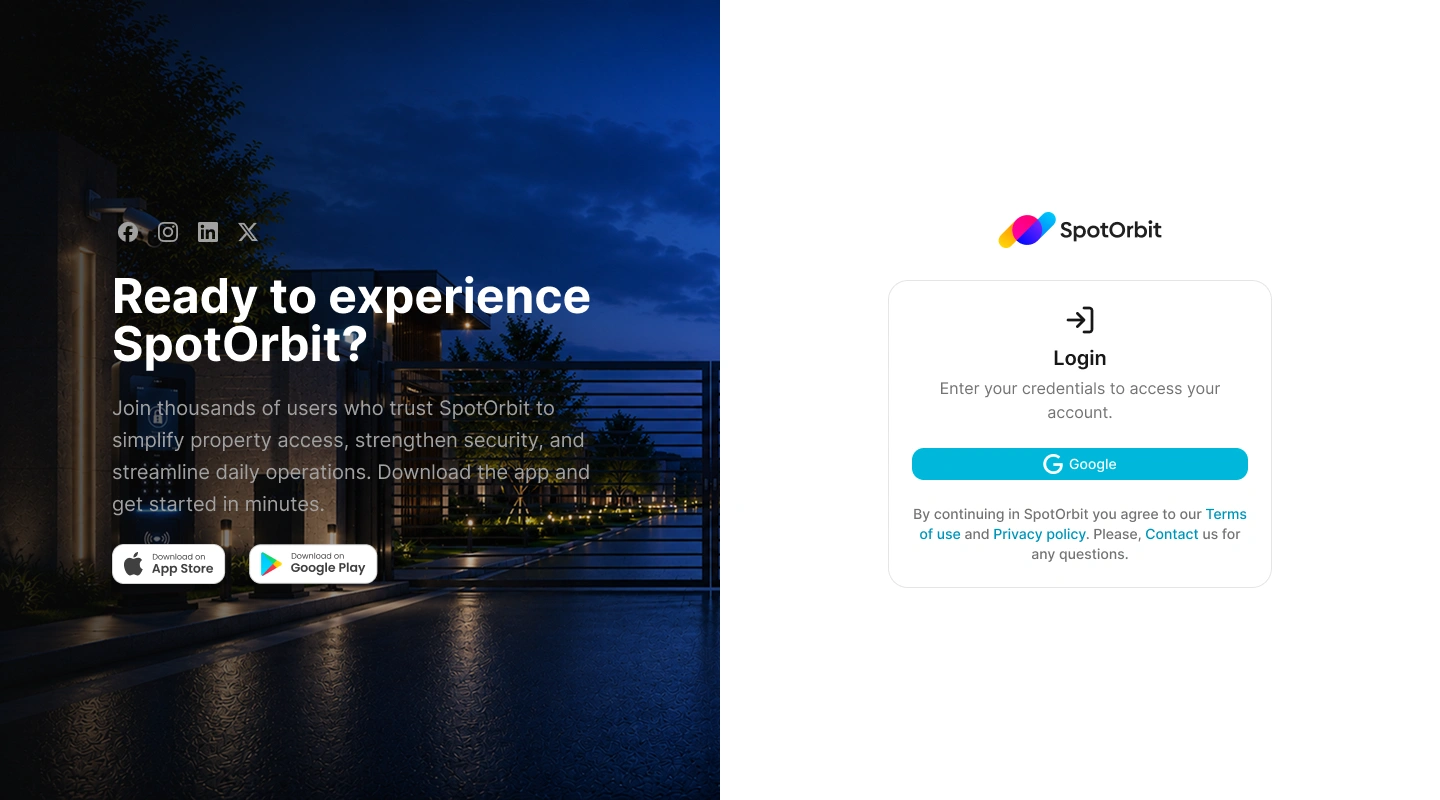
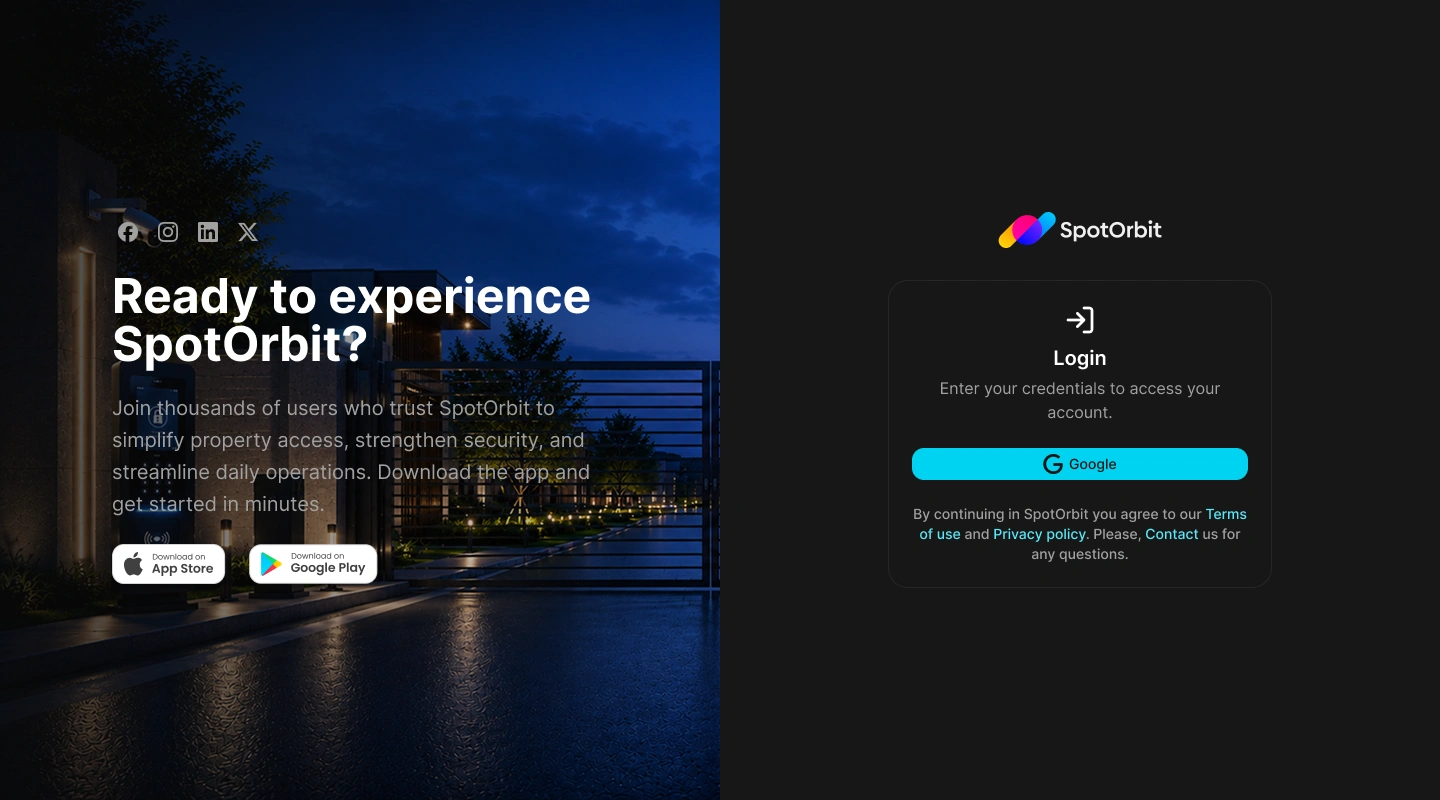
You need an existing account. This page does not provide account registration or password recovery.
Sign in with email and password
Enter your email
Type the email associated with your Spot Orbit account in Email.
Enter your password
Type the password for the same account in Password.
Submit the form
Select Login. The access controls remain unavailable while the request is being processed, so wait for the attempt to finish before trying again.
Sign in with Google
Start Google sign-in
Select Google on the login page.
Choose the correct account
Choose or enter the Google account associated with Spot Orbit and complete Google's authentication steps.
Return to Spot Orbit Admin
After authentication, the browser returns to Spot Orbit Admin and opens the appropriate protected page.
Where you go after signing in
After a successful sign-in, the application opens the protected page you originally requested. If you opened the login page directly, it takes you to the Dashboard.
Signing in does not add permissions. The sidebar and available pages continue to reflect the role, capabilities, and site memberships assigned to your account.
If you cannot sign in
- Confirm that the email and password belong to the same Spot Orbit account.
- If you use Google, select the Google account linked to Spot Orbit.
- Wait for the current attempt to finish before selecting Login or Google again.
- If the problem continues, contact the person who manages your Spot Orbit access.
Frequently asked questions (FAQ)
No. The current page only signs in an existing account. Contact your Spot Orbit administrator when you need an account.
No. The current login page has no password-recovery control. Ask your Spot Orbit administrator for assistance.
If you requested a protected page before signing in, the application returns you to that page after authentication. Direct visits to the login page continue to the Dashboard.
No. Your assigned role, capabilities, and site memberships determine which areas are available.
Related content
- Getting started — Learn the main areas of the Admin workspace.
- Dashboard — Review what appears after a direct sign-in.
- Sign out — End an authenticated session safely.