Site info
Use Site info as the starting point for working inside an individual site.
Overview
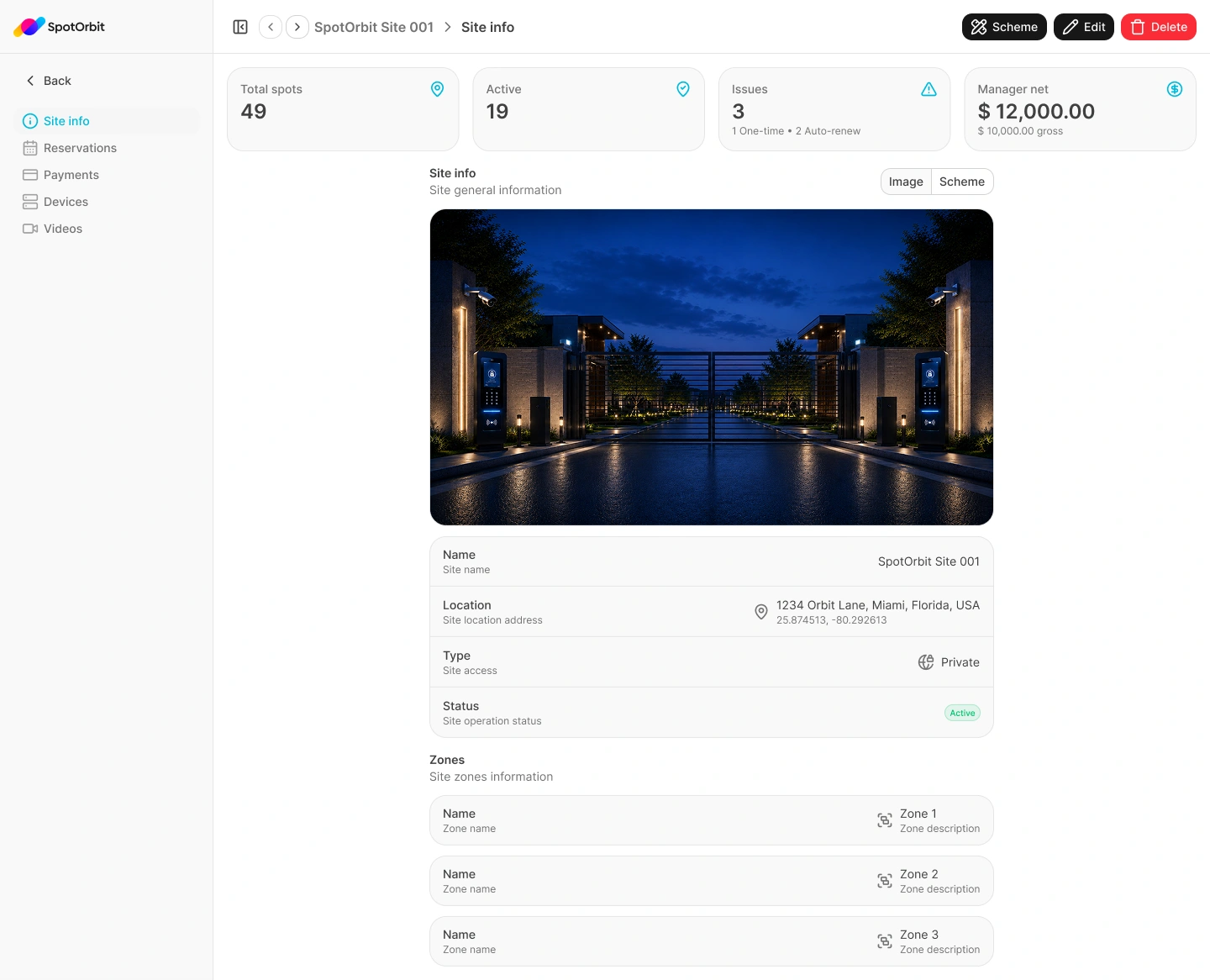
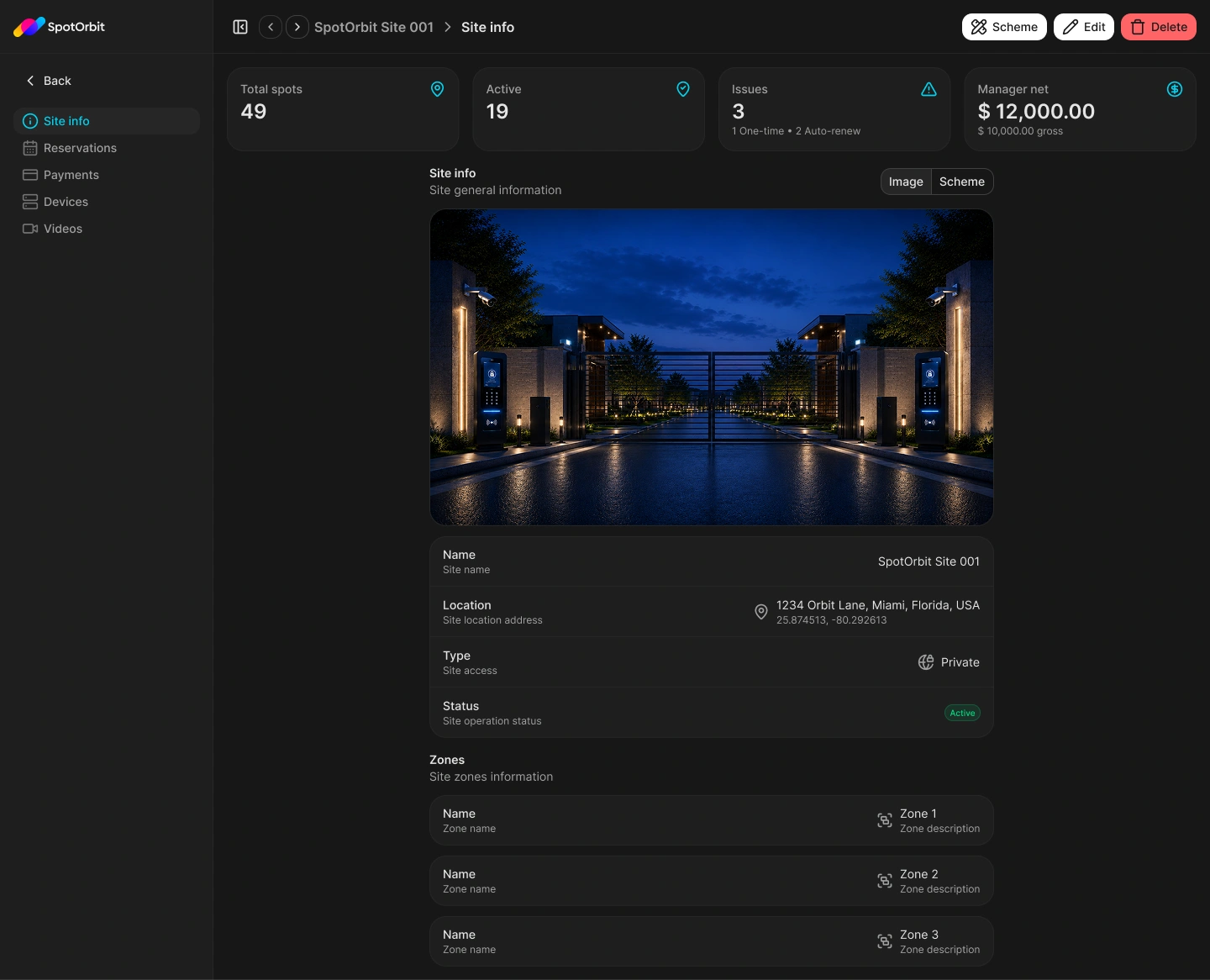
The page shows operational summary cards, an interactive yard scheme, site identity, location, visibility, status, and assigned managers. Its internal navigation opens Zones, Reservations, Payments, Devices, and Videos for the same site.
Open and review a site
Open the full page
From Sites, open a row menu and select More. The quick Details drawer also provides More.
Confirm the selected site
Use the header breadcrumb and previous or next controls to verify or change the current site.
Review the profile
Check the site's name, address and coordinates, Public or Private visibility, Active or Archived status, and managers.
Explore the yard scheme
Select a mapped zone or spot to open its details. From that drawer you can define its geometry, edit its business information, or request its lifecycle change.
Use the header actions
- Edit yard: opens the layout editor at the perimeter layer.
- Edit: opens the site profile form for platform administrators.
- Archive or Restore: opens the site lifecycle confirmation.
Archiving retains site data and history. Restoring returns the site to active operations, but it does not automatically restore zones or spots that were archived separately.
Understand the operational summaries
The summary cards report total and active spots, operational issues, manager net, and gross amounts for the selected site. Use the relevant Reservations, Payments, Zones, or device activity page to investigate the underlying records.
If the selected site is unavailable, the page displays Site not found. Data sections show loading or retry states while their information is being requested.
Frequently asked questions (FAQ)
It opens the graphical layout editor. The site profile form does not edit perimeter, zone, or spot geometry.
Yes. Selecting a mapped zone or spot opens its detail drawer when that item exists in the loaded site data.
No. Zones and spots keep their own lifecycle states.
Related content
- Create and edit sites — Update the site's profile and invitations.
- Zones and spots — Manage layout inventory and pricing.
- Reservations — Review bookings for the selected site.
- Payments — Inspect financial records and refunds.