Manager
Reservations
Search, filter, review, and cancel reservations for the active site.
Overview
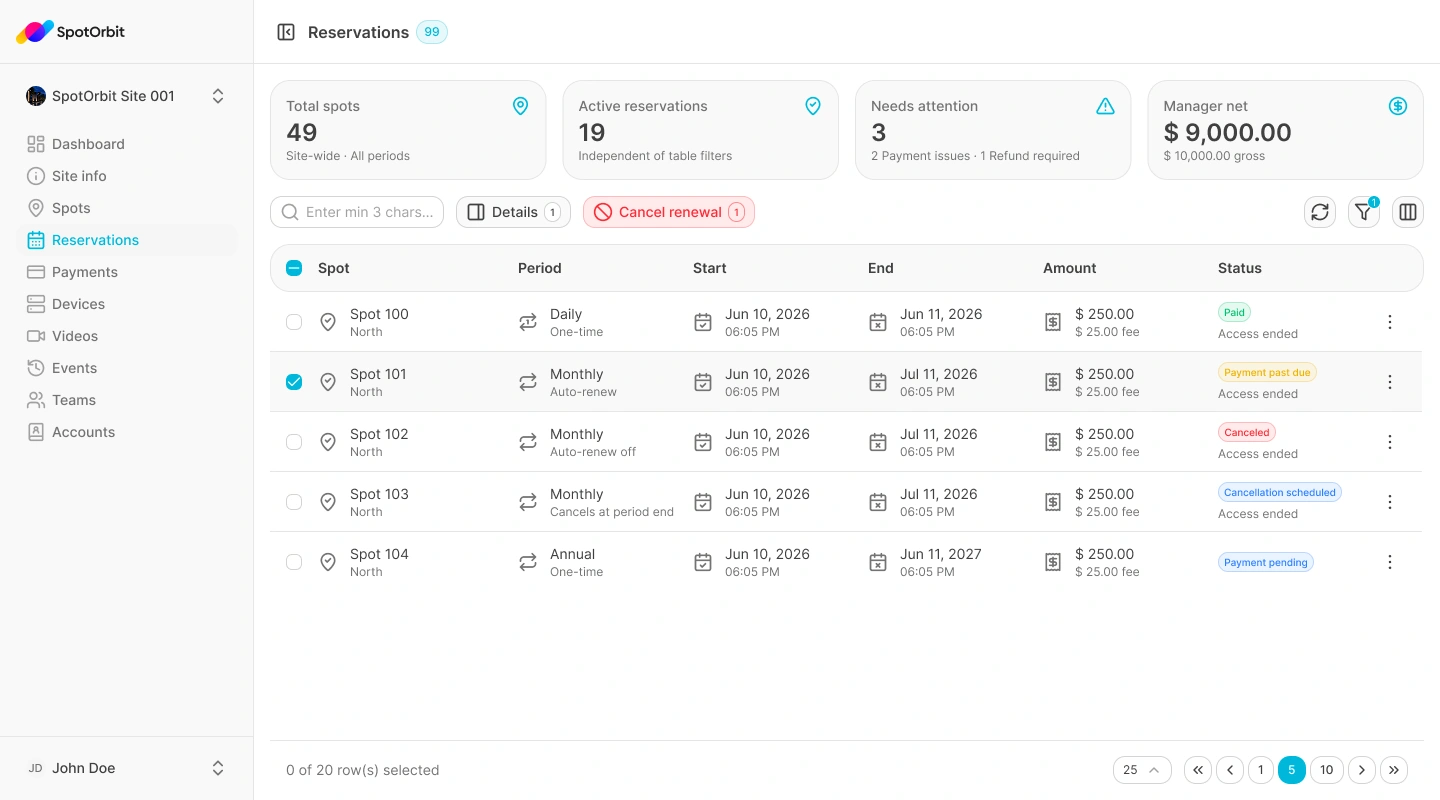
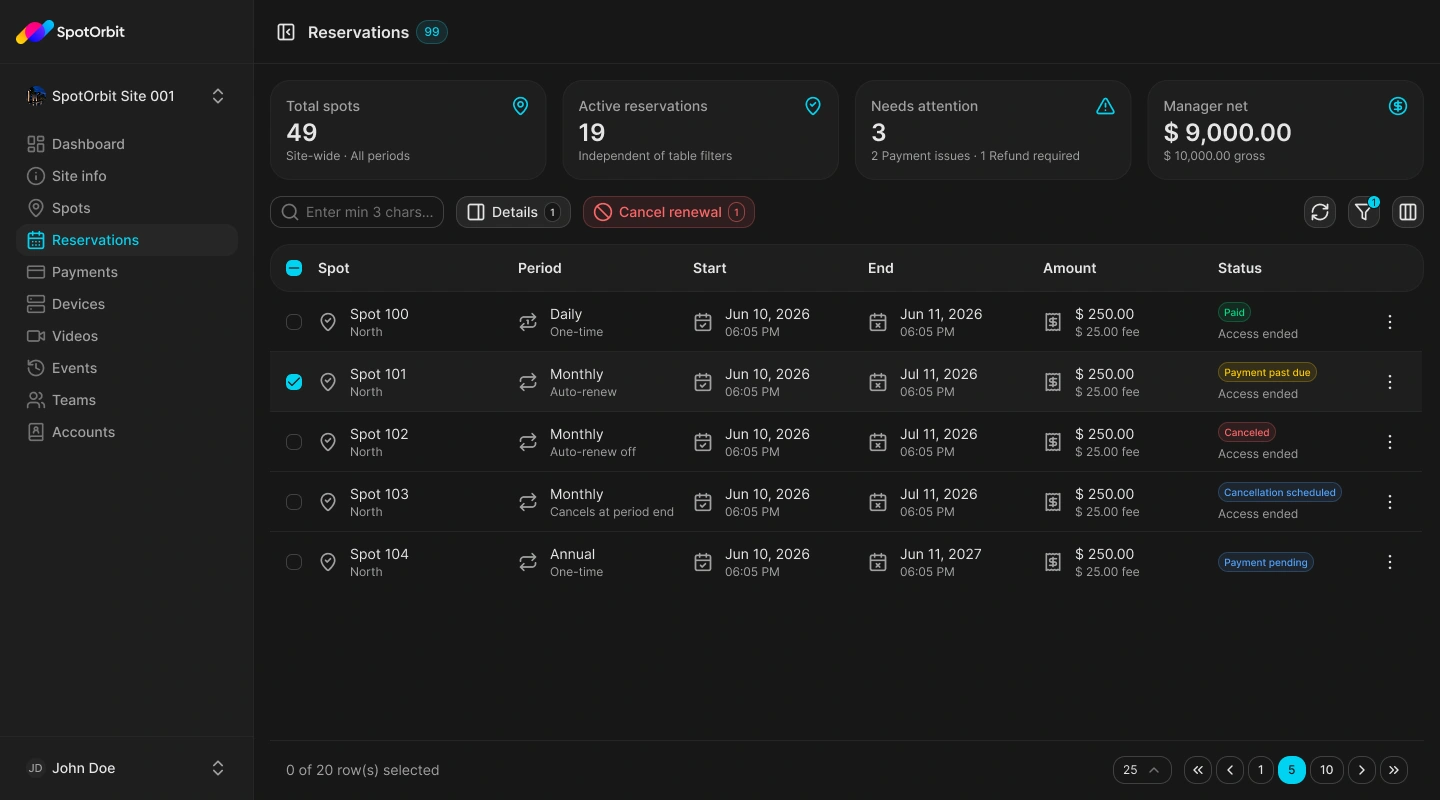
Reservations shows bookings for the active site in a searchable operational list. Managers can narrow the list by the visible period, date, and status controls, open reservation details, and use the cancellation actions offered for an eligible reservation or its renewal.
Work with reservations
Narrow the list
Use search and the available period, date, or status filters to find the reservation.
Open the details
Select the matching row and verify the customer, timing, spot, and current status.
Use an available action
If the reservation is eligible, cancel the reservation or its renewal and confirm the request.
Cancellation availability depends on the reservation state. Always verify the record in the details panel before confirming.
Frequently asked questions (FAQ)
The reservation's current state may not allow that operation.
Clear restrictive filters, confirm the date range, and verify the active site.
Related content
- Zones and spots — Review the inventory used by reservations.
- Payments — Review related charges.