Devices
Use Devices to monitor and operate the access hardware assigned to a site.
Overview
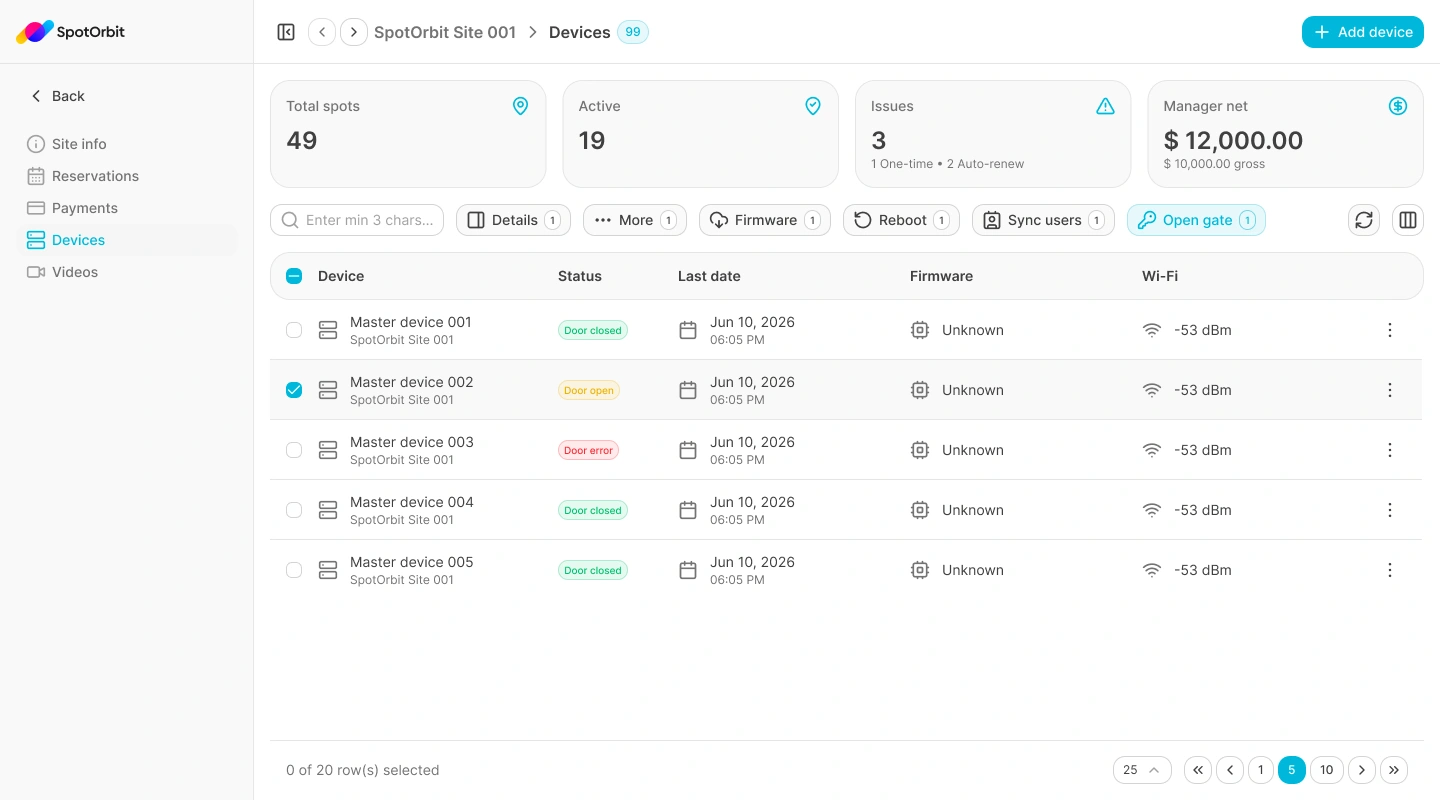
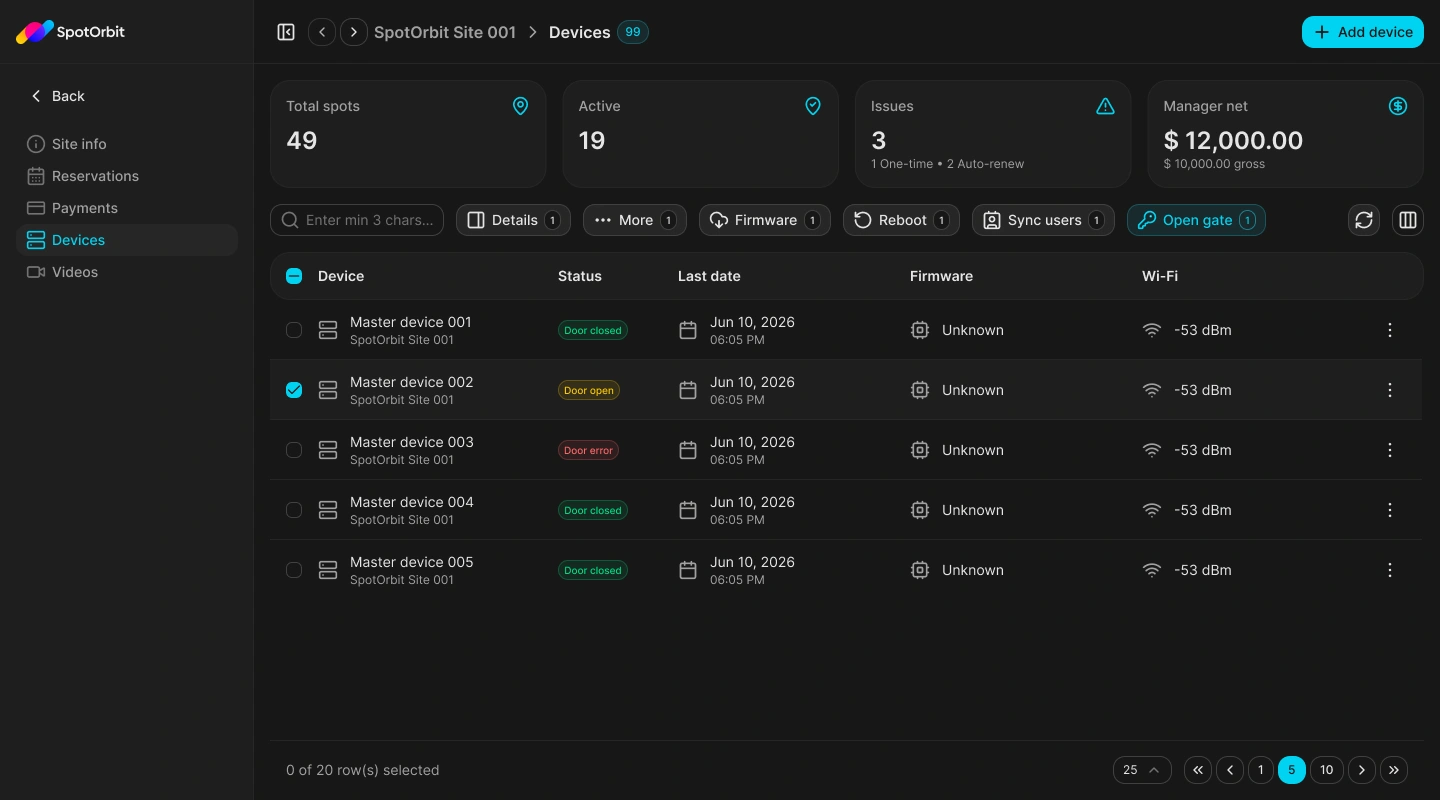
The table shows each device's name, site, door state, last contact, firmware version, and Wi-Fi signal. Search requires at least three characters and results use cursor pagination. One selected device exposes details, full information, firmware, reboot, user synchronization, and gate-opening actions.
Review a device
Find the device
Confirm the site, then enter at least three characters in search when needed.
Check its current state
Review Door closed, Door open, Door error, or the available device state, together with last contact, firmware, and Wi-Fi strength.
Open Details or More
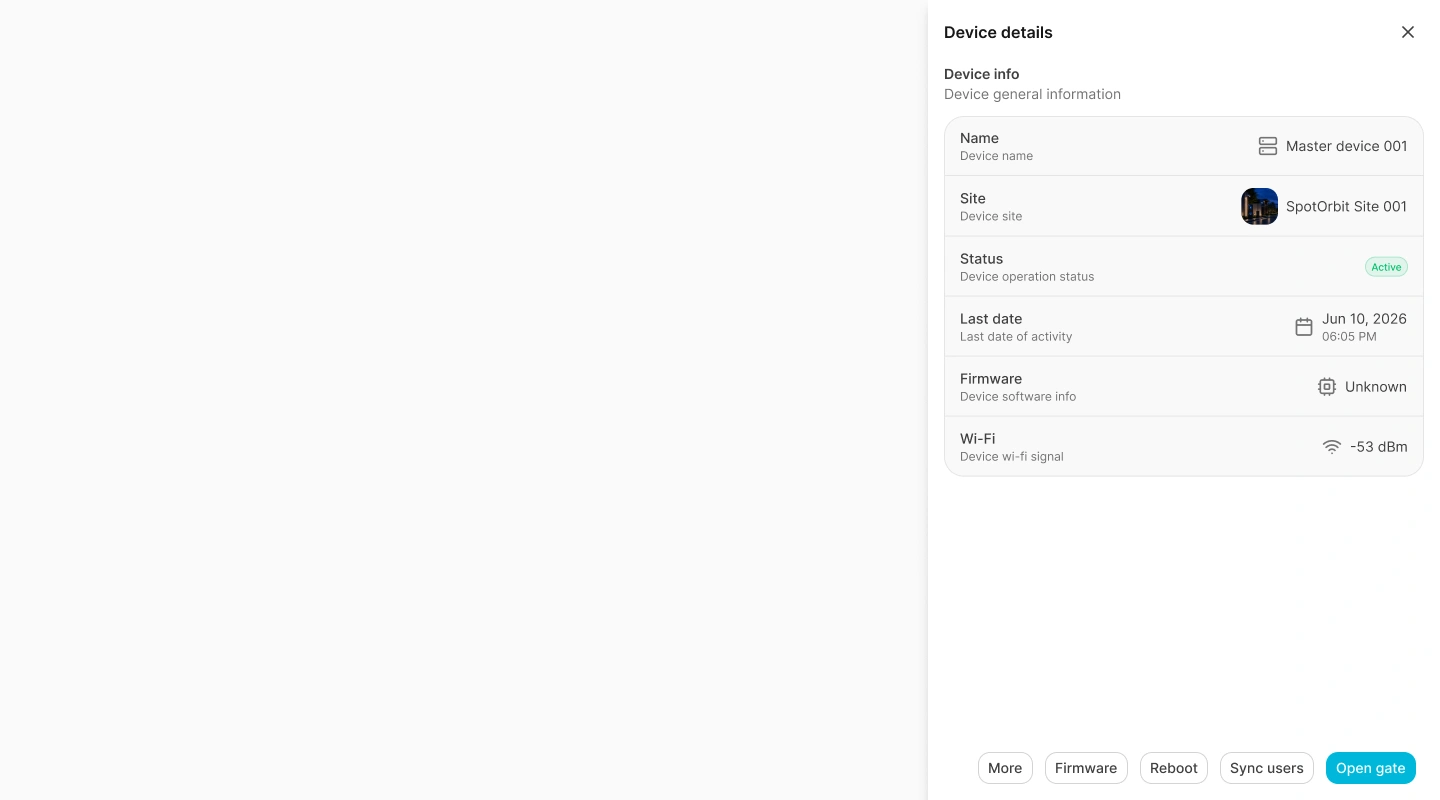
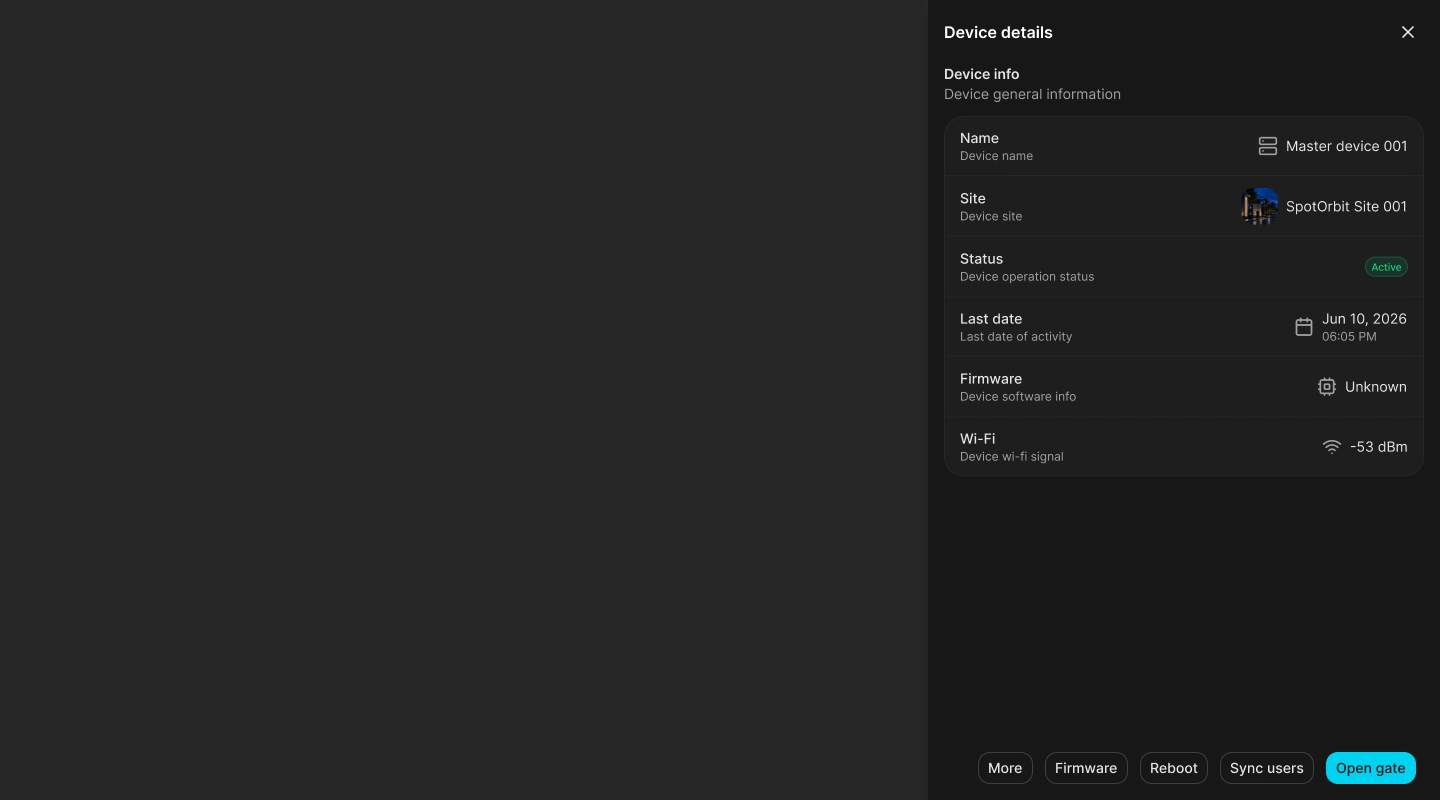
Details opens a quick drawer. More opens the dedicated Device info page with navigation between devices and an Activity section.
Review activity
Open Activity to inspect the device's Alerts, Reconnects, and Crashes tables and their available details.
Queue remote commands
- Open gate: queues a gate command when the site is operational, the device is online, and its door state permits the request.
- Sync users: queues a new authorized-user snapshot when the site can operate and the device is online.
- Reboot: requires confirmation and is available only for an online device.
- Firmware: requires an online device and a valid HTTPS firmware URL.
Successful notifications report a request identifier. Queued means the command was accepted for processing; refresh the device data to review later state changes.
Frequently asked questions (FAQ)
The site may not be operational, the device may be offline, or its current door state may not permit another open request.
Firmware requires an online device and a complete URL that uses HTTPS.
The backend accepted the command and returned a request identifier; it does not confirm physical completion.
Related content
- Site info — Review the selected site's overall status.
- Zones and spots — Review the inventory protected by the hardware.
- Videos — Monitor cameras and related activity.
- Reservations — Review the access window associated with a booking.