Customer
Customer dashboard
Review the operational summary available to a customer account in Admin Web.
Overview
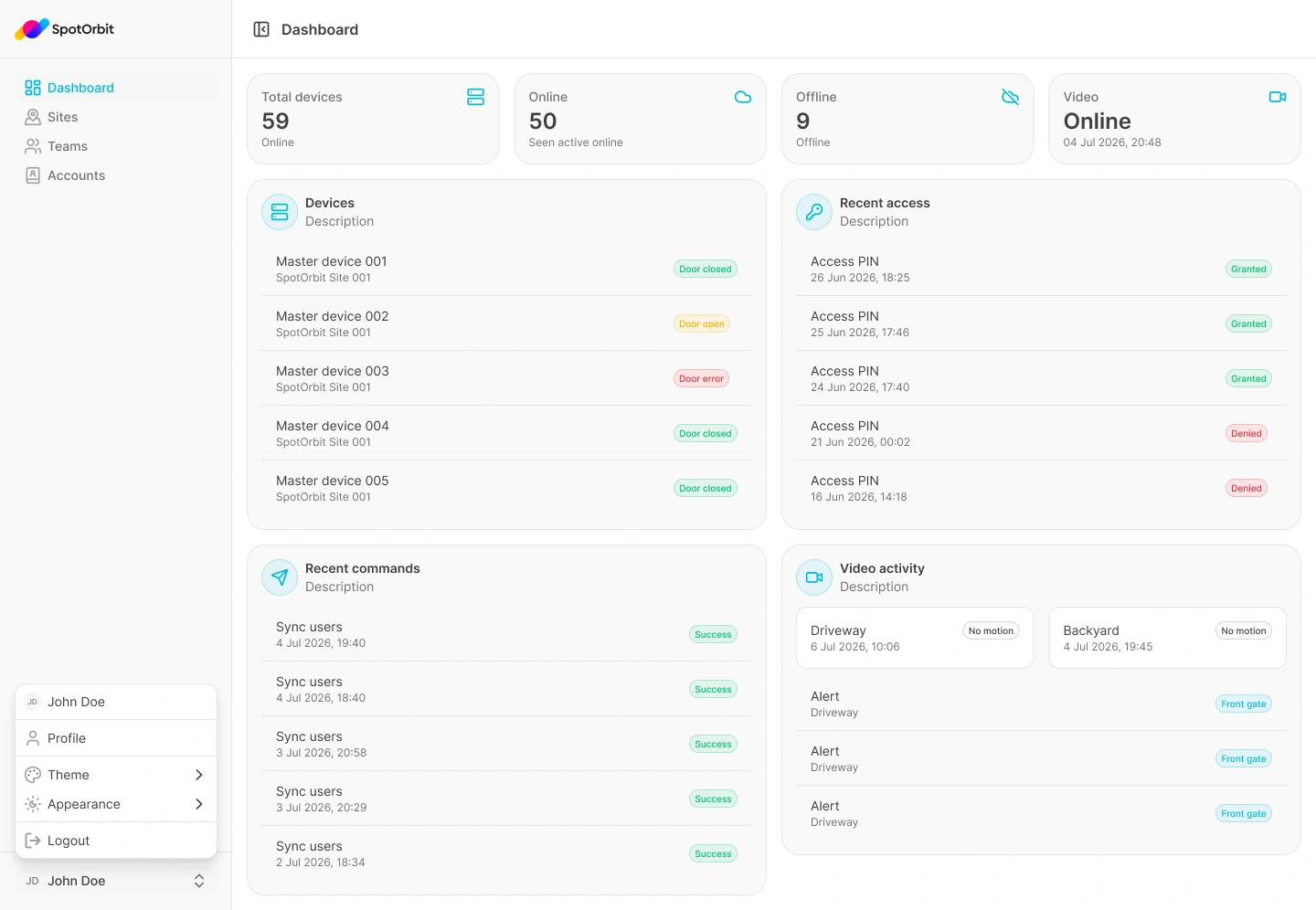
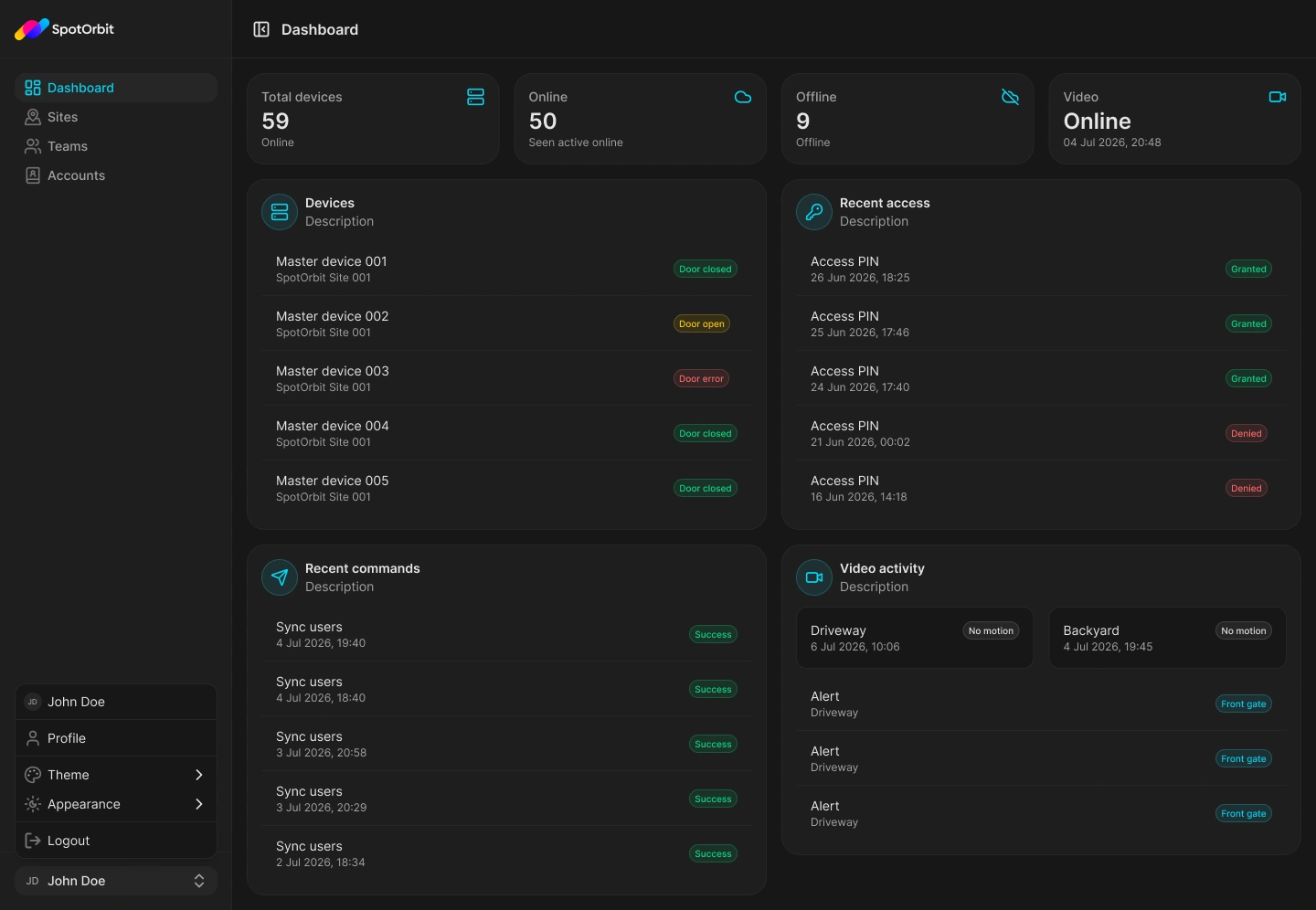
The Dashboard is the main Admin Web page available to a customer account. It summarizes the active site's devices, recent access, recent commands, and video activity without exposing management tools.
Review the dashboard
Confirm the site
Read the site name at the top before interpreting any totals or activity.
Check device availability
Compare total, online, and offline devices to identify a possible connectivity issue.
Review recent activity
Use Recent access, Recent commands, and Video activity to understand what happened most recently at the site.
Customer accounts see Dashboard in the main sidebar. Site administration, account administration, and manager operations require additional access.
Frequently asked questions (FAQ)
That is the current customer navigation. Other tools require manager or administrator permissions.
Totals reflect the active site's current data. Confirm the site and contact its manager if the result is unexpected.
Related content
- Customer profile — Review account and appearance options.
- Sign out — End the browser session.