Manager
Teams
Review teams, invite members, and manage site access available to a manager.
Overview
Teams groups the people who collaborate in Spot Orbit. A manager can review team details, use the available team-creation flow, send invitations, and manage membership or team removal when the current access allows it.
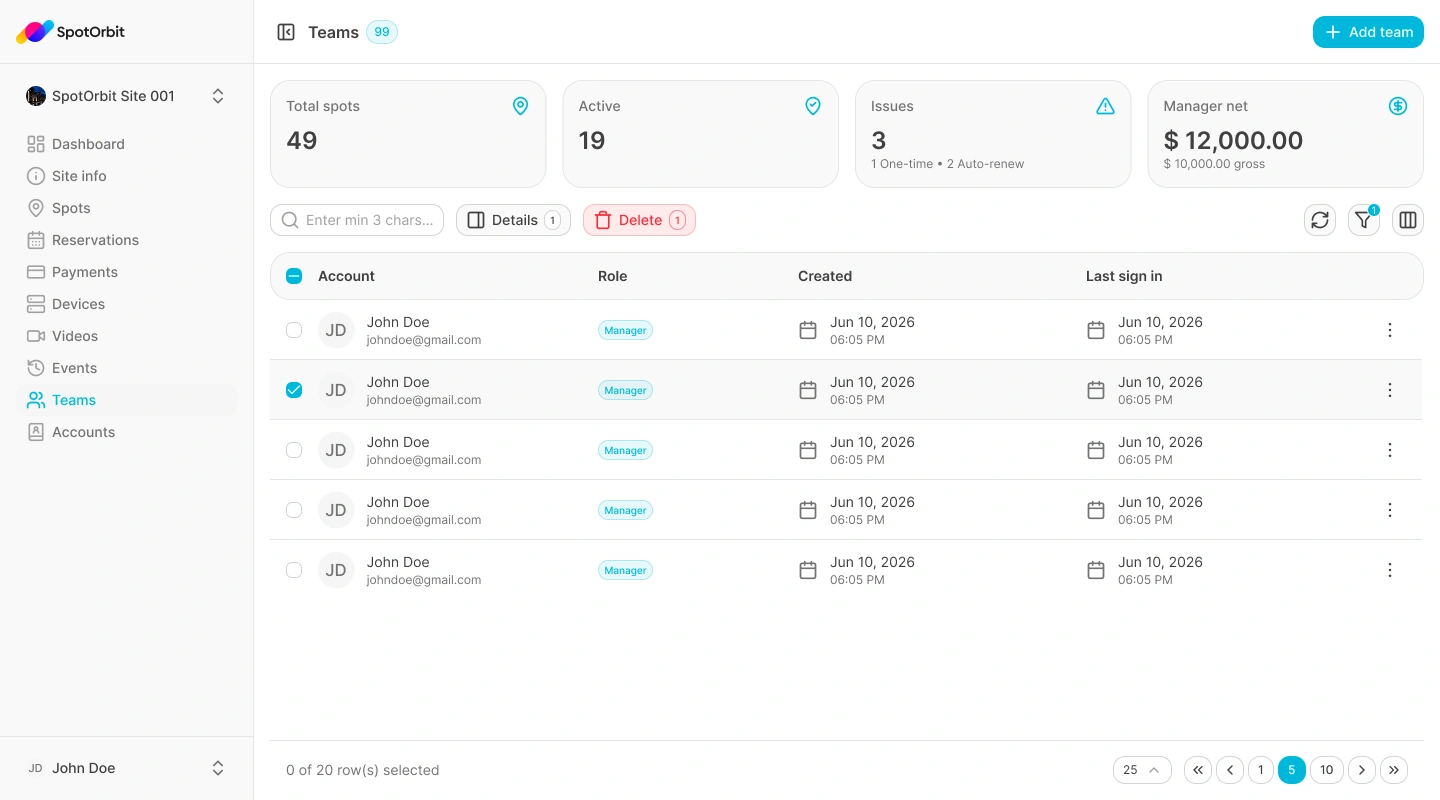
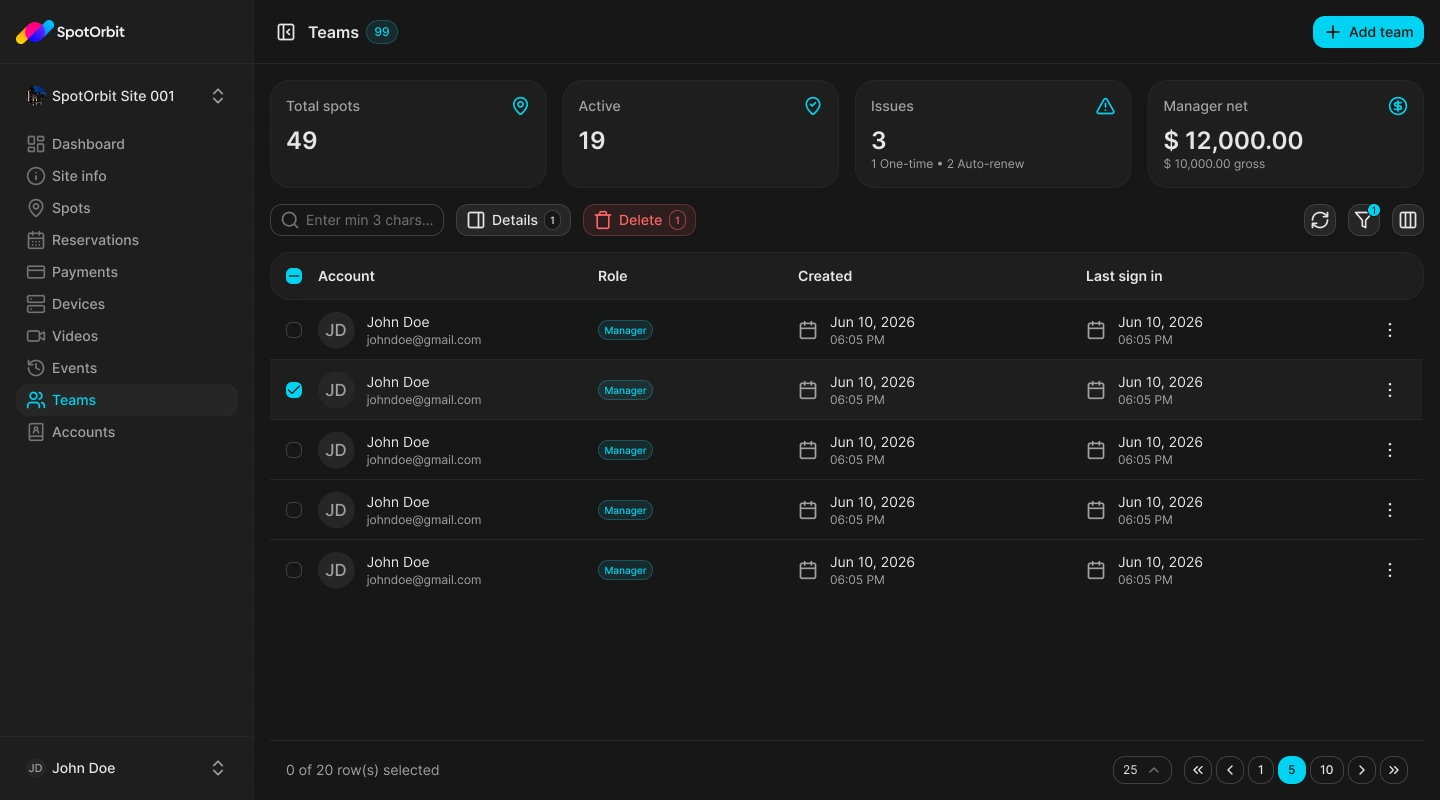
Manage a team
Find or add a team
Use the list and date filters, or open the add-team drawer when you need a new team.
Open the team
Review its information and current members before making a change.
Invite or remove carefully
Send invitations to the intended email addresses and confirm destructive actions only after checking their impact.
Team membership affects what people can access. Verify the site and intended role before inviting or removing anyone.
Frequently asked questions (FAQ)
Your current role or membership may provide view access without the required management capability.
The invited person must complete the invitation flow before using the assigned access.
Related content
- Manager workspace — Review role navigation.
- Administrator teams — Learn about platform-level team administration.