Manager
Events
Search and review operational events recorded for the active site.
Overview
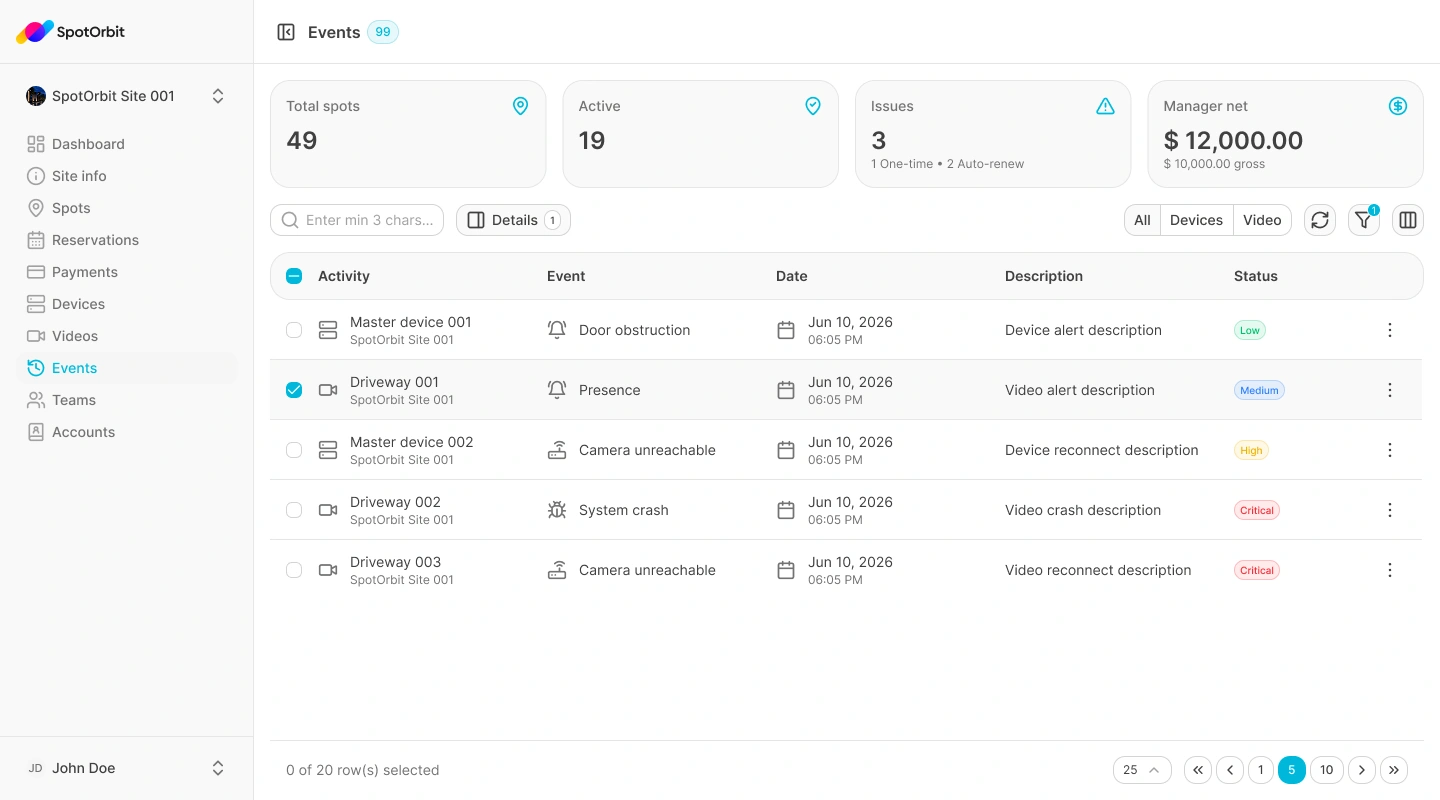
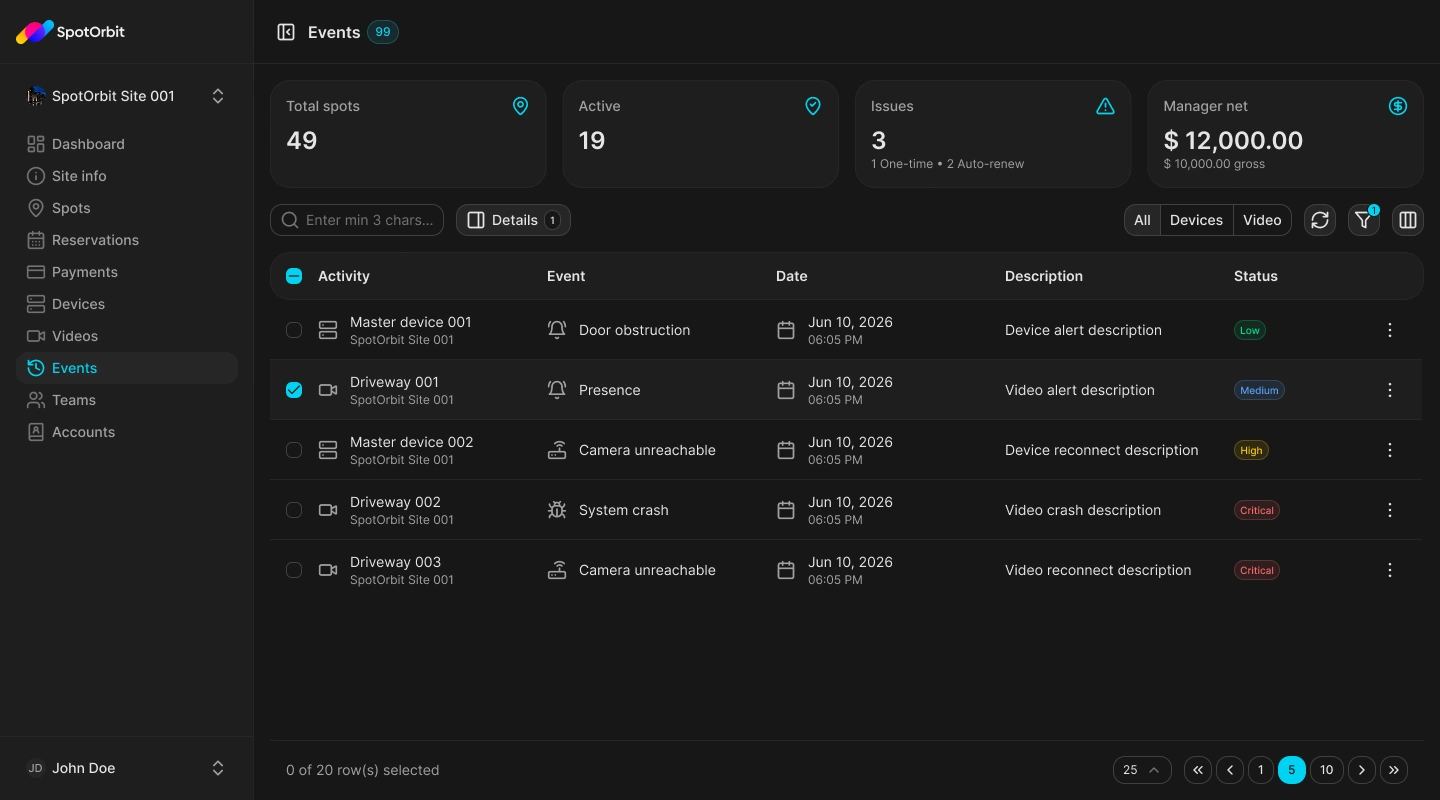
Events provides a chronological operational record for the active site. Use its search, date, and status controls to narrow the list, then open an event to review the details provided by the system.
Find an event
Set the scope
Confirm the active site and choose the relevant date or status filters.
Search the list
Use the visible search field or table information to locate the record.
Open details
Select the event and review its time, status, and available context.
Events describe recorded system activity. Use their timestamps and details together when investigating an issue.
Frequently asked questions (FAQ)
Verify the active site, date range, status filter, and search value.
The current feature is for reviewing recorded events, not rewriting their history.