Sign out
Sign out when you finish working, especially on a shared computer. This prevents another person from continuing with your account in the same browser.
Overview
The user menu at the bottom of the sidebar displays your account name and provides Profile, Appearance, and Log out options. Selecting Log out opens a confirmation dialog rather than ending the session immediately.
End your session
Open the user menu
Select your account name at the bottom of the sidebar. If the sidebar is collapsed, select the account avatar button instead.
Select Log out
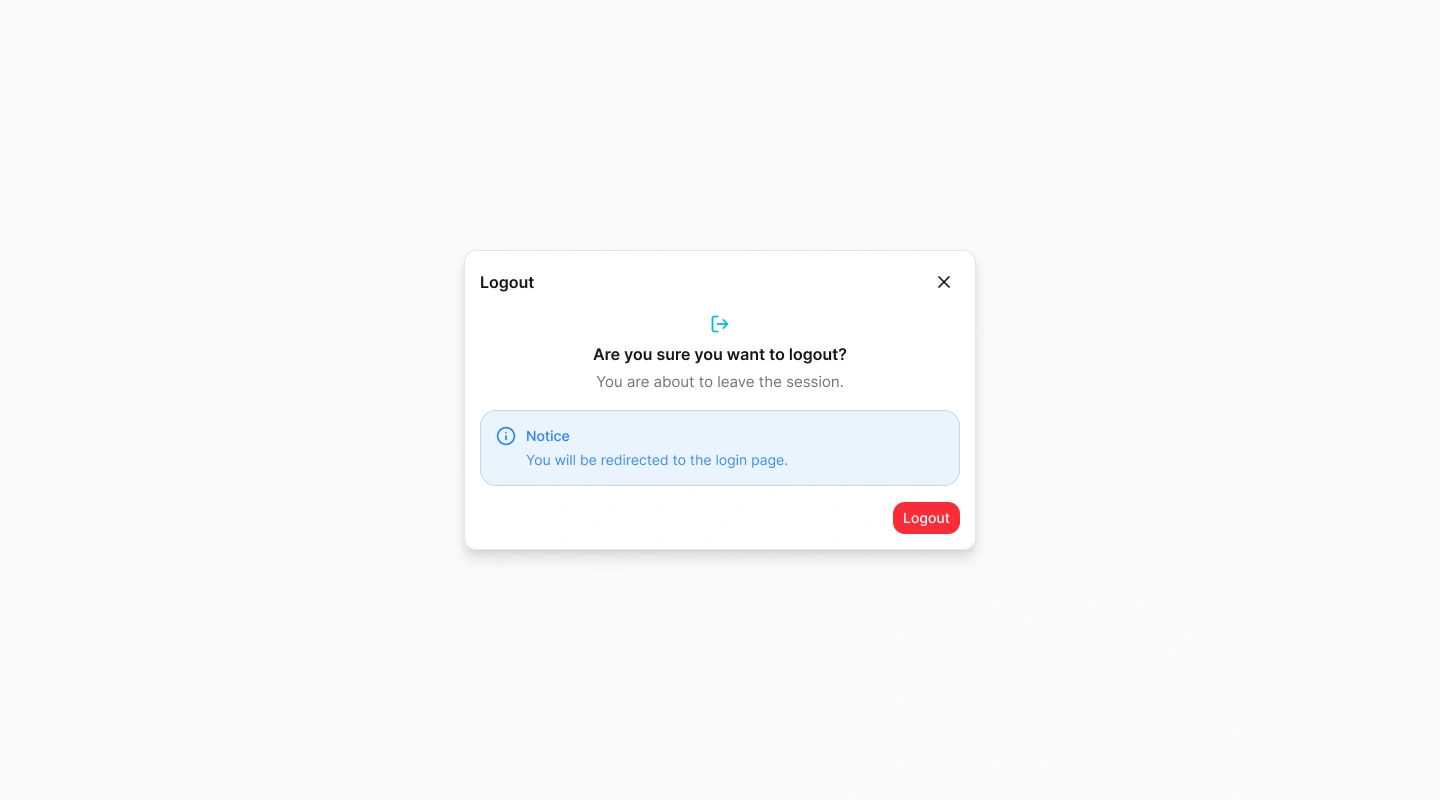
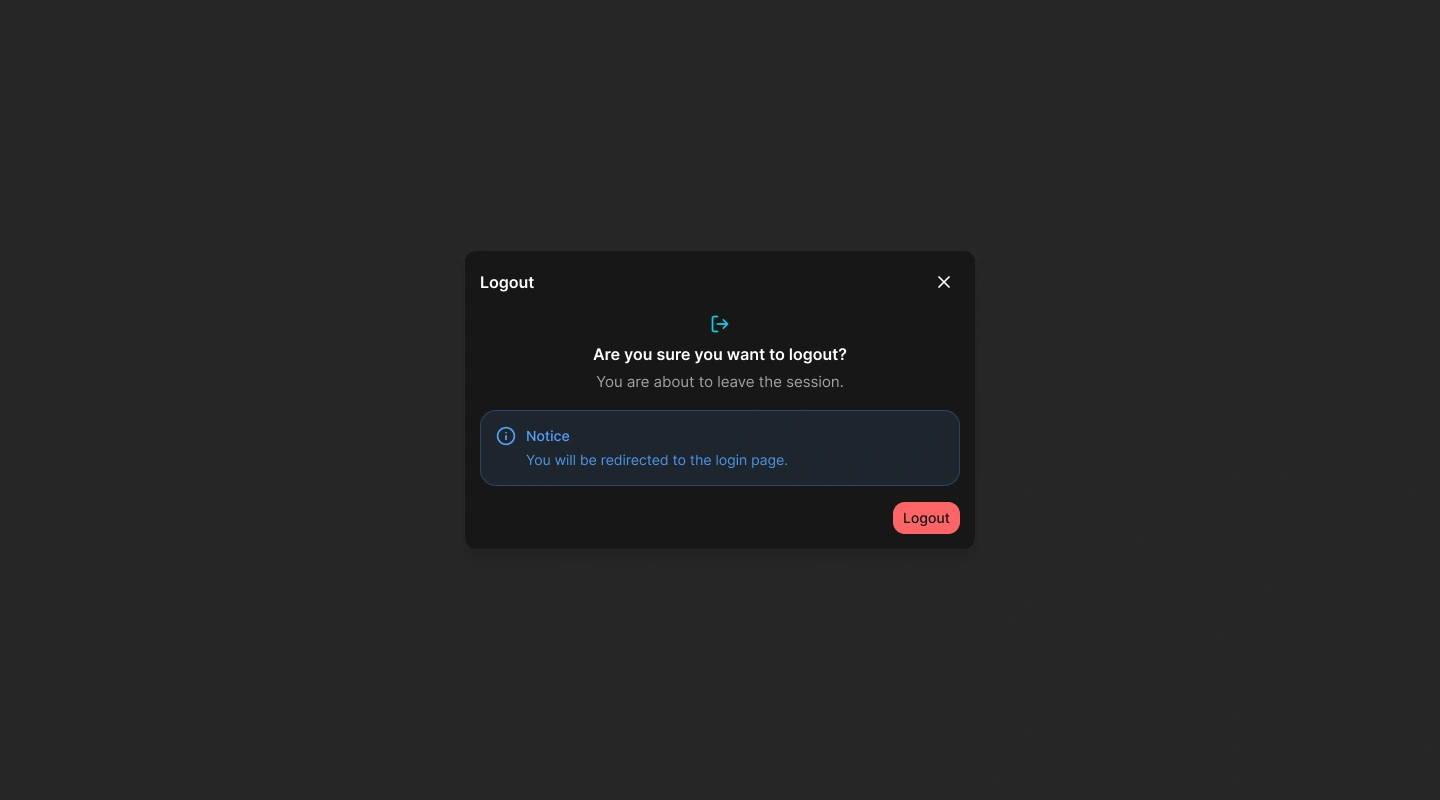
Choose Log out from the user menu. Spot Orbit opens the Logout confirmation dialog.
Review the confirmation
The dialog explains that you are about to leave the session and will return to the login page.
Confirm the action
Select Logout. Spot Orbit ends the current session, clears its active site information, and opens the login page.
You must sign in again before opening a protected page.
Keep the session open
If you opened the dialog by mistake, select its close button. The dialog closes and your session remains active.
Frequently asked questions (FAQ)
No. It first opens a confirmation dialog. The session ends only after you select Logout in that dialog.
Spot Orbit ends the current session and redirects the browser to the login page. Protected pages require a new sign-in.
Select the close button on the confirmation dialog. Your session remains active.
No. Use Log out and confirm the action so the application explicitly ends the current session.
Related content
- Getting started — Review the main Admin workspace.
- Sign in — Start a new authenticated session.
- Dashboard — Review the active site's summary before finishing your work.