Manager
Payments
Review and filter site payments and inspect transaction details.
Overview
Payments lists the transactions associated with the active site. Search and filter controls help a manager find a transaction by its visible period, date, or status, while the details panel explains the selected payment and any displayed refund state.
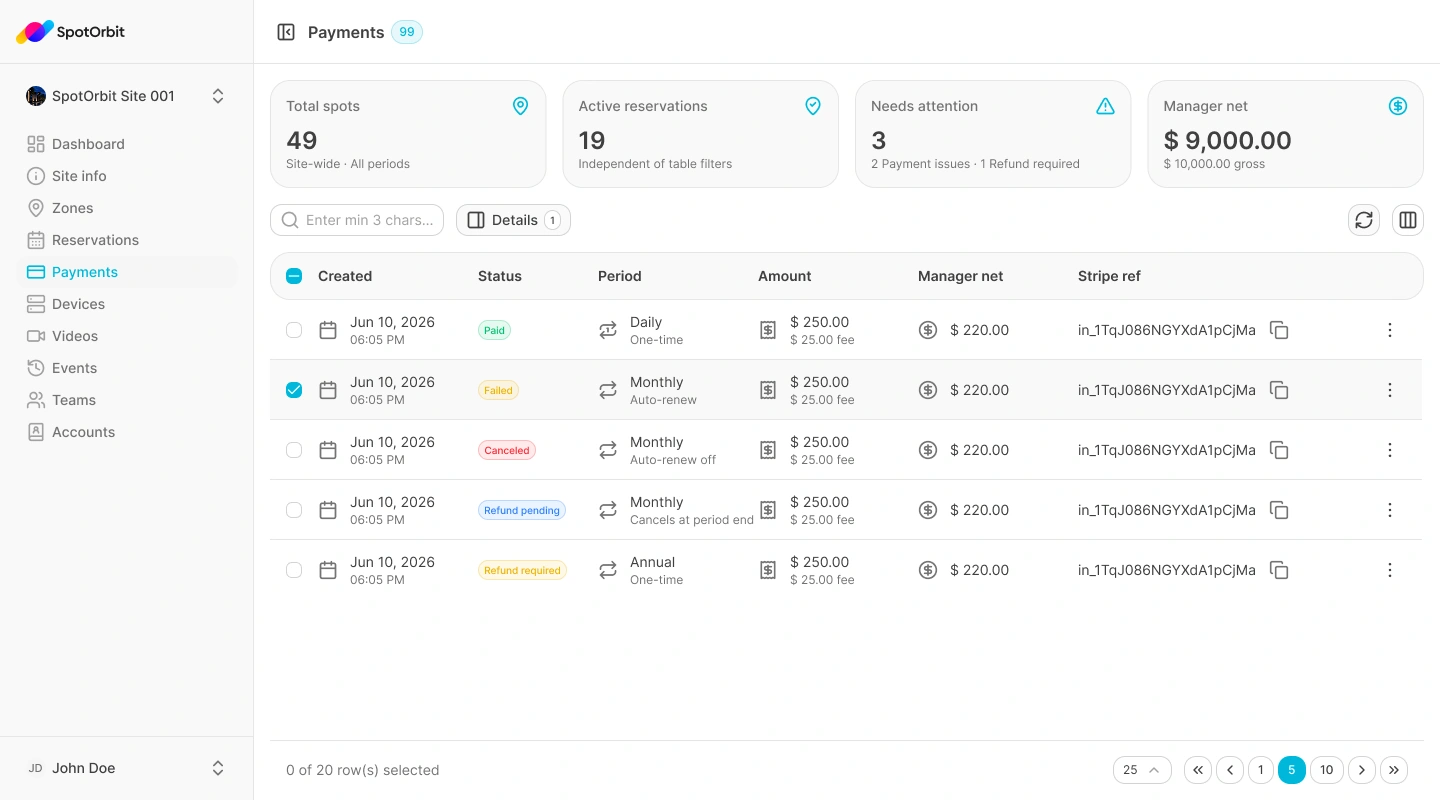
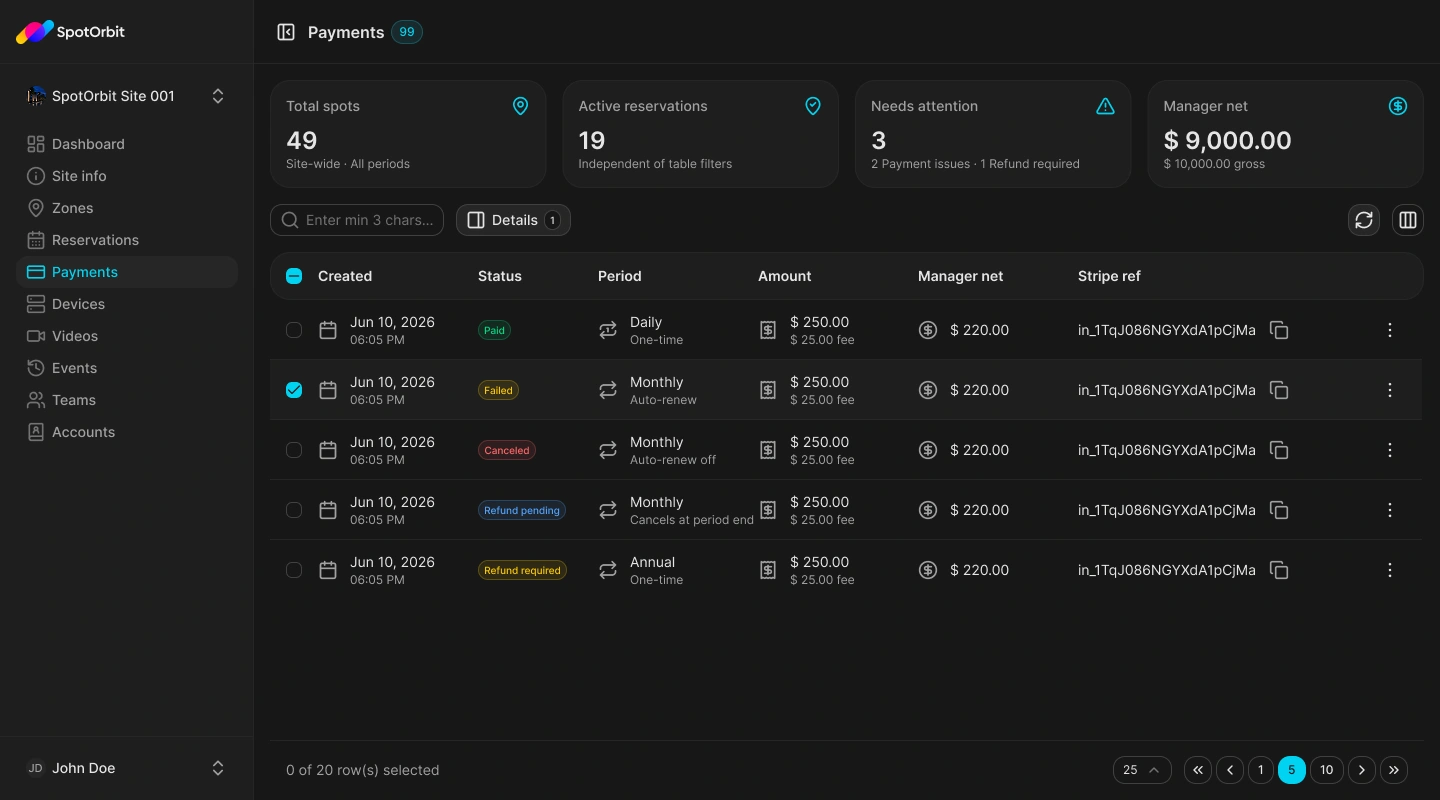
Review a payment
Filter the transactions
Set the period, date, status, or search value needed to narrow the list.
Open a payment
Select the matching transaction to review its amount, status, and related details.
Interpret the outcome
Use the displayed payment or refund status to decide whether follow-up is required.
A pending or failed refund is a transaction state, not proof that funds have already returned. Review the details before communicating an outcome.
Frequently asked questions (FAQ)
Confirm the active site and remove date or status filters that may exclude it.
Use only the actions shown for the selected transaction; availability depends on its current state.
Related content
- Reservations — Review the associated booking.
- Events — Check operational history.