Create and edit sites
Use Add site and Edit to maintain a site's general profile and manager invitations.
Overview
The same drawer supports creation and editing. A site profile contains a preview image, name, location, Public or Private type, and a read-only lifecycle status. It also contains an invitation area for granting a manager access to that site.
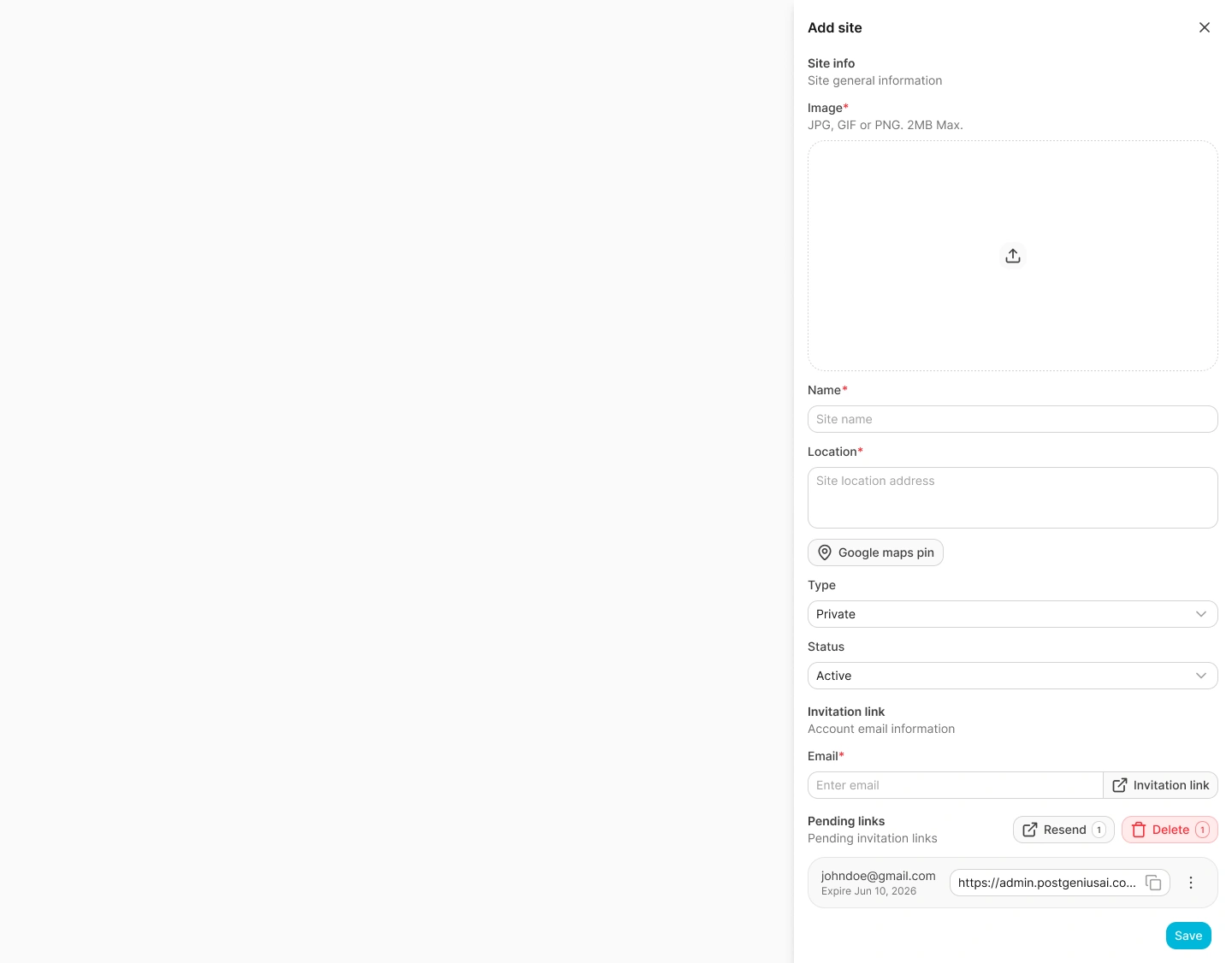
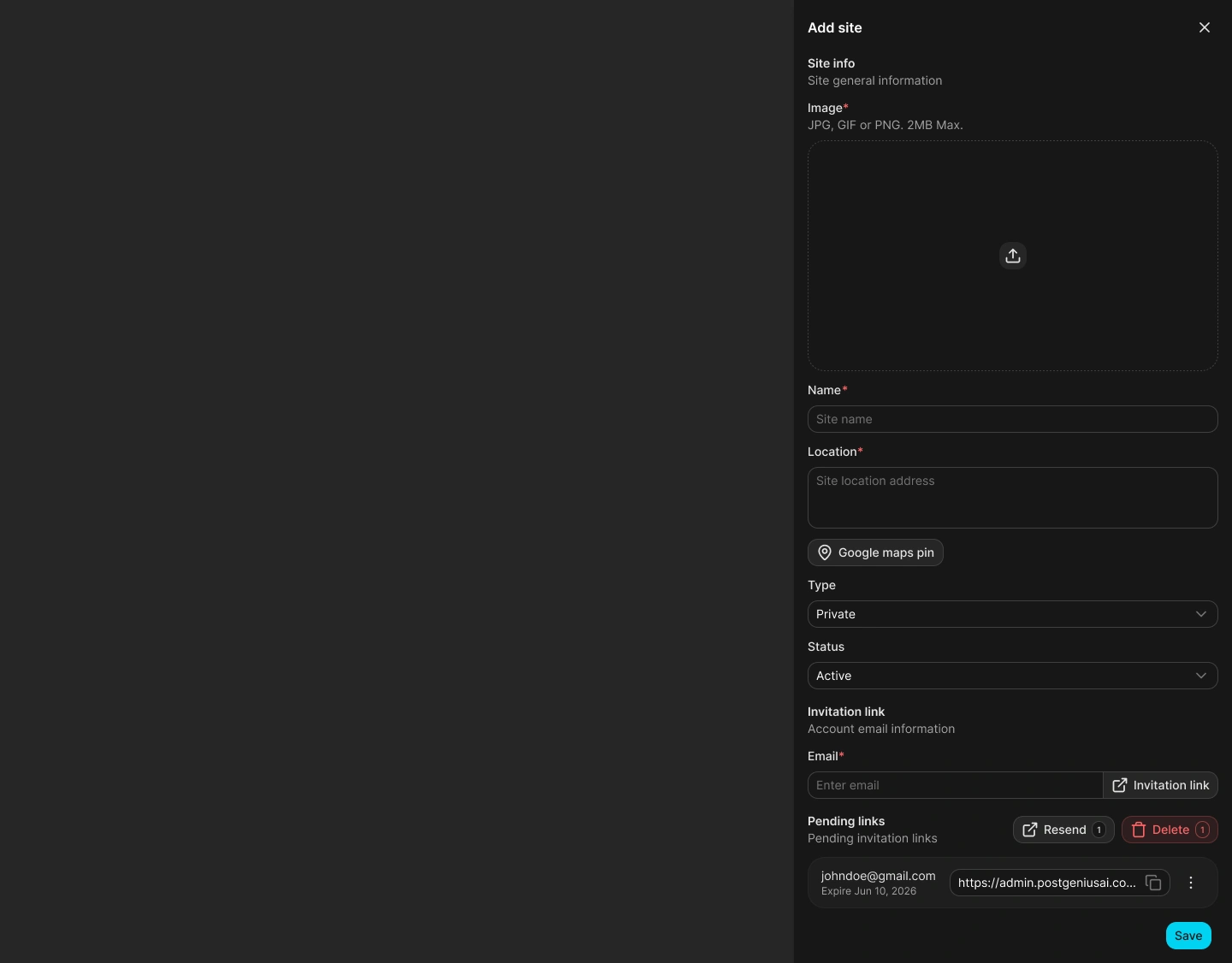
Create a site
Open the form
Select Add site from the Sites header.
Add the preview image
Choose a JPEG, PNG, or WebP image no larger than 5 MiB and between 200×200 and 4096×4096 pixels. An image is required when creating a site.
Enter the site information
Provide a name and location, then choose Public or Private. The form requires a location during creation and creates the site with the UTC0 timezone.
Optionally enter an invitation email
Enter a valid email when a manager should be invited after the site is created.
Save the site
Select Save. Spot Orbit creates the site, then creates a manager invitation when an email was provided.
Public sites are discoverable in the customer app and available for self-service reservations. Private sites are hidden from that flow and remain available to authorized administrators and managers.
Edit the profile and invitations
Open Edit from the site row, quick details drawer, or Site info header. You can change the name, location, Public or Private type, and preview image. The status field is informational; use Archive or Restore to change it.
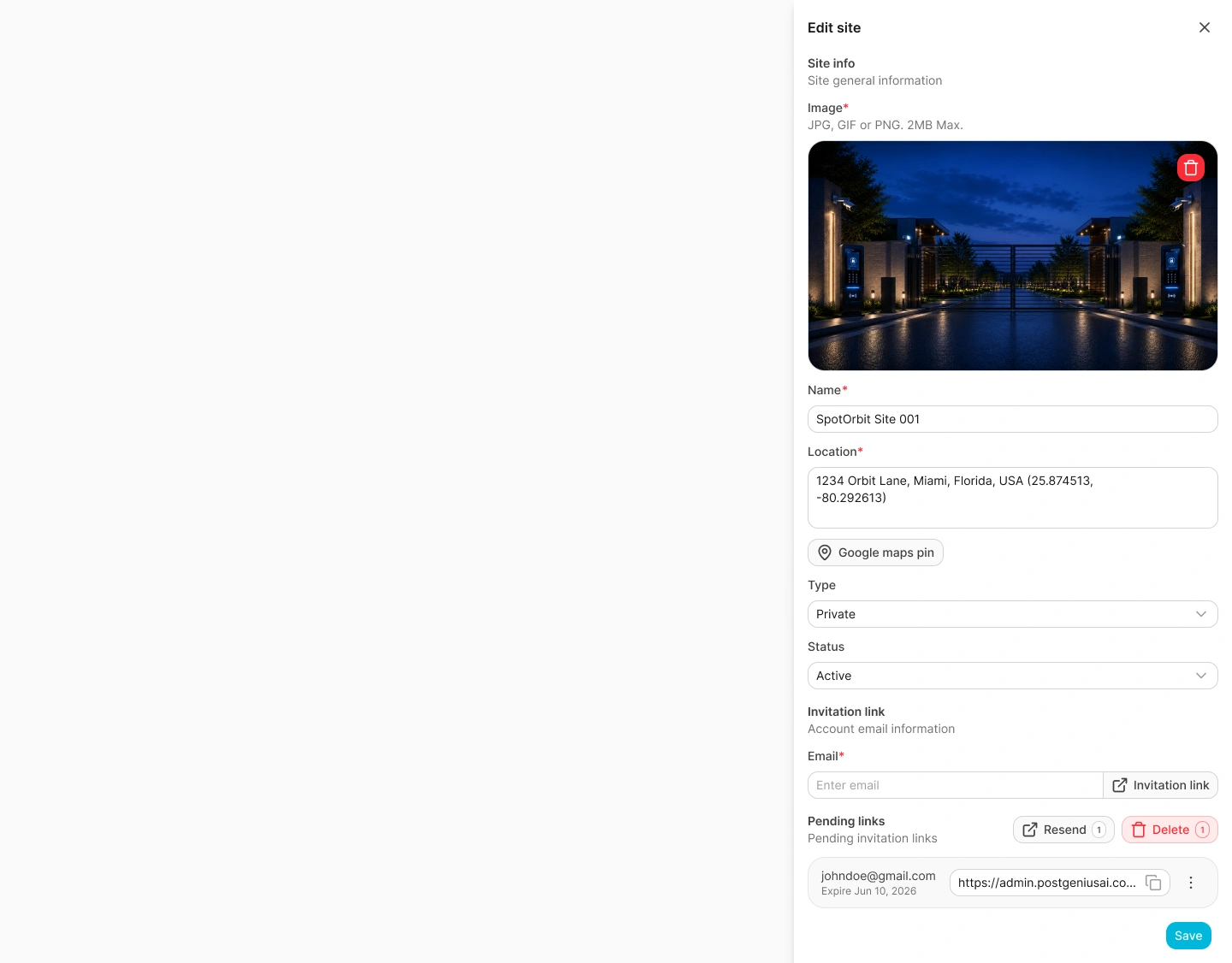
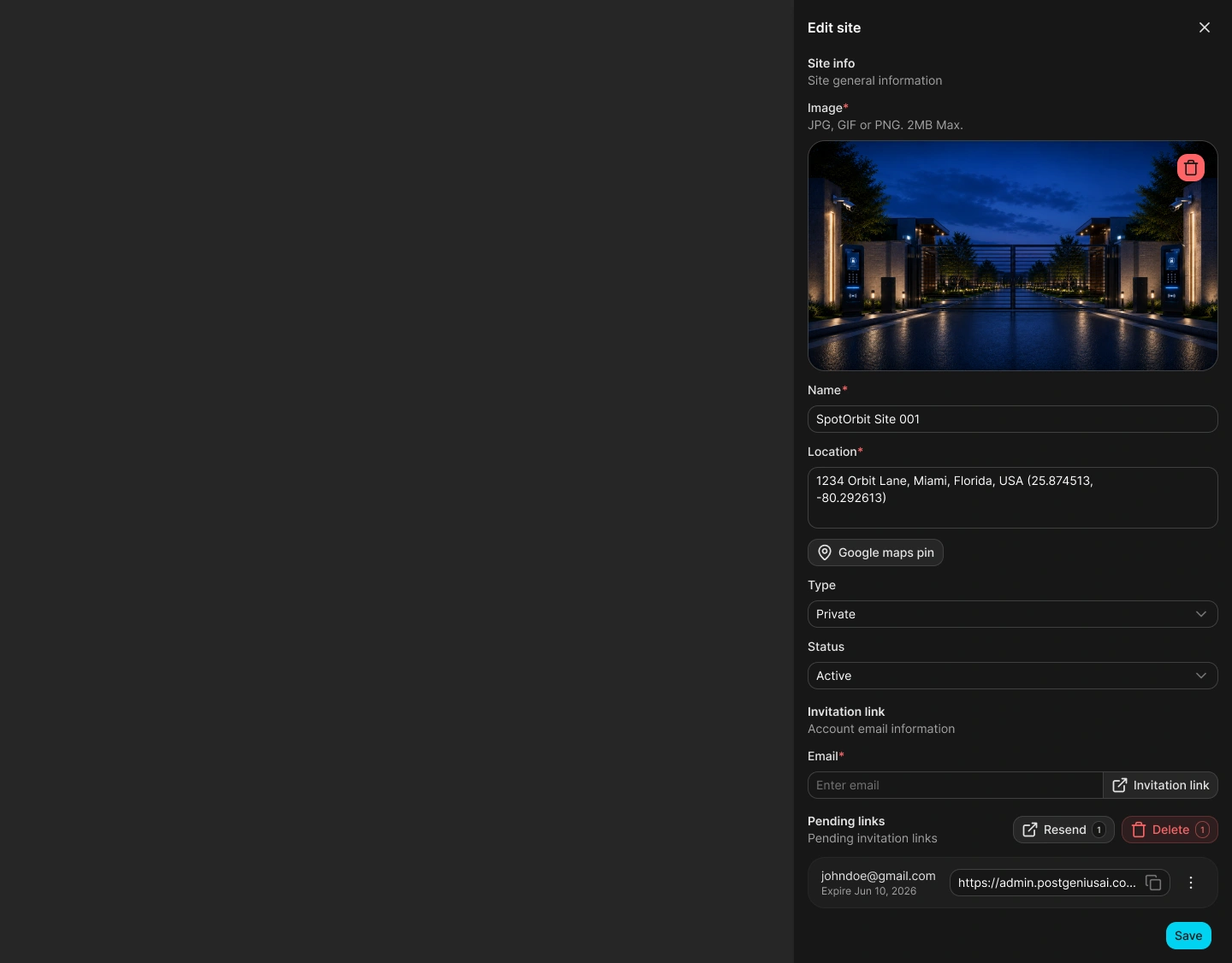
In edit mode, the invitation area can create a manager link immediately. Pending and expired entries can be copied, resent, or revoked—shown as Delete in this drawer—individually or as a selected group.
Frequently asked questions (FAQ)
Confirm that the name and location are present and the required image meets the file type, size, and dimension rules.
No. Invitations created from the site form use the Manager role.
No. The status selector is disabled. Use the dedicated Archive or Restore action.
The site remains created or updated. Spot Orbit reports that the link was created but delivery failed.
Related content
- Sites — Find the site and open its actions.
- Site info — Review the saved profile and yard scheme.
- Teams invitations — Manage invitations from the dedicated Teams workflow.