Manager
Videos
Monitor video devices, live availability, information, and recorded activity.
Overview
Videos lists the video equipment visible for the active site. A manager can open a video record, review its information, use the live view when available, and inspect activity such as alerts, crashes, reconnects, and attached media.
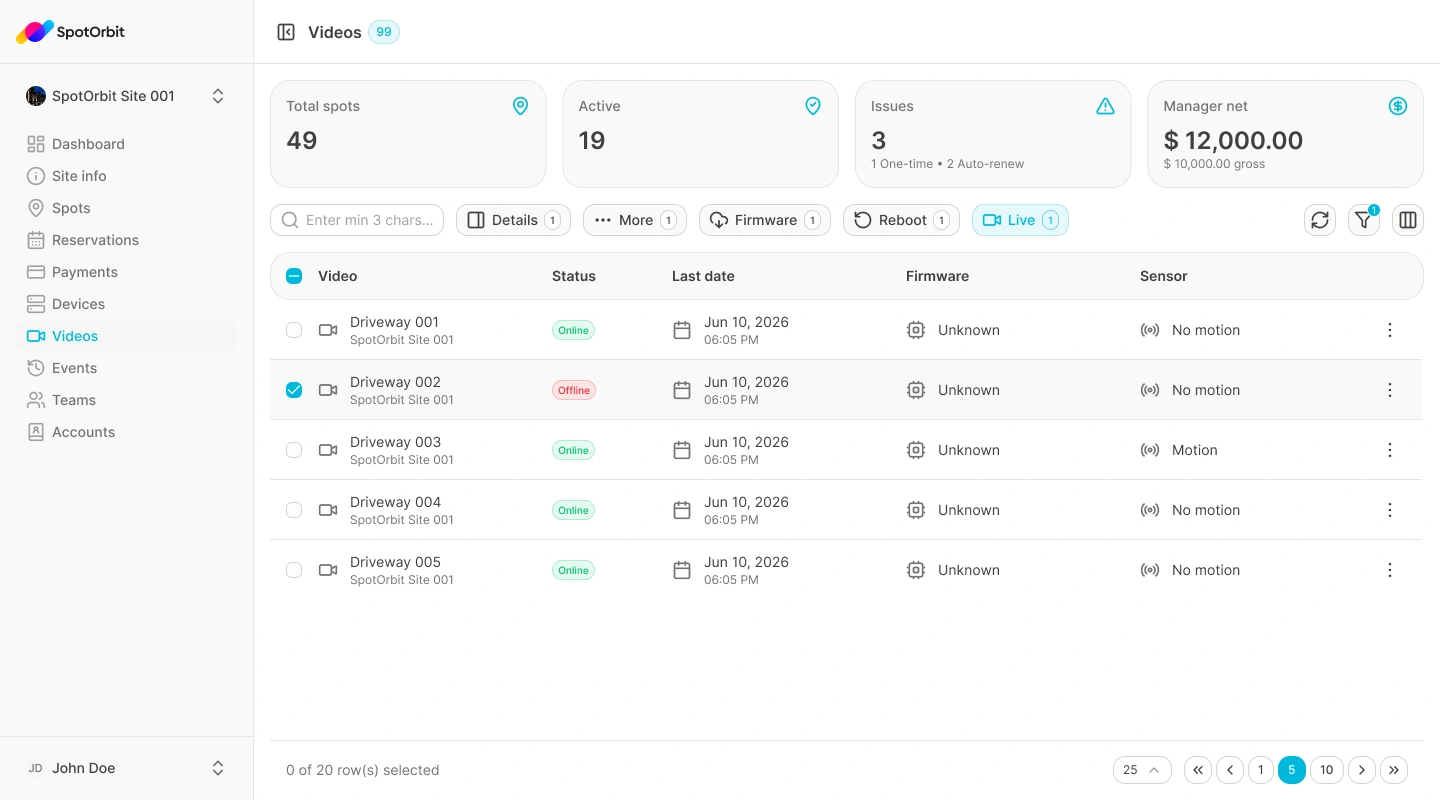
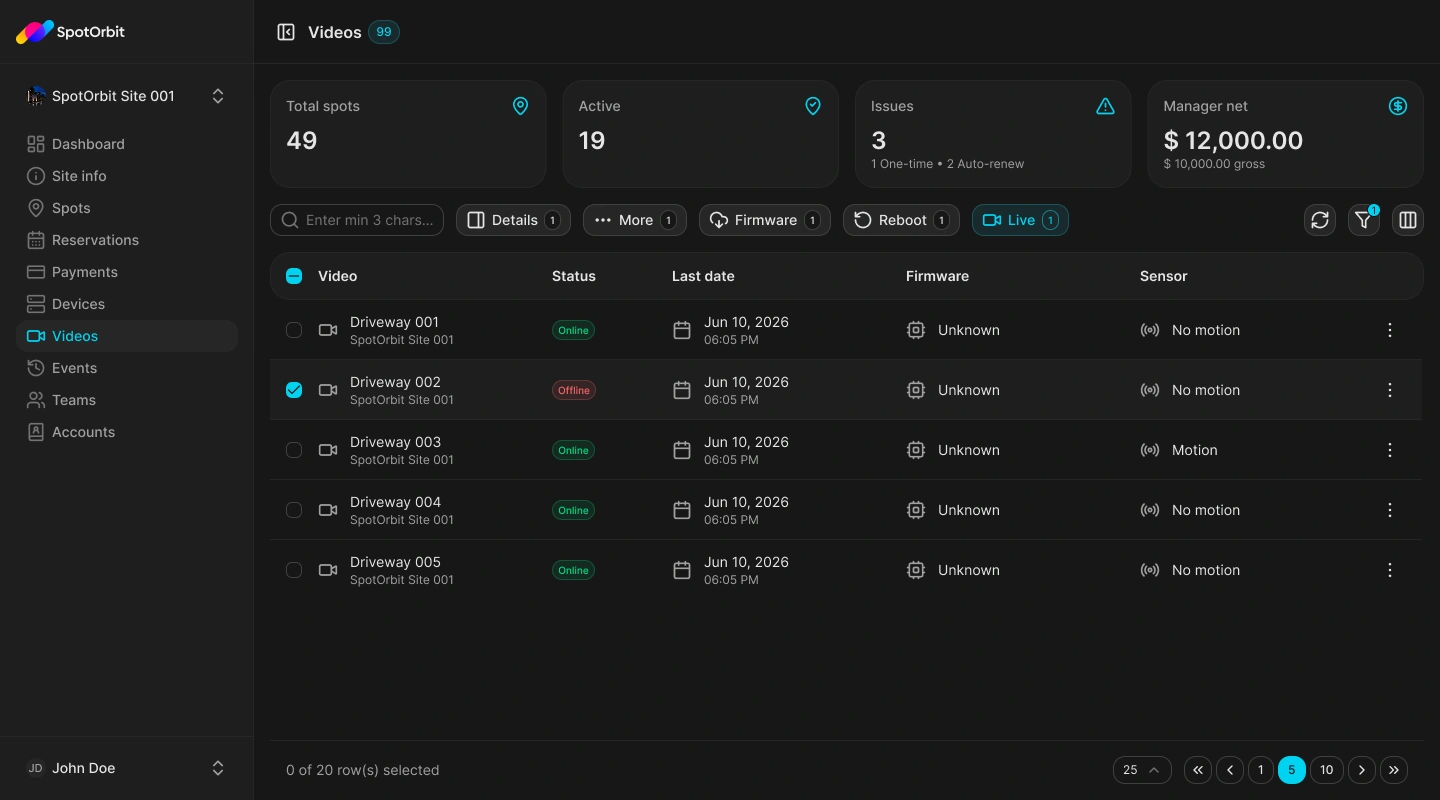
Inspect video operations
Choose a video
Open the video record from the active site's list.
Review information or live view
Confirm the device identity and open Live only when the stream is available.
Inspect activity
Open the Activity section and select an event to see its details or media.
A live stream depends on the video's reported availability and connectivity. An unavailable stream does not by itself identify the cause.
Frequently asked questions (FAQ)
The stream may be unavailable or the device may not be connected. Check its information and recent activity.
Open an activity detail that includes attached media.