Manager
Manager
Understand the site-focused workspace available to a Spot Orbit manager.
Overview
The manager workspace is centered on the active site. Its sidebar provides Site info, Zones, Reservations, Payments, Devices, Videos, Events, and Teams. A site selector appears above these options when your account can access multiple sites.
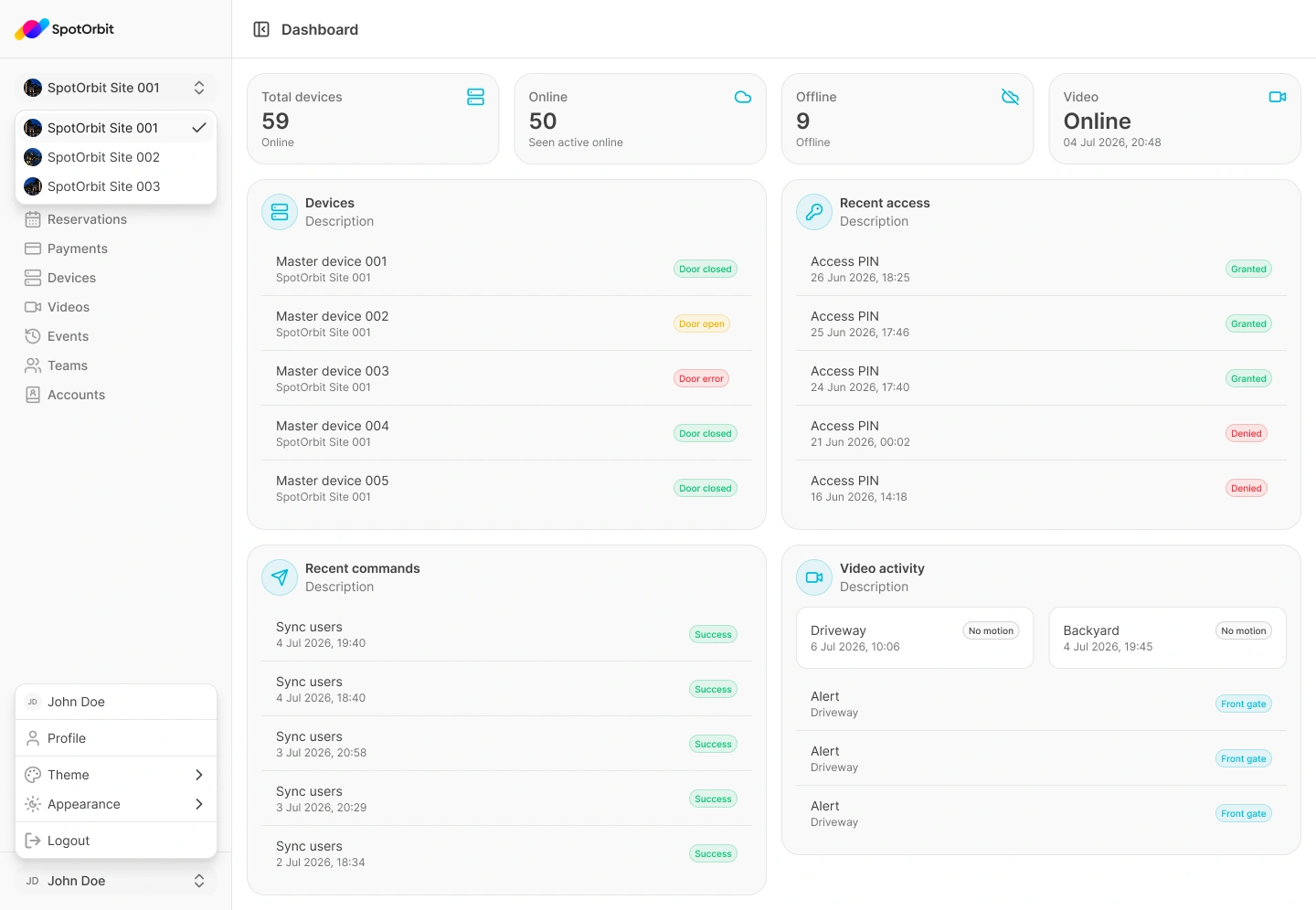
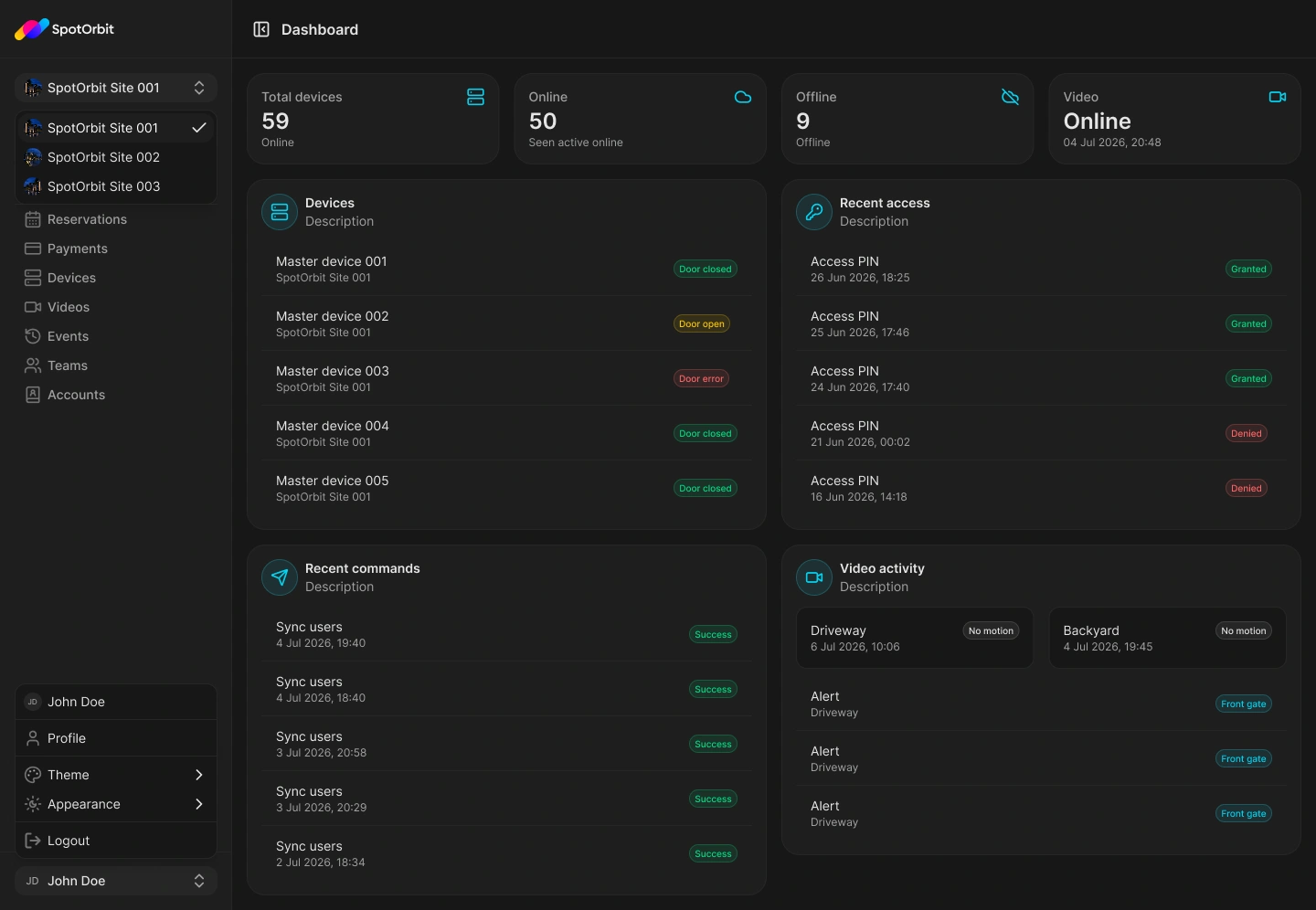
Start managing a site
Confirm the active site
Read the site selector before reviewing or changing operational information.
Choose an operation
Open the feature you need from the sidebar. Lists and totals belong to the active site.
Review the result
After an action, confirm the updated status or list before moving to another site.
Changing the active site changes the operational scope of the manager pages.
Frequently asked questions (FAQ)
The menu appears only when the active membership or capabilities allow management of the current site.
Yes, when your account has access to them. Use the site selector and verify it before every operation.
Related content
- Site information — Review the selected site.
- Zones and spots — Organize parking inventory.
- Reservations — Review site bookings.